Security cameras
Lorex Dealer Indiana: Compare Lorex vs Swann vs Reolink Cameras
Compare Lorex, Swann, and Reolink options for Indiana homes and businesses, including when to add Ring or Ubiquiti.
Comparing camera brands gets confusing fast because the hardware names sound similar while the long-term tradeoffs are not. Indiana buyers usually need help separating budget kits from dealer-supported systems and deciding when brand flexibility matters more than app convenience.
Pain: buyers often compare brand names before they define retention, support expectations, or network constraints. Fix: compare Lorex, Swann, and Reolink against the actual job the system needs to do. Result: a cleaner buying decision, fewer feature regrets, and a camera stack that fits the property instead of fighting it.
Use this guide as a brand-comparison worksheet before you buy hardware or schedule an install alongside our security and networking services. Want ballpark costs for wiring, APs, and cameras? Try the networking pricing calculator to see drop and configuration estimates. Owners should also compare brand choice against the Ring vs wired decision and the storage tradeoffs in NVR vs cloud video storage.
Key takeaways
Dealer support, retention depth, and network fit usually matter more than brand familiarity once the system is live.
- Lorex offers dealer-only hardware and support for larger systems.
- Swann and Reolink are budget-friendly with solid coverage for smaller sites.
- Ring is great for simple smart home setups; Ubiquiti fits networked campuses.
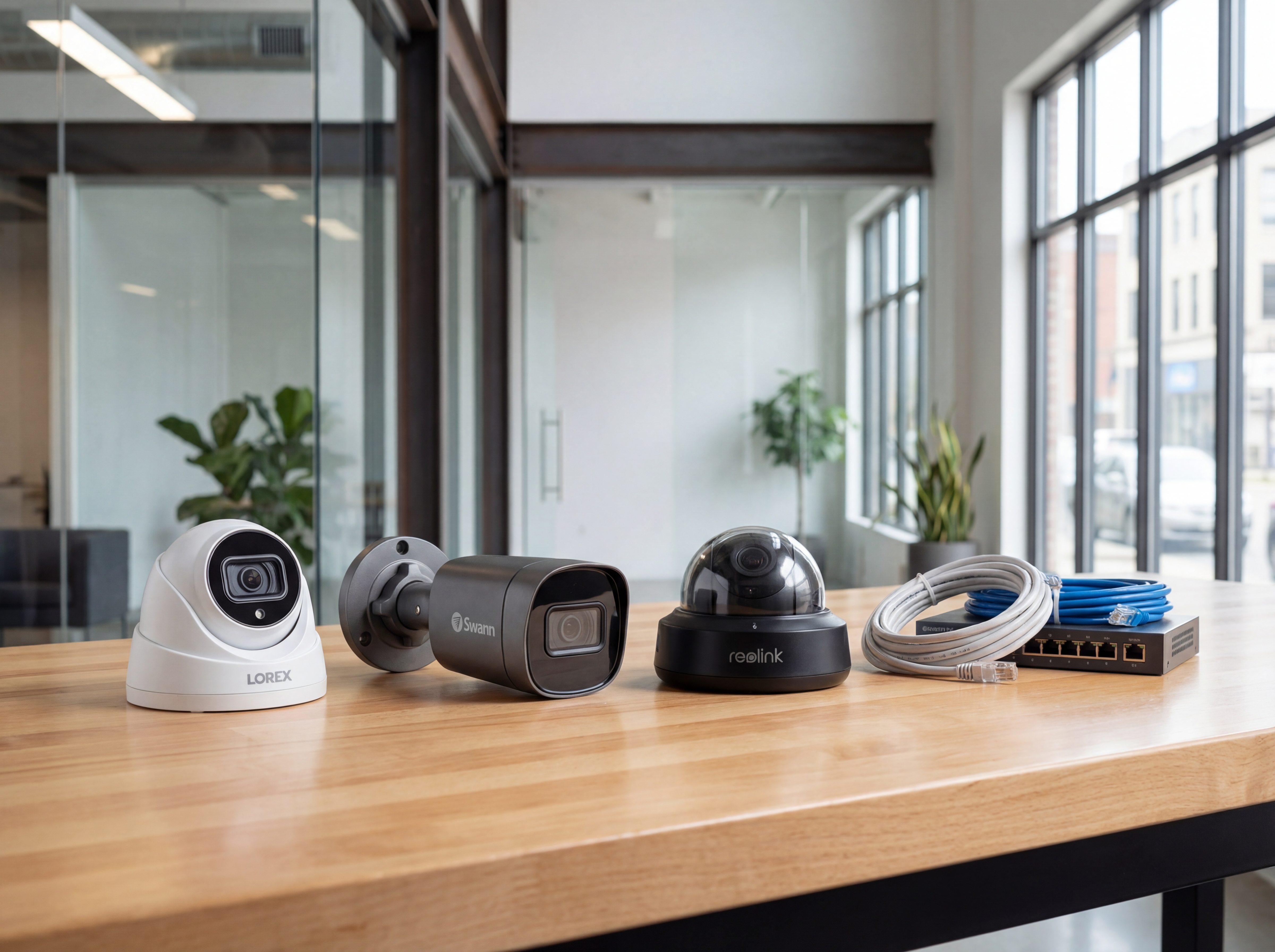
How the brands differ: Lorex dealer Indiana
Match your goals to the right platform before you buy.
- Lorex: deeper SKUs, dealer warranties, strong for mixed indoor/outdoor and long retention.
- Swann/Reolink: cost-effective kits for small businesses or homes needing quick coverage.
- Ring: fast DIY for doors and porches when you want app simplicity.
Network and storage considerations
Your network and retention needs often decide which brand wins.
- Ubiquiti or wired networks handle higher bitrates and PoE power more reliably.
- NVRs deliver predictable retention; cloud plans add off-site resilience.
- Mixed brands? Standardize naming and VLANs so support stays simple.
Implementation roadmap
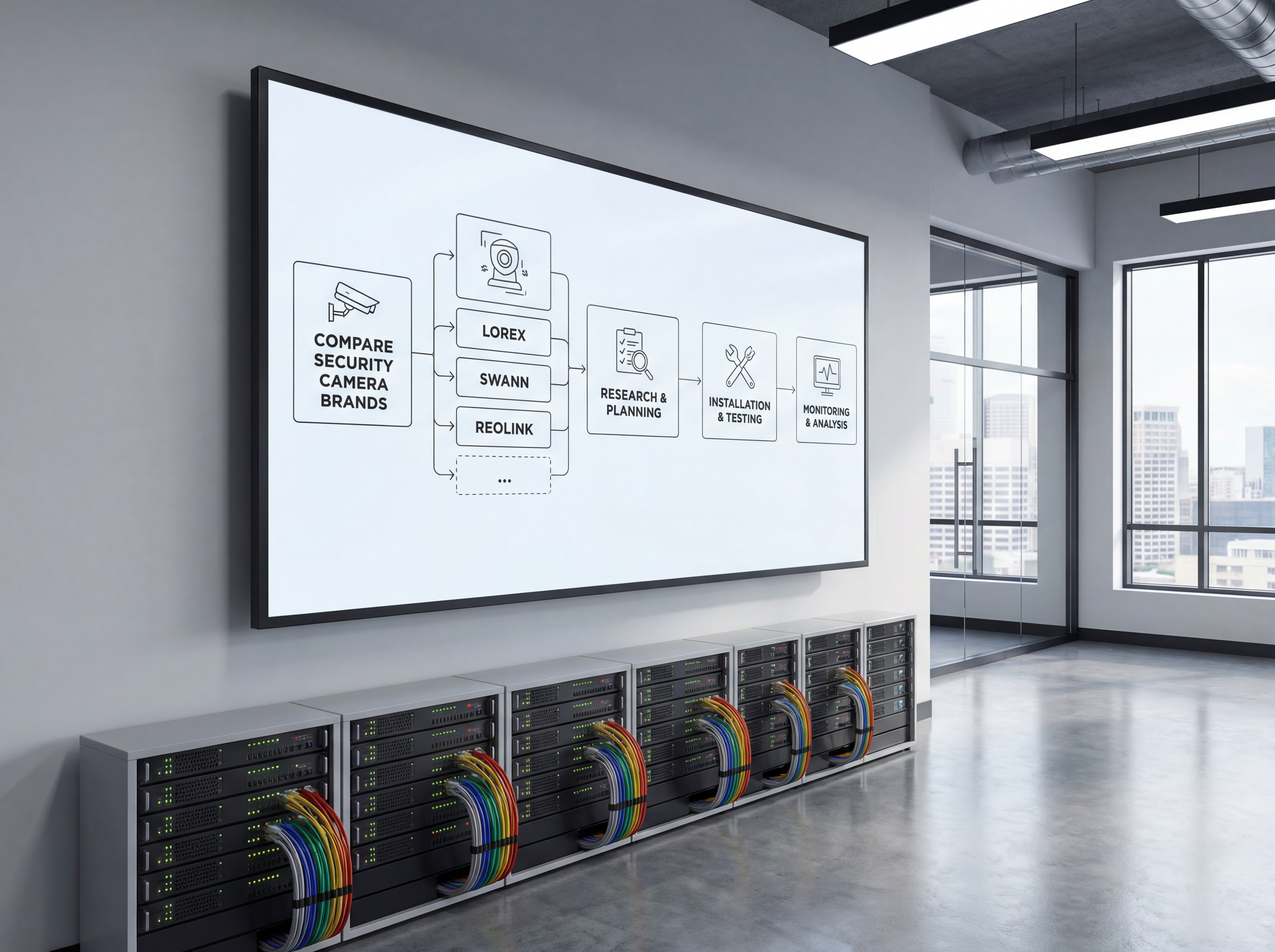
Move from planning to live deployment with a clear five-step process.
- Discovery call to confirm goals, budget, and preferred hardware.
- Site survey with photos, mounting heights, and pathing for power and data.
- Configuration templates for naming, VLANs, retention, and alerting.
- On-site install with validation checklists and user onboarding.
- Post-launch monitoring, reporting, and quarterly tune-ups.
Tools, metrics, and templates
Bring data to every decision. Track adoption, uptime, and ROI so stakeholders stay aligned.
What to monitor
- Uptime and alert responsiveness
- Bandwidth and storage utilization
- User access changes and audit logs
- Ticket patterns and recurring fixes
Keyword & intent targets
- Lorex dealer Indiana
- Swann vs Reolink
- security camera brands comparison
- Ring vs wired NVR
Playbook: plan, deploy, maintain
Use this three-phase outline to keep projects predictable and make sure every stakeholder knows what is happening next.
- Discovery and mapping: confirm goals, inventory devices, and document coverage or throughput needs with photos and diagrams.
- Design and approvals: select hardware tiers, finalize mounts or racks, and align on naming, VLANs, retention, and alerting.
- Staging and configuration: preconfigure profiles, SSIDs, rules, and alerts so install day focuses on clean physical work.
- Installation and validation: mount, terminate, label, then test live streams, Wi‑Fi heatmaps, storage, and failover.
- Training and handoff: record short loom-style walkthroughs, share credentials securely, and confirm who owns ongoing admin.
- Ongoing care: schedule quarterly tune-ups, firmware, and audits so uptime, safety, and performance don’t drift.
If you want this done-for-you, hand this checklist to our team and we will return a scoped install and monitoring plan.
Common mistakes to avoid
Most delays come from small oversights. Prevent them up front.
- Skipping a site walk: without photos and measurements, mounts, conduit, and cable paths get improvised on install day.
- Under-sizing power or bandwidth: PoE budgets, UPS capacity, and uplink headroom need headroom for growth.
- No naming conventions: unlabeled ports, cameras, SSIDs, or VLANs slow troubleshooting and confuse future admins.
- Forgetting user access: define who can view, export, or administer before launch to avoid security gaps.
Measurement and reporting
Report on outcomes so leadership sees ROI and teams stay funded.
Operational KPIs
- Uptime and mean time to restore
- Alert volume, false positives, and response times
- Storage utilization vs. retention targets
- Bandwidth headroom during peak use
Business KPIs
- Incident reductions and resolved tickets
- Safety/compliance milestones achieved
- Customer or tenant satisfaction scores
- Time saved on audits and investigations
Share a one-page monthly summary that highlights action items, blockers, and upcoming changes so every stakeholder stays aligned.
Indianapolis and Indiana planning checklist for Lorex vs Swann vs Reolink: Which Cameras Fit
Strong coverage starts with a site walkthrough and a simple map of entrances, parking, loading docks, and cash-handling areas. This is where Lorex vs Swann vs Reolink: Which Cameras Fit decisions should start so the footage matches how your team actually uses the space.
Plan for lighting, weather exposure, and camera heights before choosing hardware. Indiana weather swings make housing, seals, and cable routing just as important as lens choice.
We help teams in Indianapolis and Carmel align camera placement with network capacity, storage retention, and access control so investigations move faster.
- Map every entry, POS area, and high-value zone.
- Confirm resolution targets for faces, plates, and aisles.
- Plan retention days and storage for peak periods.
- Coordinate cabling paths and PoE switch capacity.
- Decide who can view, export, and audit footage.
- Add signage and policies that support compliance.
Explore our security and networking services for camera installs, NVR setup, and monitoring workflows.
Maintenance and response plan for Lorex vs Swann vs Reolink: Which Cameras Fit
Great footage is useless if cameras are offline. A maintenance plan keeps Lorex vs Swann vs Reolink: Which Cameras Fit reliable through winter storms, humidity swings, and power events that affect Indiana sites.
Build a response playbook so managers know how to pull clips fast, secure exports, and notify the right stakeholders. That consistency reduces risk and speeds investigations.
- Quarterly lens cleaning and focus checks.
- Firmware updates scheduled during low-traffic hours.
- Monthly storage health and backup verification.
- Test night vision and motion alerts by zone.
- Audit user access logs for compliance.
- Refresh incident response contacts every quarter.
Sowynet provides ongoing monitoring and support so your security footage is always ready when it matters.
Not sure which way to go?
Tell us your property type and budget—we'll recommend Lorex, Swann, Reolink, Ring, or Ubiquiti setups that fit.
Talk with a dealerExecution framework
Compare camera brands by support burden, not just sticker price
Pain: many buyers compare resolution and price, then discover later that app limits, firmware support, and export workflows matter more in daily use.
Fix: evaluate each brand around install quality, remote access, recording options, replacement parts, and how easy it is for staff to retrieve usable footage.
Result: you choose a system your team can actually live with, not just the cheapest bundle that creates support tickets later.
- Compare recorder stability, app quality, and user permission controls.
- Check how each brand handles firmware updates and hardware replacements.
- Review export quality for incidents, insurance, and law-enforcement requests.
- Plan for storage growth and camera additions before you buy the starter kit.
- Ask who will support the system after install, not just who can sell it.
- Test remote access and notifications using the devices your team already carries.
If you need help choosing the right stack, schedule a camera consultation and we will compare options against your real workflow.
Frequently asked questions
Common questions
Share these answers with stakeholders or assistants to speed approvals.
Do Lorex systems cost more?
They can, but dealer pricing and extended warranties often offset replacement and downtime costs.
Can I mix brands?
Yes, but you need consistent naming, VLANs, and user policies to keep support simple.
Which is best for low light?
Look for cameras with larger sensors, IR range, and supplemental lighting regardless of brand.
Quick summary
Security Cameras at a glance
Key points to share with teams before planning.
- Pick hardware based on retention, support, and network needs Pick hardware based on retention, support, and network needs.
- Lorex fits larger, supported installs; Swann/Reolink are budget-friendly Lorex fits larger, supported installs; Swann/Reolink are budget-friendly.
- Standardize settings if mixing brands or adding Ring Standardize settings if mixing brands or adding Ring.
Use this summary to give your team fast context.
Pain - Fix - Result Framework
What buyers miss when they compare only specs
Pain: Marketing specs make multiple brands look equal even when support quality, recorder stability, and export workflow are very different.
Fix: Judge every system by daily usability, maintenance overhead, and how fast your team can get the right clip when something happens.
Result: Better buying decisions, fewer surprises after install, and a surveillance system that feels simpler to manage.
Next step
Choose the brand around your actual operating needs
Use the service page below to compare app access, retention needs, expansion plans, and support expectations before you buy hardware.
That keeps the decision grounded in daily use instead of spec-sheet noise.
It also helps separate residential-style kits from systems that can hold up in a business environment.
Compare systems with our teamRelated reading
Explore related guides and service pages
These links expand the topic and help readers compare practical next steps.
Loading related resources...
Loading recent posts...