Social media marketing
Restaurant Link in Bio Page: A Simple System That Leads to Orders
If your Instagram gets views but orders stay flat, your “one link” is usually the problem. Here’s a mobile-first layout that makes ordering and calling easy.
Most restaurants don’t have a “posting problem.” They have a last-click problem. Someone sees a great dish or a special, taps your bio, and then hits a slow homepage, a broken ordering link, or a menu that takes three steps to find.
That gap is where interest dies. Not because the food wasn’t good, but because the visitor got confused or had to work too hard.
This guide shows how to build a restaurant link in bio page that turns social traffic into calls, directions, and orders—without becoming a “big website project.”
Key takeaways
What matters most for bio link conversion
- One screen, one job Help a hungry visitor order or call in under 10 seconds.
- Big primary buttons Order Online, Call, and Directions should be above the fold.
- Fresh proof A short review snippet or photo credibility lowers hesitation.
- Weekly upkeep Update hours, offers, and links so the page stays trustworthy.
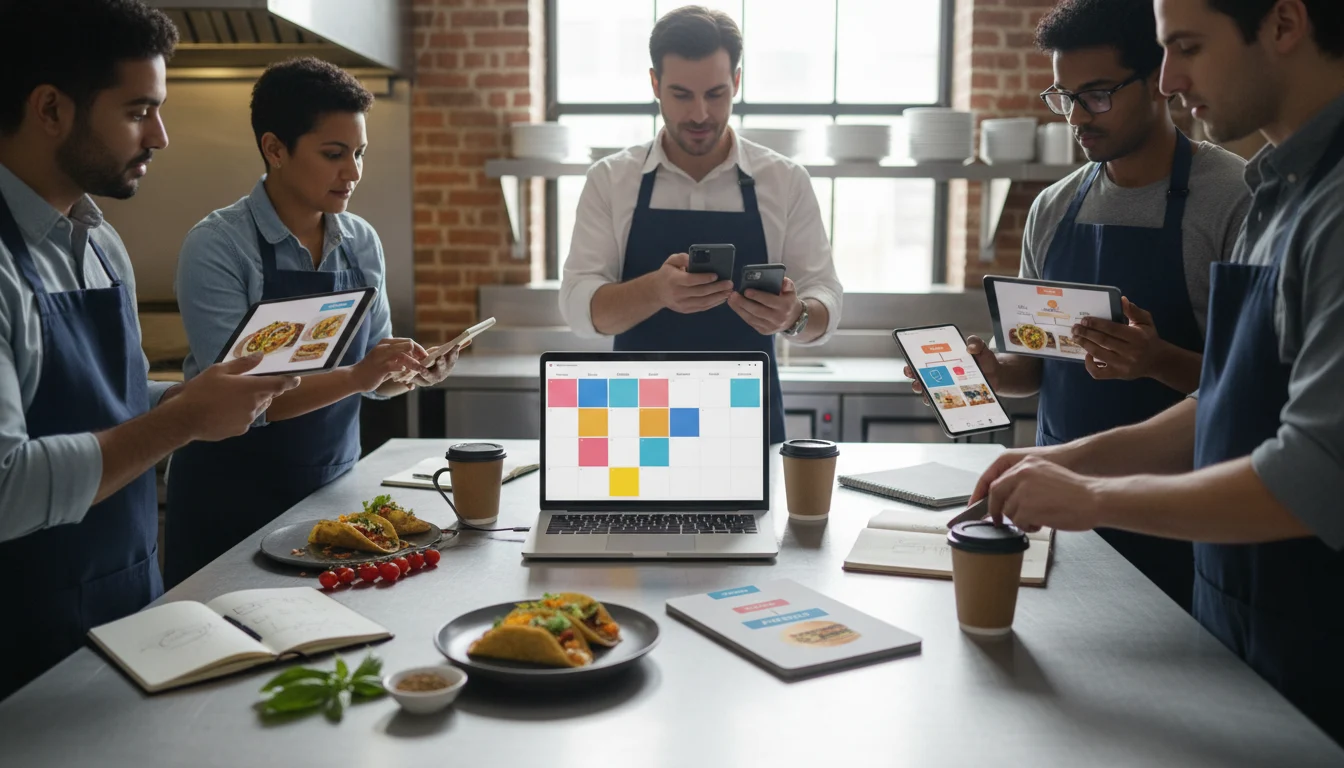
Pain - Fix - Result Framework
Why social traffic doesn’t turn into orders
Pain: People tap the bio, then bounce because ordering/menu info is hard to find or doesn’t load well on mobile.
Fix: Use a dedicated bio page built around the next action: order, call, directions, and a single weekly offer.
Result: More guests reach the right link, fewer drop-offs, and clearer tracking of what social is producing.
The 10-second test (the easiest way to find the leak)
Open your Instagram profile on your phone. Tap the bio link. Now ask: can a new guest order online in 10 seconds without thinking?
If the answer is no, you don’t need more posts. You need a cleaner path.
- Is the first screen “Order Online” or is it your homepage hero?
- Does the order link open the right ordering provider?
- Does the menu load fast, or is it a PDF that pinches and zooms?
- Can someone call with one tap?
- Do directions open Google Maps with the right pin?
What a restaurant link in bio page should include (in order)
Think of the page like a short counter conversation: “What do you want to do right now?” Then provide the shortest path.
- 1) Order Online (primary button): one destination, no choices. If you use multiple providers, pick the one you want guests to use most.
- 2) Call (primary button): most families still call for large orders, catering, and quick questions.
- 3) Directions (primary button): reduce “where is it” friction for new guests and out-of-town visitors.
- 4) Menu highlights (secondary): a “Top sellers” link is often better than a long menu list.
- 5) Hours + location (secondary): visible without extra taps.
- 6) One weekly offer (optional but powerful): a single promo that matches your posting plan.
If you’re unsure what to prioritize, start with the same goal your social content should support: calls and orders.
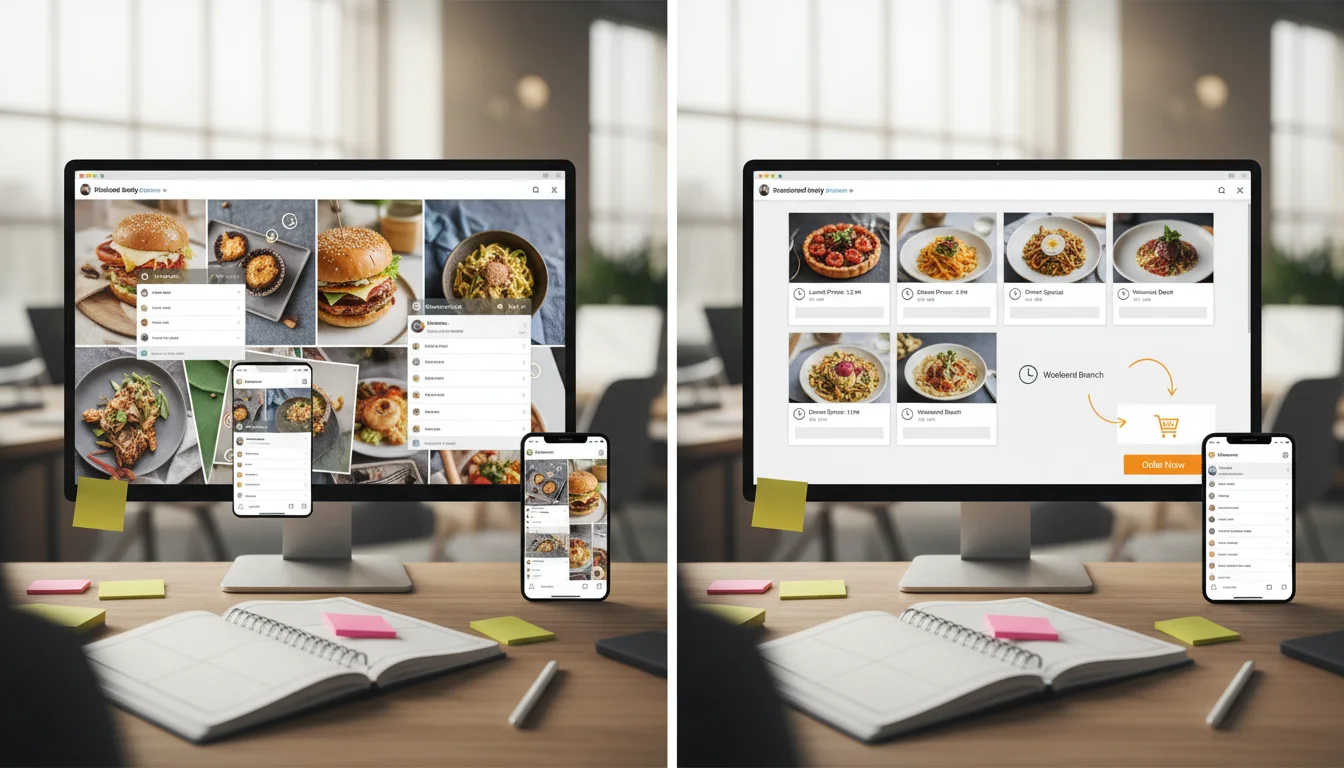
A weekly upkeep checklist your team can actually follow
This is where most restaurants win. Your bio link page is only “good” if it stays current.
- Links: order link, menu link, directions link, phone link.
- Hours: holidays, temporary closures, seasonal changes.
- Offer: one weekly special or slow-day push with clear start/end.
- Proof: rotate one review quote or a recent customer moment.
- Speed: open the page on 4G and confirm it loads quickly.
- Tracking: confirm UTM links still match what you’re posting.
How to track results without overcomplicating it
You don’t need a complicated dashboard. You need proof that the path is working.
- UTM links: add UTM parameters to the bio buttons so traffic is labeled in analytics.
- Call clicks: track taps on the phone button (even basic event tracking helps).
- Order provider clicks: measure clicks to your ordering platform.
- Week-over-week changes: after you fix the page, compare the next two weeks of traffic and actions.
When you connect tracking to a weekly posting system, social stops being “random content” and becomes a repeatable sales path.
When this should become a small website upgrade
Sometimes the bio page reveals a bigger issue: your menu pages, ordering flow, or mobile speed can’t support the demand you’re trying to create.
If guests keep asking the same questions (“Are you open?”, “Do you deliver?”, “Where do I order?”), it’s usually time to tighten the site basics: speed, clarity, and trust signals.
That’s also where SEO helps: your best “link in bio” page patterns often become your best service and menu landing pages.
Next step
Want this built and kept current?
Sowynet helps restaurants set up a simple posting and conversion system: social content, bio page, offer rotation, and tracking—so the work ties back to calls and orders.
Frequently asked questions
Questions owners ask before they change the bio link
What should a restaurant link in bio page include first?
Start with Order Online, Call, Directions, and Menu. Put them above the fold and make the buttons large enough for quick taps.
Do I need a tool like Linktree?
Not always. Many restaurants convert better with a lightweight page on their own site because it loads faster and matches their brand, tracking, and SEO.
What if I have multiple locations?
Use a location picker first, then show each location’s order, call, and directions links. Keep it simple so a guest can choose quickly.
How often should I update this?
Weekly is a practical baseline. Also update anytime hours, offers, ordering links, or menu highlights change.
Quick summary
Short version for busy teams
Pain: Instagram views don’t turn into orders because the “one link” sends people to slow pages, broken ordering links, or confusing menus. Fix: Build a dedicated restaurant link in bio page with big Order Online, Call, Directions, and Menu buttons, plus one weekly offer and light tracking. Result: fewer drop-offs, more calls/orders, and a weekly system the team can maintain.
Related reading
Explore related guides and service pages
These links expand the conversion system around social, local presence, and website basics.
Loading related resources...
Loading recent posts...