Lead generation + business systems
Dynamic QR Code for Yard Signs: Turn Drive-By Interest Into Text Leads
A practical system for painters, realtors, roofers, landscapers, and other local businesses that want one printed QR to support many campaigns.
A dynamic QR code for yard signs solves a costly print problem: the sign may last for months, but the offer, listing, phone number, or next action can change tomorrow. A normal QR often locks the printed sign to one final page. When that page changes, the business must replace the sign or accept a broken campaign.
Pain: a nearby homeowner or buyer notices the sign, but typing a phone number or web address creates too much friction. Fix: print one short Sowynet address such as go.sowynet.com/paint-quote inside the QR and manage the action in the client portal. Result: the same sign can open a website today, prepare a text tomorrow, and collect consented lead information for follow-up next month.
The important idea is not the square graphic by itself. The value comes from the reusable link, the clear call to action, and the workflow that handles the lead after the scan.
Key takeaways
Print the link once. Change the action anytime.
- Use a stable short URL. The QR should encode the Sowynet go address, not the final destination.
- Match the action to intent. Choose website, text, call, email, or a lead form.
- Keep automation consented. A scan is anonymous; follow-up begins after the visitor shares contact details.
- Download for the design tool. Use PNG in Canva and SVG for print production.
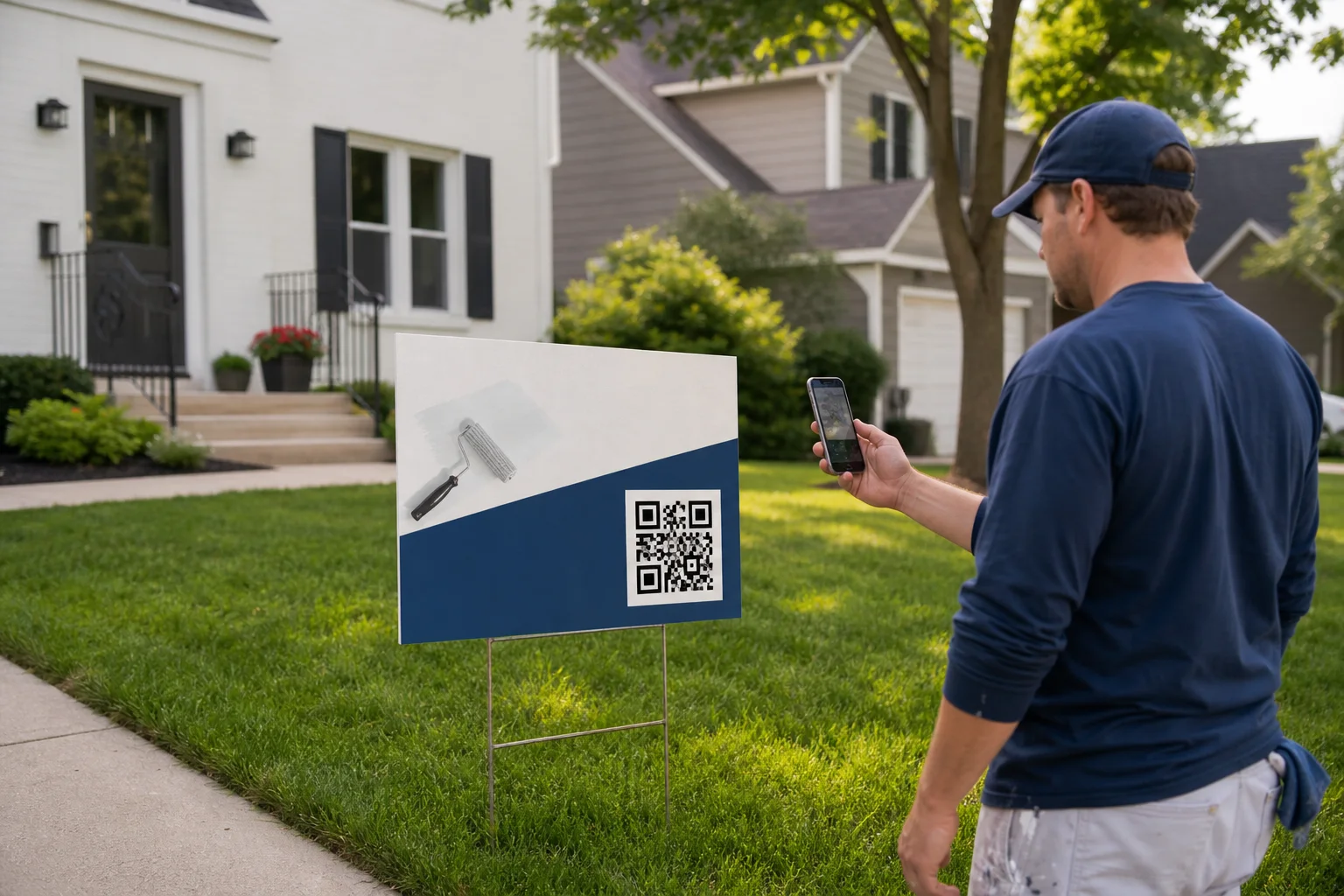
Why ordinary QR code yard signs lose value after printing
A yard sign is physical inventory. The business pays for design, printing, installation, and sometimes placement permission. If its QR contains the final listing page or campaign URL, the sign becomes tied to that destination. A realtor closes the property. A painter changes the estimate page. A landscaper launches a seasonal offer. The old code no longer matches the moment.
The second problem is hidden friction. “Visit our website” sends a motivated person to a homepage where they must search for the right service. “Call now” may be a poor fit when the person is walking a dog, sitting in traffic, or looking at a house after business hours. Every extra step gives the lead time to leave.
A reusable QR code for business removes the print decision from the action decision. The physical sign stays stable. The owner can change the digital action from the Sowynet portal as the campaign changes.
How a dynamic QR code for yard signs works
The QR stores a short address such as https://go.sowynet.com/paint-quote. When someone scans it, Sowynet looks up the current action for paint-quote, records the scan total, and sends the phone to the active destination.
The redirect uses a temporary redirect because the destination is meant to change. Search engines and browsers should not permanently remember the first campaign. The short code remains locked while the owner edits the title, action, message, or active status.
Example SMS action
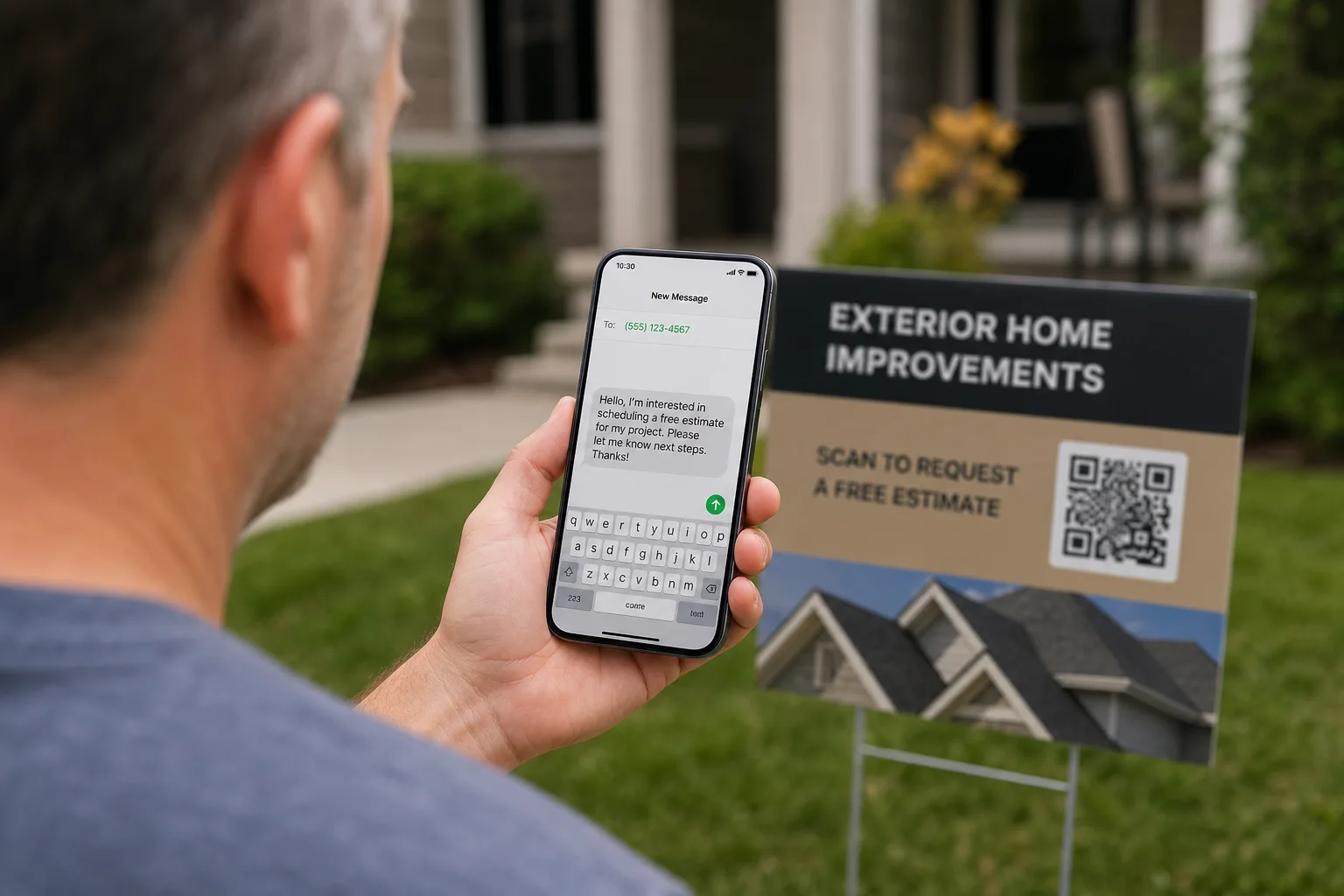
sms:+1234567890?body=I%20need%20a%20painting%20estimateThe scan opens the messaging app with the phone number and message filled in. The visitor must still review it and tap Send.
Choose the action that fits the campaign
The best destination is the shortest honest path to what the person wants. A painter’s sign outside an active project can open a text that says, “I saw your work nearby and would like an estimate.” A realtor’s property sign can open the listing page, a showing request, or a short lead form. A roofer can switch from storm inspection requests to a seasonal maintenance page without replacing the QR.
Website
Best for listing details, before-and-after galleries, menus, service pages, or online booking.
Prefilled text
Best when the visitor wants a quick quote and the owner handles leads by phone.
Call or email
Useful for urgent services, commercial inquiries, or audiences that prefer a familiar channel.
Lead form + automation
Best when the business needs the visitor’s name, contact details, project notes, CRM record, and confirmation workflow.
Canva workflow: design once without trapping the destination
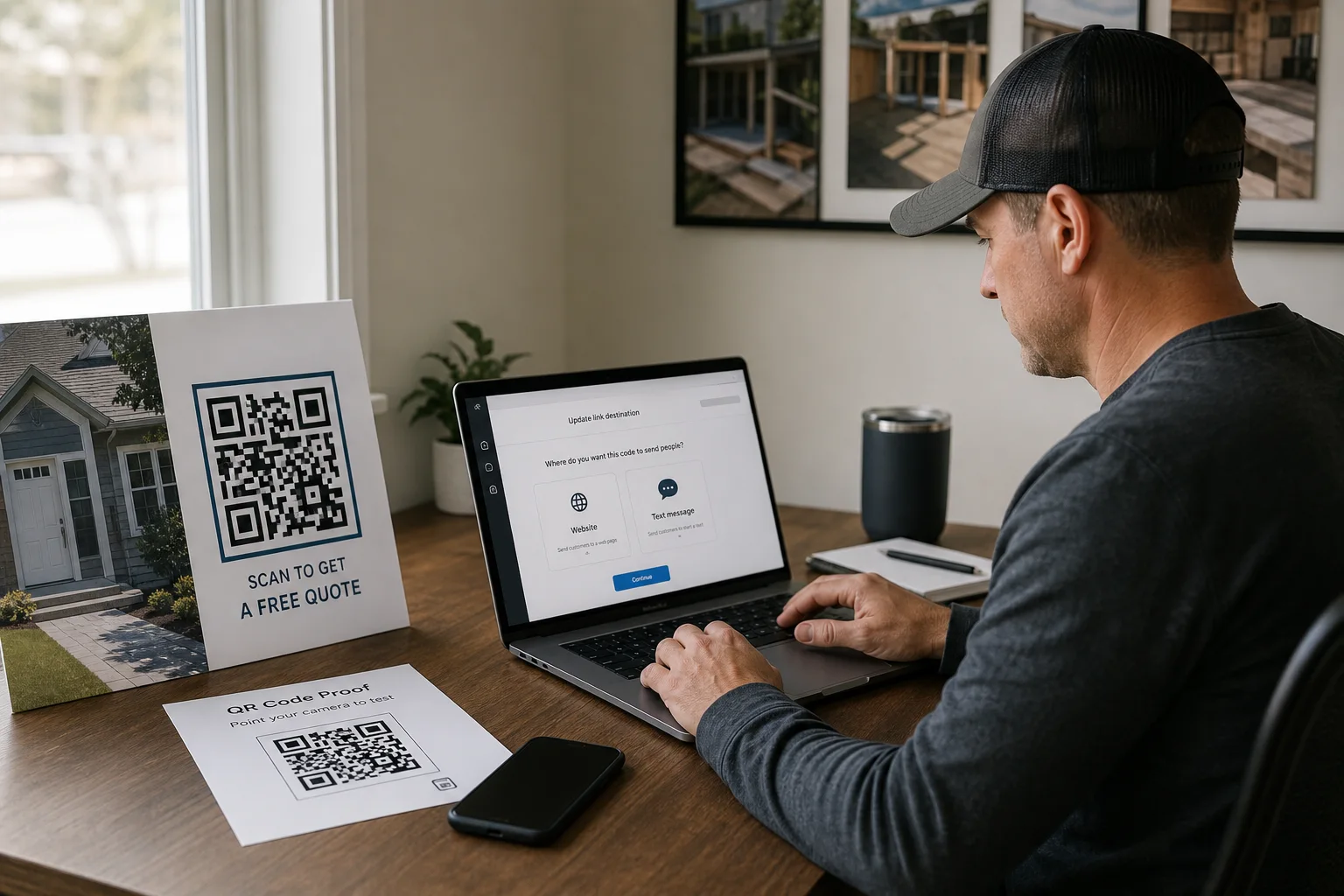
If the destination will stay fixed, start with Sowynet’s free QR code generator for a website or ready-to-send text. For a destination that needs to change later, create a Smart QR campaign in the Sowynet portal, choose a short code and action, then download a high-resolution PNG for Canva. They can upload that PNG into the Canva yard-sign design like any other image. The portal also provides SVG for a print shop that prefers a vector file.
- Create the reusable link and confirm the short address.
- Download “Canva PNG” and upload it to the design.
- Place the QR on a quiet, high-contrast area with white space around every side.
- Add a specific prompt such as “Scan for a free paint estimate” or “Scan for property details.”
- Print one sample and scan it with both iPhone and Android from the expected viewing distance.
- Keep the short code unchanged after the sign is installed; edit only its action.
Do not screenshot a QR from the portal or stretch a small raster image until it becomes blurry. The downloaded PNG is sized for Canva, while SVG stays sharp at larger print sizes.
Campaign playbooks for painters, realtors, and local service teams
Painters: place the sign where neighbors can see the active project. Start with a prefilled estimate text. When the crew leaves, change the same QR to a project gallery or a neighborhood offer. The code on the sign does not change.
Realtors: direct the sign to the current property page while the listing is active. After closing, pause the link or reuse the physical sign for a new listing by changing the destination. An open-house version can switch from details before the event to a showing-request form afterward.
Roofers, landscapers, remodelers, cleaners, and mobile detailers: use the job site as proof. A nearby homeowner sees real work, scans the sign, and reaches a message or quote form that already names the next step. That context usually makes the inquiry stronger than a generic homepage visit.
The same approach works on vehicles, flyers, table tents, door hangers, direct mail, and event banners. Name each campaign by placement so scan totals remain useful: “Maple Street yard sign” tells the owner more than “QR code 4.”
Where QR automation should begin—and where it should not
A QR scan does not identify the person. It can record a scan, but it cannot safely send that anonymous visitor a follow-up. For a simple SMS action, the visitor must tap Send. That choice is a useful consent signal and keeps the experience clear.
When the business needs automatic follow-up, the QR should open a consented lead form. Sowynet’s QR lead template collects the name, phone, email, project type, address, and details. After submission, it can create or enrich the CRM contact, create the lead, and send a confirmation email. The owner can add approved member, SMS, WhatsApp, email, or webhook actions in the Forms workflow.
For the phone-side workflow, follow the free iPhone SMS automation guide. It explains how one personal automation can prepare the saved reply for several Sowynet QR codes.
This split protects both conversion and trust: use text for the fastest human-started conversation; use a form when automation needs structured data. For a deeper workflow, connect the campaign to operational systems and custom software for small businesses.
Measure the result and protect the printed campaign
Scan totals help compare placement, message, and timing. They do not prove a sale by themselves. Pair scans with sent texts, completed forms, booked estimates, and closed work. If a sign gets scans but no messages, the next action may be too broad. If the form starts but does not finish, shorten it or make the promise clearer.
- Use a unique short code for each meaningful placement or campaign.
- Keep every website destination on HTTPS and restrict actions to supported phone, SMS, and email formats.
- Pause a lost, outdated, or misprinted campaign without deleting its history.
- Test after every action change and before every print run.
- Review the destination monthly as part of regular website support.
The result is a physical marketing asset that can improve instead of expire. The sign stays in the field, the owner keeps control, and each scan has a clearer route to a real conversation.
Build the complete lead path
Need reusable QR campaigns inside your business system?
Sowynet can connect the sign, short link, form, CRM record, notification, and follow-up workflow so the campaign is useful after the scan—not just attractive on paper.
Frequently asked questions
Questions business owners ask about reusable QR signs
Can one QR code open a website now and a text message later?
Yes. The printed QR should contain a stable Sowynet short URL. The owner can change that short link from an HTTPS website to a prefilled SMS, phone call, or email without changing the printed QR.
Does scanning an SMS QR code send the text automatically?
No. The scan opens the visitor's messaging app with the number and message filled in. The visitor reviews the message and taps Send.
Which QR file should I upload to Canva?
Use the high-resolution PNG for Canva. Keep the SVG for a sign shop or another print workflow that supports vector files.
How large should a QR code be on a yard sign?
Size depends on viewing distance, but the code needs generous white space, strong contrast, and a real-phone test from the expected distance before the sign is printed.
Can a QR scan start an automatic follow-up?
An anonymous scan can be counted, but follow-up needs contact information and consent. Route the QR to a short lead form; after submission, the business can save the lead and start approved email, SMS, or internal notifications.
Loading related resources...
Loading recent posts...