Google Business Profile conversion
Google Business Profile Booking Link for Small Business: Turn Map Clicks Into Real Appointments
A Google Business Profile booking link for small business works best when it sends map clicks to a fast, clear booking page instead of a generic homepage.
google business profile booking link for small business becomes a real conversion issue when the listing earns the click, but the booking path adds confusion before the appointment is ever requested. The owner pays attention to reviews, categories, and photos, yet the map visitor lands on a page that asks them to hunt for the next step.
Pain: map traffic shows intent, but the wrong destination page creates extra clicks, mixed service signals, and weak appointment conversion. Fix: send buyers to the page that matches the service, location, and booking action they expected when they tapped the listing. Result: fewer drop-offs, cleaner lead quality, and more appointments from the Google Business Profile traffic the business already earned.
This topic sits between SEO services, website support, and the conversion work behind booking funnels. The listing can rank well and still underperform if the booking link points to the wrong page.
Key takeaways
The booking link should reduce steps, match local intent, and make the next action obvious on mobile.
- Map clicks are high intent. Do not waste them on a page that asks the visitor to start over.
- The right page depends on the offer. Homepage, service page, and dedicated booking page each have a different job.
- Support keeps conversion stable. Booking links should be checked whenever pages, tools, offers, or hours change.

Why a google business profile booking link for small business fails when it points to the wrong page
Owners often assume the booking link only needs to exist. In practice, the destination matters as much as the button. A buyer tapping a local listing is usually close to action. They already trust the map result enough to click. If that click lands on a general homepage, a broad service menu, or a slow page with multiple competing CTAs, momentum drops fast.
That friction shows up as quiet loss. The visitor bounces, calls later, chooses a competitor, or waits until the task no longer feels urgent. The listing still appears to be doing its job because clicks happened, but appointments stay weaker than expected.
This is especially common for service businesses and restaurants that have several possible next steps. One visitor wants a haircut appointment. Another wants a quote request. Another wants to reserve a table. When one generic page tries to handle all of them, the Google Business Profile click loses focus before the form or booking widget is even reached.
Pain, fix, result: the booking-link version
Pain: the listing wins local attention, but the booking path makes the visitor think too much.
Fix: map the listing to the shortest credible path for the exact appointment, service, or reservation the buyer expects.
Result: more visitors complete the next step while the business sees cleaner appointment intent instead of mixed traffic.
That sequence matters because local SEO does not end at the click. The page behind the click is part of the local SEO system. If the page is slow, broad, or mismatched, rankings may bring more visibility without producing the booked work the owner actually cares about.
Choose the page behind the booking link, not just the prettiest page
Most small businesses should choose between three destination types. The homepage works when the business has one clear appointment path and the first screen already makes booking obvious. A focused service page works when the listing is tied to one service line and that page explains the offer before the visitor books. A dedicated booking page works best when the owner needs speed, simple expectations, and the fewest possible distractions.
Use the destination that removes one decision, not the page that looks most complete. A booking link should not force the buyer to learn the whole business. It should confirm they are in the right place and help them act.
This is where the difference between a Google Business Profile landing page and a normal site page matters. The landing page does not need extra navigation if the visitor only needs appointment context, trust, and the booking step.
What the booking page must include to convert map clicks
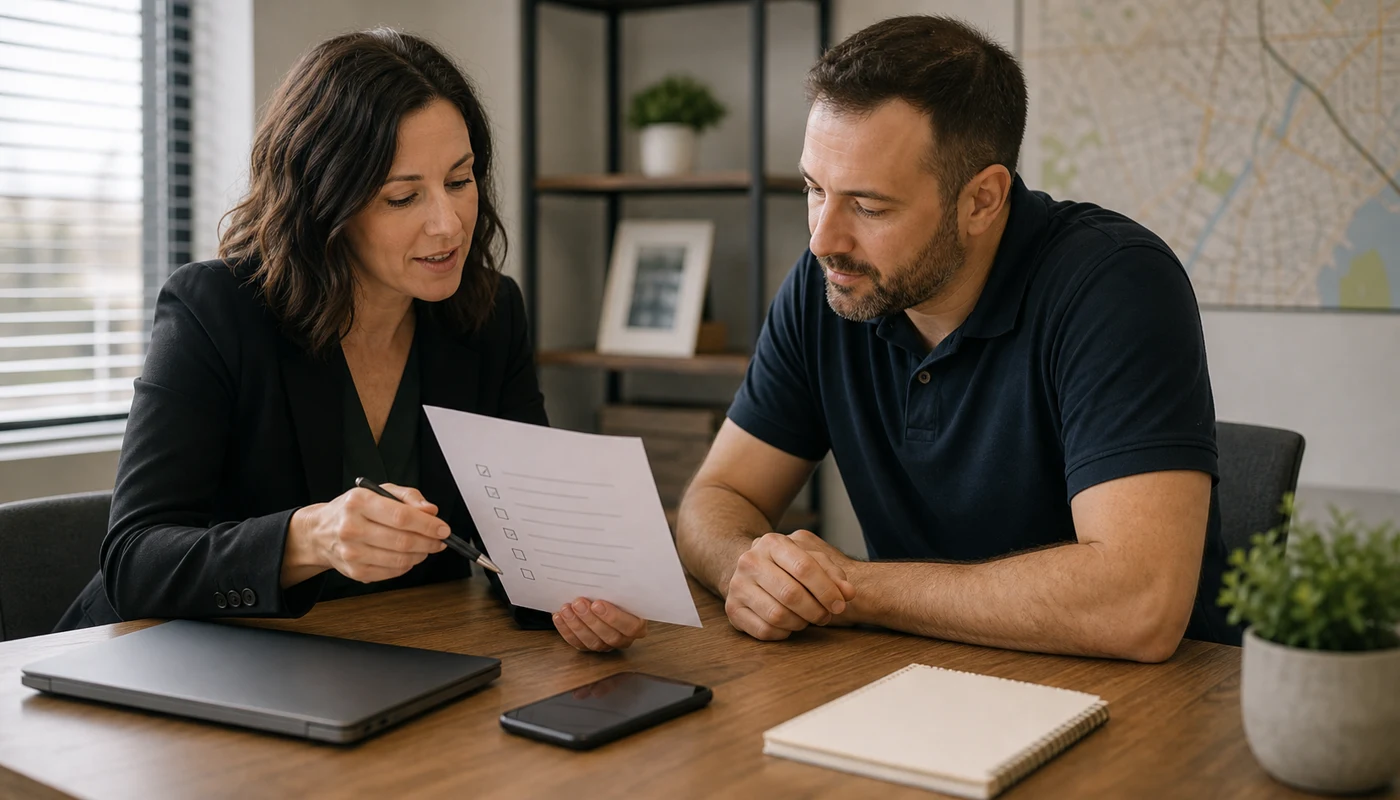
The page behind the booking link needs five things: a clear service promise, location context, one visible CTA, mobile speed, and a simple trust block. If any of those are missing, the visitor has to fill in the gaps alone.
Start the page with the service or appointment type, the city or service area if it matters, and the next action in plain language. Then remove competing paths that do not help this visitor. If the business also takes calls, keep the phone option visible. If the appointment requires choosing a provider or service type, explain that before the user reaches the booking tool.
- One primary CTA above the fold.
- Short copy that confirms who the booking path is for.
- Fast mobile load and a stable booking widget or contact step.
- Trust signals such as review proof, service scope, or what happens next.
- Alignment with the offer shown in Google Business Profile posts, services, or hours.
This is why businesses often need light website content updates before they need more traffic. Better destination pages convert the intent already arriving from local search.
Playbook: audit your Google Business Profile booking link in 20 minutes
Use this quick review before you spend on more local SEO, ads, or reputation work.
- Open the live Google Business Profile and tap the booking or website path from a phone.
- Check whether the destination page matches the exact service or appointment intent.
- Time how many taps it takes to reach the final booking step.
- Remove extra navigation or weak secondary CTAs if the page feels broad.
- Confirm the page still matches current hours, pricing expectations, and service scope.
- Test the path again after any website update, widget change, or seasonal offer change.
This is a simple workflow, but it catches the most common leak: the listing is current while the booking path is not. That mismatch is where conversion gets lost quietly.
When to use the homepage, a service page, or a dedicated booking page
Use the homepage when one service drives most appointments and the first screen already answers the buyer's main question. Use a service page when the visitor needs a little more context before booking, such as service details, area coverage, or trust proof. Use a dedicated booking page when the business needs the shortest path and wants to control the message around one appointment action.
Many small teams make the mistake of sending every Google Business Profile click to the homepage because it feels safer. The safer choice is actually the page that matches intent most closely. If the listing focuses on one offer, use the page that sells that offer directly.
This logic also helps with related topics like contact form conversion and quote request pages. The visitor should not have to translate your internal site structure into their next action.

How website support and local SEO keep the booking link working
The booking link is not a one-time setup. It is part of ongoing website support. If the page changes, the widget changes, the business changes hours, or the offer changes by season, the booking path needs a quick review too.
This is where local SEO and website support overlap in a useful way. SEO brings the right visitor. Website support protects the page they reach. A monthly check keeps Google Business Profile links, service pages, and booking steps aligned so the owner does not lose appointments after a seemingly small update.
Sowynet handles this kind of work by checking the listing, the linked page, and the next action together. That keeps local visibility tied to real conversion instead of letting the business treat them as separate tasks owned by different people.
Internal linking plan
Support the next step with the right pages
Readers working on booking conversion should be able to move from this guide into the pages that fix the path itself.
Clear next step
Need help fixing where your Google Business Profile sends appointment traffic?
We can review the listing, the destination page, and the booking flow so your map clicks land on the page most likely to turn into a real appointment.
Review my booking path See website support scopeFrequently asked questions
Questions owners ask before changing the booking link
What page should a Google Business Profile booking link use?
Use the page that makes booking easiest for the exact service or location the buyer expects. That is often a dedicated booking page, a focused service page, or a landing page built for appointment intent.
Should the booking link go to the homepage?
Only if the homepage is the clearest path to book. In many cases, a generic homepage adds extra clicks and lowers appointment conversion.
Can the wrong booking link hurt local SEO results?
Yes. It can waste map traffic, lower engagement, and send buyers to a page that does not match the intent behind the search result.
How often should a small business check its Google Business Profile booking link?
Check it monthly and again after website updates, booking tool changes, service changes, or seasonal offer changes.
Quick summary
Short version for busy teams
Pain: Google Business Profile earns high-intent clicks, but the destination page makes booking harder than it should be. Fix: point the booking link to the page that matches service intent, loads fast, and keeps one clear CTA in view. Result: better appointment conversion from local search traffic you already have.
Loading related resources...
Loading recent posts...