Security + Networking
Network Support for Small Business: Keep Cameras, POS, and Guest Wi-Fi Stable at the Same Time
A practical guide to network support for small businesses that need stable POS, cameras, staff devices, and guest Wi-Fi without constant downtime.
Network support for small business matters when cameras, POS terminals, staff devices, and guest Wi-Fi all depend on the same infrastructure. The network may look fine on a quiet afternoon, then fail when checkout lines grow, cameras sync footage, and guest traffic spikes at the same time.
Pain: the business depends on one network, but no one is watching how critical systems compete for bandwidth and uptime. Fix: build a support plan around segmentation, monitoring, hardware health, and peak-hour stability. Result: fewer outages, steadier operations, and less disruption to sales, security, and customer experience.
This guide is about keeping essential systems stable together, not just fixing internet complaints one device at a time.
Key takeaways
Most network failures come from mixing critical traffic, weak Wi-Fi planning, and reactive maintenance. Owners feel it first at the register and during peak traffic.
- Tight ownership matters. One weekly owner prevents stale details and hidden conversion loss.
- Simple workflows win. Clear checklists beat reactive fixes when the team gets busy.
- Trust drives conversion. Accurate details, fast paths, and steady follow-up improve lead quality.

Why network support for small business becomes urgent after the first outage
Most owners wait too long to fix this area because the problem feels survivable. Phones still ring a little. Forms still come in sometimes. The team finds workarounds. But the hidden cost keeps growing. Prospects hesitate, staff wastes time, and marketing performance looks weaker than it should.
In local service businesses and restaurants, friction compounds fast. If one part of the journey is unclear, the customer does not open a ticket about it. They just leave. That is why network support for small business should be tied to response speed, trust, and operational clarity, not treated as a side task.
The right approach starts with a grounded review of what buyers see first, what the team updates most, and where delays or confusion show up during busy hours.
How to separate cameras, POS, staff devices, and guest Wi-Fi
A strong solution should fix the basics before it adds complexity. Owners usually need a cleaner structure, better ownership, and a weekly review rhythm more than they need another tool.
Start with the parts customers actually touch: business details, lead capture paths, service descriptions, key trust signals, and the handoff from first click to real conversation. If those pieces are weak, extra campaigns or automation only magnify the mess.
For Sowynet clients, the goal is simple: make the system easier to maintain, easier to trust, and easier to measure. That is how fixes turn into durable gains instead of short-term spikes.
- Define one owner for updates and approvals.
- Document the exact path from discovery to contact.
- Remove duplicate or conflicting information first.
- Set one monthly scorecard with visible KPIs.
- Link the asset to the right service page and CTA.
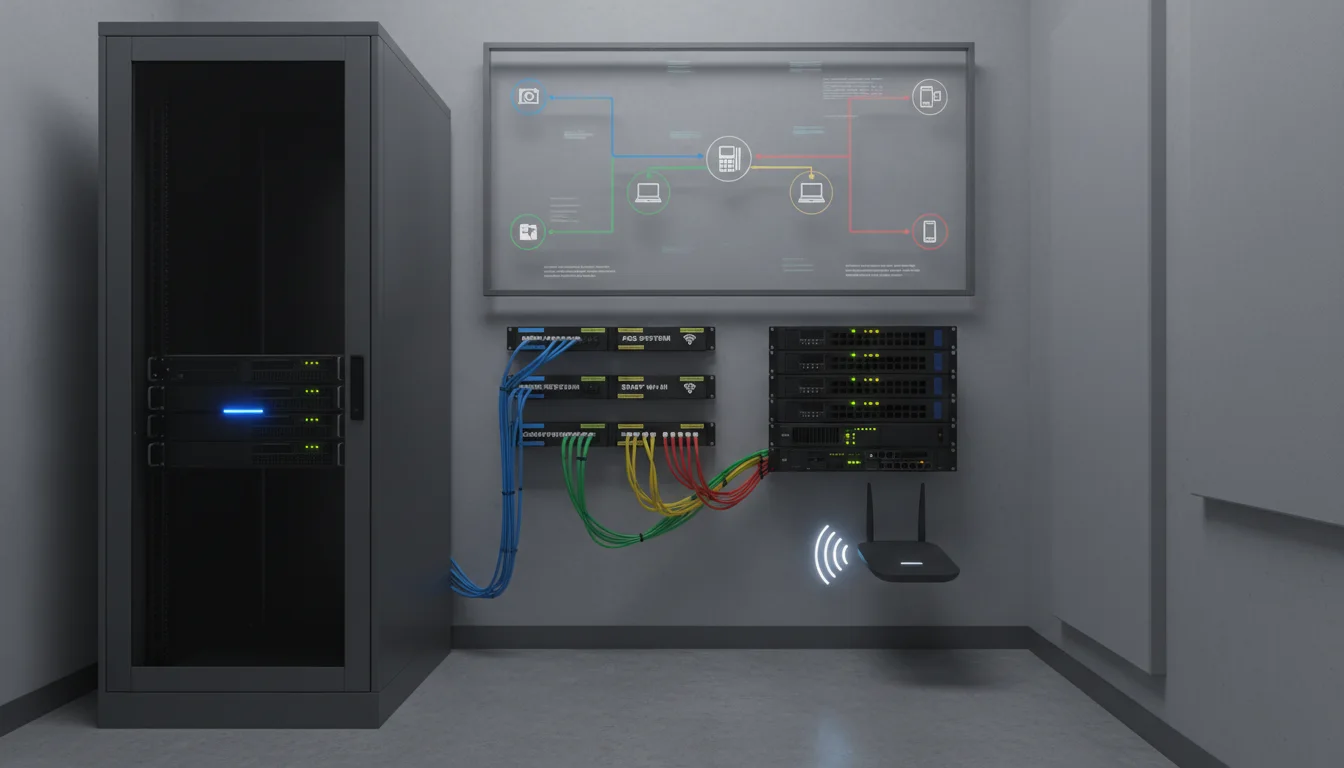
Pain, fix, result: what stable networking changes during peak hours
Pain: the owner or manager feels like the business is doing enough work online, yet results stay inconsistent. Questions repeat. Leads come in without context. Staff answers the same issues manually. Important updates slip because no one owns them.
Fix: simplify the process around one source of truth, one visible workflow, and one clear next step for the customer. Write in plain language. Keep the message tied to business outcomes. Build support tasks into a predictable schedule instead of reacting after something breaks.
Result: visitors get faster clarity, teams spend less time chasing details, and the business earns better leads from the same traffic base. That is what conversion improvement should feel like in practice: calmer operations with stronger buyer confidence.
Checklist: monthly network maintenance for local businesses
Use this short checklist to keep momentum. It is intentionally simple because complicated playbooks rarely survive real operations.
- Check the top conversion path and make sure it works on mobile.
- Review the accuracy of offers, hours, pricing, or service details.
- Test one contact flow from first click to final confirmation.
- Review the last 30 days of traffic, calls, or lead quality.
- Decide the one update that will remove the most friction this month.
- Confirm internal links still point to the correct service pages.
When to upgrade instead of keep patching old gear
Owners often review channels in isolation. Website issues stay in one bucket, visibility issues in another, and operational issues somewhere else. Buyers do not experience the business that way. They experience one path.
That is why Sowynet treats content, conversion, local visibility, and systems support as connected work. A stronger page structure improves trust. Better follow-up improves lead recovery. Cleaner reporting improves decisions. Over time, those gains reinforce each other.
If the business depends on local demand, the improvement plan needs to be visible, measurable, and easy for the team to maintain after the first round of fixes.
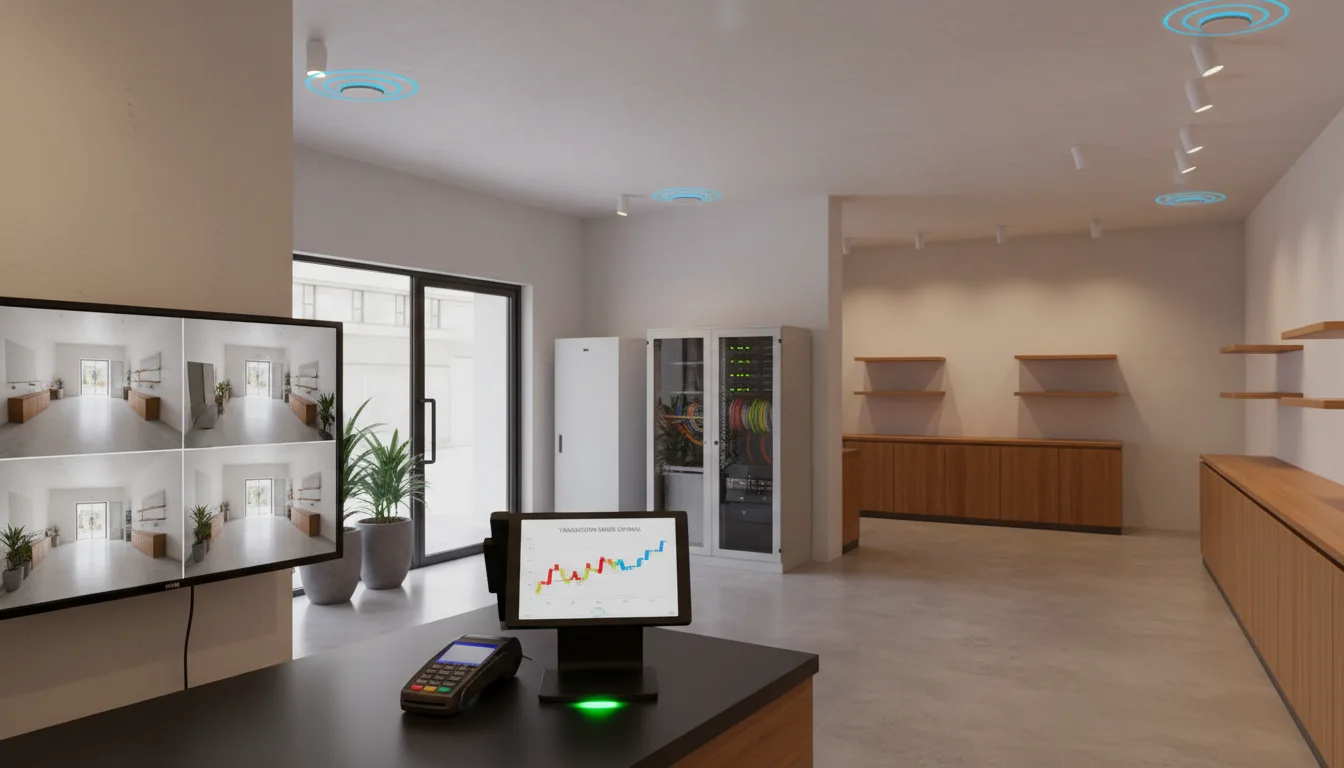
How Sowynet supports Indiana networks with security and uptime in mind
We start with the bottleneck, not the trend. Some businesses need a visibility fix first. Others need better site support, better follow-up, or cleaner reporting. The point is to remove the biggest source of drag and then build a monthly rhythm around it.
From there, we align internal links, service pages, CTAs, and support tasks so the system stays useful after launch. That is usually where small businesses finally feel relief: not because everything became perfect, but because the work became organized.
If your team is already stretched thin, that kind of clarity is often more valuable than another disconnected campaign.
Indiana examples: where weak network support shows up first
In a restaurant, network pain usually appears at the register, on handheld devices, or when guest Wi-Fi traffic spikes during service. In a retail or service office, it often shows up when cameras go offline, uploads stall, or the team starts rebooting equipment more often than they admit. Those are not isolated annoyances. They are signs that the network no longer matches the business load.
For Indianapolis businesses with cameras, POS, and customer-facing Wi-Fi, the issue is rarely just speed. It is usually segmentation, aging hardware, undocumented changes, or no maintenance rhythm. Strong network support for small business solves those operational causes instead of chasing symptoms one outage at a time. That usually starts with a secure camera network checklist, a practical network refresh checklist for Indianapolis businesses, and a simple network disaster recovery plan for small business.
Comparison: mixed traffic network vs segmented support model
Mixed traffic network
- Guest devices, POS, cameras, and staff traffic compete on the same paths.
- Troubleshooting takes longer because everything affects everything else.
- Small outages create bigger operational stress during peak hours.
Segmented support model
- Cameras, POS, staff, and guest Wi-Fi are separated with clearer policies.
- Monitoring shows which part of the network is actually failing.
- Performance and security improve because traffic is managed intentionally.
This is one of the clearest authority signals in networking content: not just saying segmentation matters, but showing why it changes uptime and diagnosis speed in real environments.
Process checklist: monthly network support that prevents emergency calls
- Review device health, uplink load, and access-point coverage monthly.
- Check whether any new cameras, POS devices, or smart TVs were added without planning.
- Verify backups of configs and confirm who can access them.
- Review camera uptime, POS stability, and guest network complaints together.
- Inspect firmware, switch health, and cable labeling before problems stack up.
- Document the one weak point that should be fixed before the next busy cycle.
A checklist like this creates authority because it explains maintenance as an operating habit, not a rescue service.
Scope and pricing clarity for network support
A lighter support scope might include health checks, basic monitoring, firmware review, and a documented improvement list. A deeper support scope includes segmentation work, rack cleanup, AP planning, hardware replacement guidance, camera and POS coordination, and ongoing response support. Owners should know which kind of support they are buying because the outcomes are very different.
If the network supports payments, surveillance, and customer experience at the same time, the business should budget for recurring oversight. That is usually cheaper than repeated downtime, emergency visits, and lost trust during peak hours.
Internal linking plan
Support the next step with the right pages
Readers should not have to hunt for what to do next. This topic works best when it connects directly to a relevant service page, a supporting guide, and a contact path.
That structure helps users move faster and gives search engines cleaner intent signals about the page.
Clear next step
Need help with network support for small business?
If this issue is slowing growth, we can review the current setup, show what to fix first, and map the fastest path to cleaner conversion.
Book a quick reviewReview networking supportFrequently asked questions
Questions owners ask before they commit
These are the practical questions that usually come up once the pain is clear and the team wants a realistic fix.
Can guest Wi-Fi slow down my POS or cameras?
Yes, if the network is not segmented correctly. Strong support plans separate traffic, set priorities, and monitor bandwidth so guest use does not disrupt core operations.
How often should a small business network be checked?
At minimum, review health monthly and after any outage, expansion, or device increase. High-dependency environments may need more frequent monitoring.
What are the signs that I need network support instead of another quick fix?
Recurring outages, slow registers, unstable camera feeds, dead Wi-Fi zones, and undocumented equipment are all signs the business needs a proper support plan.
When should a small business replace old network hardware instead of patching it again?
When outages repeat, firmware support is weak, port capacity is tight, or the network no longer matches the number of critical devices, replacement usually becomes more cost-effective than repeated patchwork.
What should be monitored first on a small-business network?
Start with POS stability, internet uptime, access-point health, camera availability, and bandwidth pressure during peak business hours. Those signals reveal where support has the highest value.
Quick summary
Short version for busy teams
Pain: small businesses depend on one network for sales, surveillance, staff devices, and guest access, but instability usually appears only during busy hours. Fix: segment traffic, monitor health, document hardware, and review the weak points before outages stack up. Result: steadier POS, better camera uptime, more reliable guest Wi-Fi, and fewer emergency fixes.
Loading related resources...
Loading recent posts...