Networking
Network Refresh Checklist for Indianapolis Businesses
Use this network refresh checklist to upgrade switches, Wi-Fi, cabling, and documentation with less downtime and fewer surprises during cutover.
A network refresh usually starts when the business has outgrown the setup it has. Wi-Fi feels uneven, switches are aging, documentation is weak, and every change carries more risk than it should.
Pain: the network still works, but too much of it depends on tribal knowledge and old hardware. Fix: use a documented refresh checklist before cutover so inventory, dependencies, power, and rollback steps are clear. Result: cleaner upgrades, fewer outages, and a network that is easier to support after launch.
Use this as a planning worksheet, approval checklist, or site-visit guide alongside our security and networking services. It also pairs well with a secure camera network plan and a simple disaster recovery checklist.
Key takeaways
Inventory, staging, and rollback planning matter as much as the new hardware when you refresh a live business network.
- Inventory gear, licenses, and dependencies before touching hardware.
- Stage configs and backups to speed cutovers.
- Test VLANs, QoS, and monitoring before declaring success.
Pre-refresh prep: network refresh checklist
Good inventories prevent surprises mid-cutover.
- Document current switches, APs, uplinks, and VLAN assignments.
- Back up configs and export DHCP, DNS, and firewall rules.
- Communicate maintenance windows to staff and tenants.
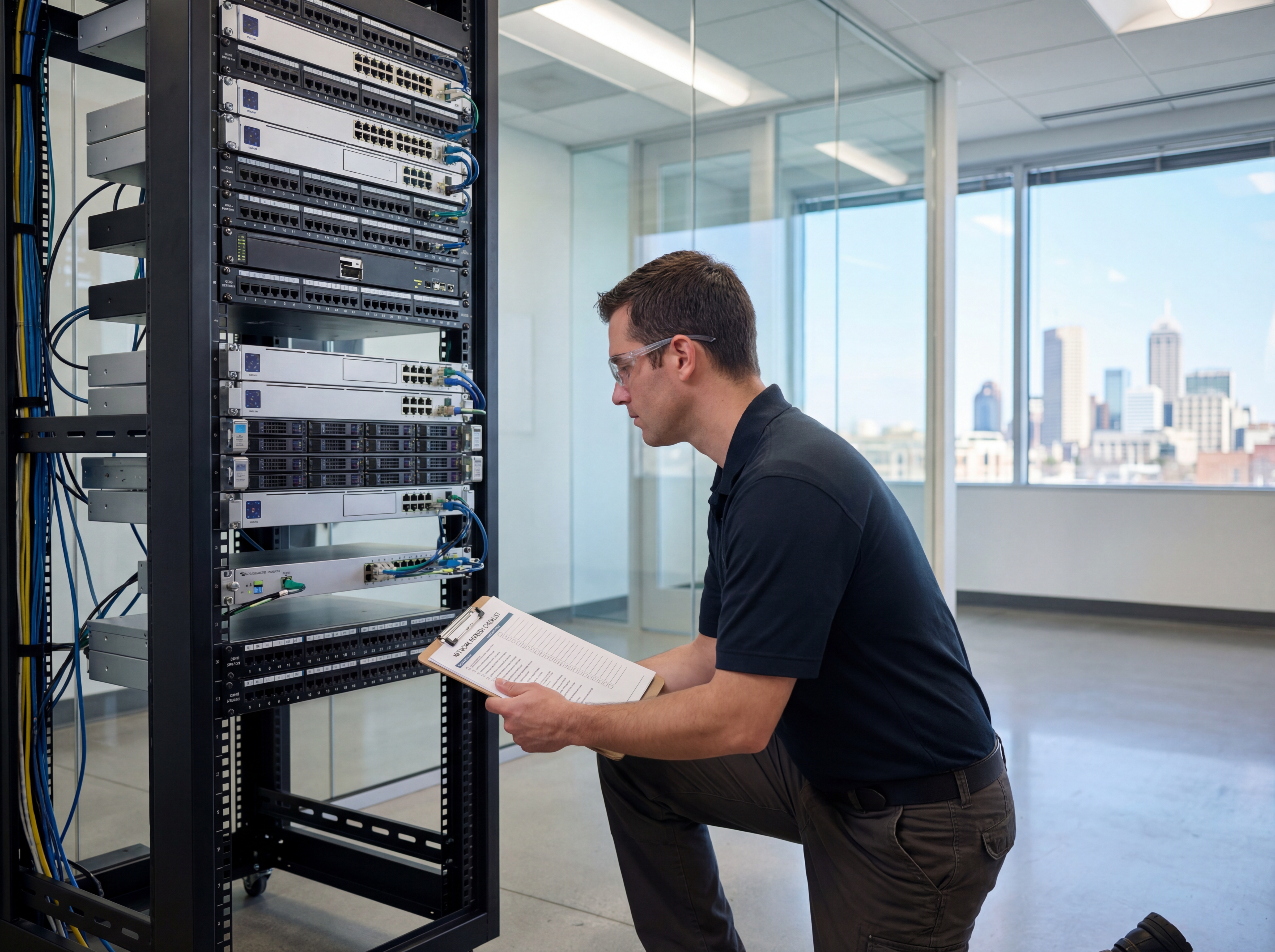
Cutover and validation
Move fast but verify before you leave the site.
- Stage replacements with labeled cables and pre-configured templates.
- Test key paths: POS, VoIP, cameras, guest Wi-Fi, and VPN access.
- Enable monitoring and alerting before wrapping up.
Implementation roadmap
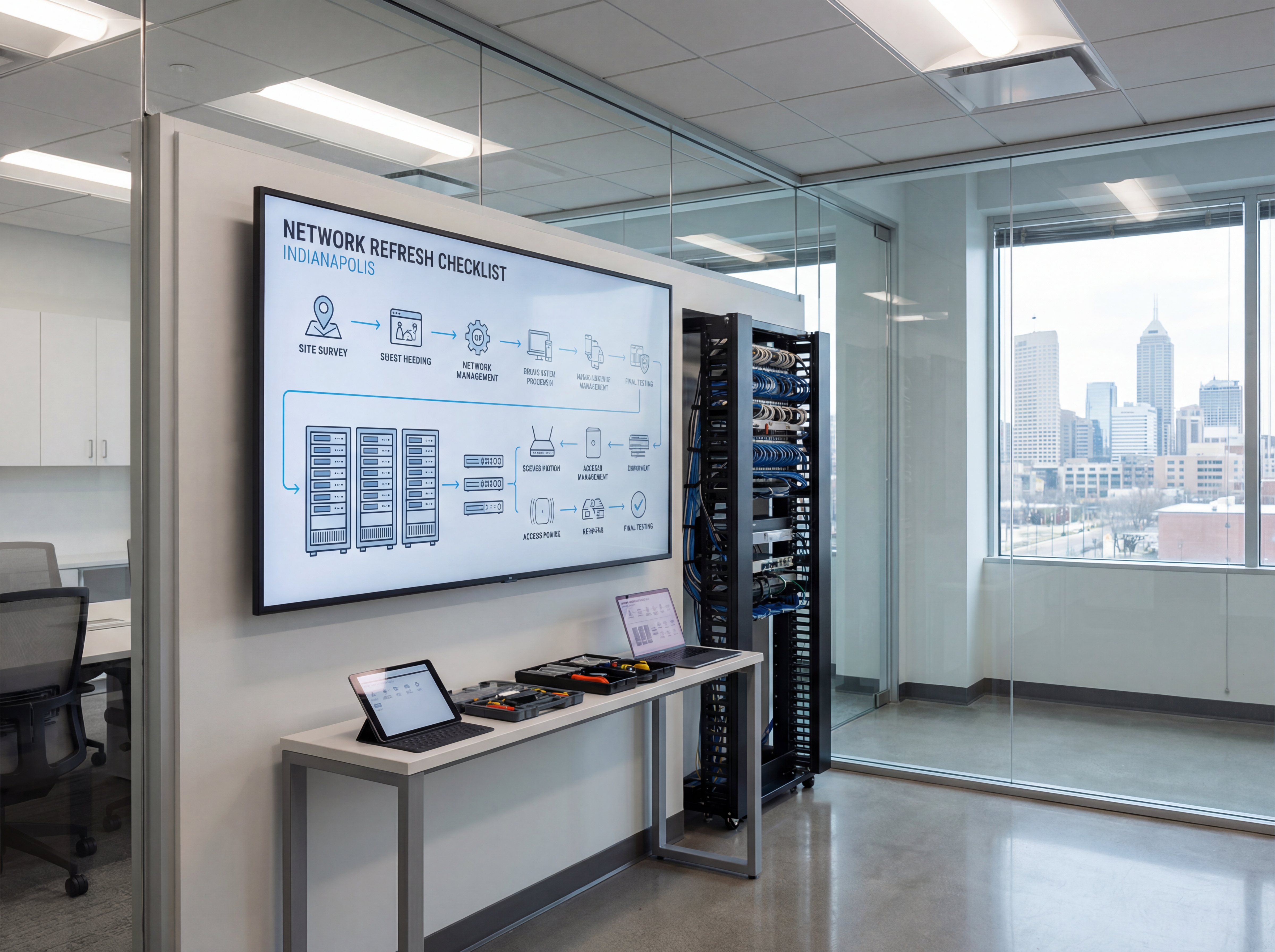
Move from planning to live deployment with a clear five-step process.
- Discovery call to confirm goals, budget, and preferred hardware.
- Site survey with photos, mounting heights, and pathing for power and data.
- Configuration templates for naming, VLANs, retention, and alerting.
- On-site install with validation checklists and user onboarding.
- Post-launch monitoring, reporting, and quarterly tune-ups.
Tools, metrics, and templates
Bring data to every decision. Track adoption, uptime, and ROI so stakeholders stay aligned.
What to monitor
- Uptime and alert responsiveness
- Bandwidth and storage utilization
- User access changes and audit logs
- Ticket patterns and recurring fixes
Keyword & intent targets
- network refresh checklist
- Indianapolis campus network
- IT refresh plan
- switch upgrade
Playbook: plan, deploy, maintain
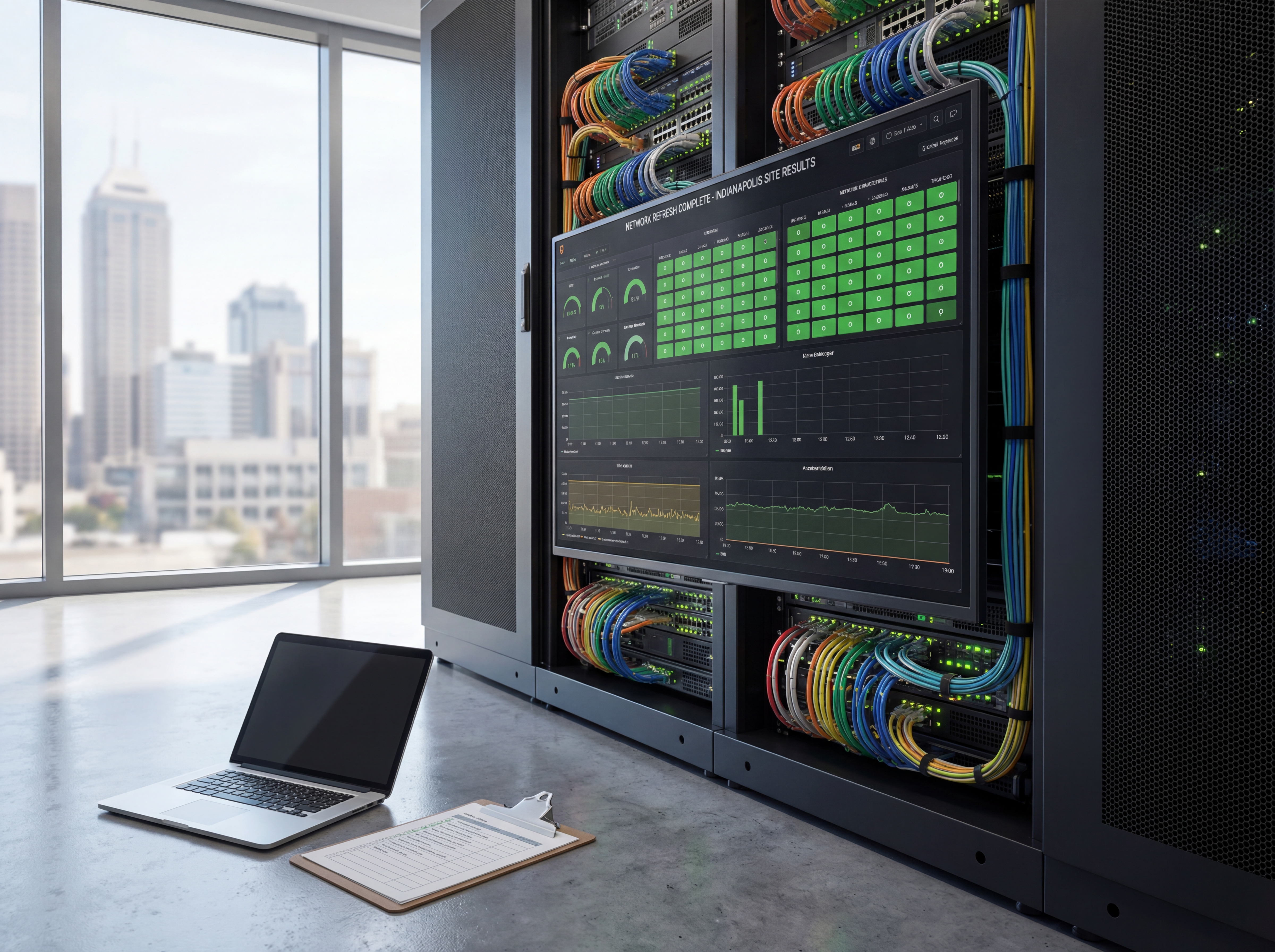
Use this three-phase outline to keep projects predictable and make sure every stakeholder knows what is happening next.
- Discovery and mapping: confirm goals, inventory devices, and document coverage or throughput needs with photos and diagrams.
- Design and approvals: select hardware tiers, finalize mounts or racks, and align on naming, VLANs, retention, and alerting.
- Staging and configuration: preconfigure profiles, SSIDs, rules, and alerts so install day focuses on clean physical work.
- Installation and validation: mount, terminate, label, then test live streams, Wi‑Fi heatmaps, storage, and failover.
- Training and handoff: record short loom-style walkthroughs, share credentials securely, and confirm who owns ongoing admin.
- Ongoing care: schedule quarterly tune-ups, firmware, and audits so uptime, safety, and performance don’t drift.
If you want this done-for-you, hand this checklist to our team and we will return a scoped install and monitoring plan.
Common mistakes to avoid
Most delays come from small oversights. Prevent them up front.
- Skipping a site walk: without photos and measurements, mounts, conduit, and cable paths get improvised on install day.
- Under-sizing power or bandwidth: PoE budgets, UPS capacity, and uplink headroom need headroom for growth.
- No naming conventions: unlabeled ports, cameras, SSIDs, or VLANs slow troubleshooting and confuse future admins.
- Forgetting user access: define who can view, export, or administer before launch to avoid security gaps.
Measurement and reporting
Report on outcomes so leadership sees ROI and teams stay funded.
Operational KPIs
- Uptime and mean time to restore
- Alert volume, false positives, and response times
- Storage utilization vs. retention targets
- Bandwidth headroom during peak use
Business KPIs
- Incident reductions and resolved tickets
- Safety/compliance milestones achieved
- Customer or tenant satisfaction scores
- Time saved on audits and investigations
Share a one-page monthly summary that highlights action items, blockers, and upcoming changes so every stakeholder stays aligned.
Indiana rollout plan for Network Refresh
Network Refresh works best when the rollout starts with the right topology. Map device density, work areas, and any camera or POS needs before ordering hardware.
A clear cabling plan keeps APs and switches where they should be, while VLANs protect sensitive traffic from guest networks.
We deliver Indianapolis and Carmel builds with labeled wiring, tested uplinks, and documented settings for easy support.
- Identify coverage gaps and dead zones in advance.
- Plan switch placement for PoE loads and uplinks.
- Separate business, guest, and IoT traffic.
- Standardize SSID naming and password rotation.
- Test bandwidth for video, VoIP, and cloud apps.
- Document maintenance windows and escalation steps.
Need help with the rollout? Schedule a network assessment.
Performance checklist for Network Refresh
Once the network is live, performance monitoring keeps Network Refresh dependable. Track usage by zone, watch for interference, and adjust AP power to keep coverage consistent.
A documented support plan keeps staff moving if something breaks. That matters for Indiana businesses that rely on cloud apps, cameras, and VoIP.
- Baseline upload and download speeds by site.
- Check roaming performance and handoff quality.
- Audit switch ports and PoE budgets quarterly.
- Rotate passwords and refresh guest policies.
- Review device inventory and replace aging hardware.
- Document escalation steps for outages.
Need ongoing help? Use our support portal or request a site visit.
Need refresh support?
We handle Indianapolis refreshes with staging, templates, and after-hours cutovers.
Schedule a refreshApproval checklist for Network Refresh
Before approving Network Refresh, confirm the plan accounts for device count, coverage goals, and ongoing support. This keeps Indiana sites stable after rollout.
- Coverage map for work areas and parking lots.
- PoE budget for access points and cameras.
- Network diagram with VLAN segmentation.
- ISP backup or failover plan.
- Maintenance windows and update plan.
- Support escalation and response times.
We supply these artifacts as part of every network assessment.
Sowynet rollout plan for Network Refresh
We deliver a clean install with documented settings so Indiana teams can support the network after launch. Our process keeps disruptions low and performance high.
- Design review and device inventory.
- Infrastructure prep and staging.
- On-site install and validation testing.
- Training for staff and admins.
- Ongoing monitoring and support.
Ready to upgrade? Request a network consult.
Local reliability checklist for Network Refresh
Indiana weather and ISP variability make reliability a priority. Use this checklist to keep Network Refresh stable after deployment.
- Test failover or hotspot backup options.
- Confirm UPS coverage for key equipment.
- Review firmware versions quarterly.
- Audit guest networks for misuse.
- Monitor latency and packet loss trends.
- Document support response steps.
We can help with monitoring and support if you need ongoing coverage.
Execution framework
Use the refresh checklist to avoid cutover surprises
Pain: network refreshes fall apart when switch roles, cabling labels, internet dependencies, and backup access paths are not documented before cutover.
Fix: audit the current environment, confirm the target design, and test the migration order before any production equipment is swapped.
Result: refreshes finish faster, downtime stays controlled, and staff know exactly what changed after the rollout.
- Inventory every switch, uplink, VLAN, ISP handoff, and static device before changes begin.
- Label ports, patch panels, and replacement gear before the maintenance window.
- Test backups, remote access, and controller recovery before cutover night.
- Sequence core equipment first and noncritical zones after stability is confirmed.
- Prepare rollback steps if the new hardware does not come up cleanly.
- Close the project with updated diagrams and device exports.
If your refresh checklist still feels incomplete, book a network review and we will help tighten the cutover plan.
Frequently asked questions
Common questions
Share these answers with stakeholders or assistants to speed approvals.
Should we replace everything at once?
Phased rollouts reduce risk. Start with core switches and Wi-Fi, then edge devices.
Can we keep the same SSIDs?
Yes, but audit security settings and passwords during the refresh.
What about old cabling?
Test and label existing runs; replace failing or slow lines while racks are open.
Quick summary
Networking at a glance
Key points to share with teams before planning.
- Inventory gear and back up configs before changes Inventory gear and back up configs before changes.
- Template and test during cutovers Template and test during cutovers.
- Turn on monitoring before declaring success Turn on monitoring before declaring success.
Use this summary to give your team fast context.
Pain - Fix - Result Framework
Why network refreshes go off track
Pain: Missing labels, undocumented dependencies, and unclear rollback steps turn routine refreshes into late-night troubleshooting.
Fix: Treat the refresh as a documented cutover with inventory, testing, fallback steps, and a clear owner for each phase.
Result: Shorter downtime, cleaner transitions, and a network the team can support with confidence after the swap.
Next step
Turn the checklist into a real cutover plan
Use the related service page to line up inventory, cutover order, rollback steps, and post-refresh validation before maintenance starts.
That keeps the window focused on execution instead of guesswork.
It also makes the final handoff much easier for whoever supports the network next.
Review network refresh supportRelated reading
Explore related guides and service pages
These links expand the topic and help readers compare practical next steps.
Loading related resources...
Loading recent posts...