Restaurant Growth
Restaurant Catering Page Design: Turn Catering Interest Into Better Inquiries
Restaurant catering page design that helps local restaurants turn catering traffic into clearer inquiries, better package fit, and faster follow-up.
restaurant catering page design matters because catering buyers do not browse the way dine-in guests do. They arrive with an event in mind, a budget concern, and a short list of questions. If the page feels vague, hard to scan, or hard to trust, they leave before the restaurant ever gets the inquiry.
Pain: the restaurant gets catering interest, but the page does not explain package fit, event flow, or the next step clearly enough to convert. Fix: build one page around buyer questions, package clarity, proof, and a simple inquiry path. Result: stronger inquiries, fewer back-and-forth calls, and a catering workflow that supports revenue instead of creating confusion.
This is where many local restaurants lose business quietly. The menu may be strong and the service may be excellent, but the page still forces the buyer to guess about guest counts, pickup or delivery, lead time, or what happens after they submit.
The better path is not more hype. It is a page that answers the right questions fast, supports local SEO, and makes the inquiry feel easy for the buyer and easier to handle for the team.
Key takeaways
Restaurants lose catering leads when the page hides package details, weakens trust, or makes the inquiry path feel like extra work.
- Clarity qualifies better. Buyers need fast answers on guest fit, ordering flow, and response expectations.
- Proof reduces hesitation. Strong photos, service details, and realistic package framing build trust quickly.
- Simple follow-up wins. A cleaner inquiry path helps the team respond faster and close better-fit events.

Why restaurant catering page design affects revenue before owners notice it
Most restaurant owners do not think of the catering page as a sales system. They think of it as a helpful extra page. That is usually the mistake. Catering traffic is often high intent traffic. The visitor is not looking for a broad brand story. They are trying to decide if the restaurant can handle a work lunch, graduation party, office drop-off, or weekend event.
When the page is thin, the hidden cost shows up fast. The buyer leaves. Or they submit a weak inquiry because the page never qualified the order size, service area, lead time, or package style. Then the team wastes time sorting through mismatched leads while better-fit buyers go somewhere else.
That is why restaurant catering page design should be treated like a conversion asset. It needs to support trust, qualification, and response speed at the same time.
Pain, fix, result: why catering interest dies on weak pages
Pain: the page says the restaurant offers catering, but it leaves too much unsaid. Buyers cannot tell what kind of events fit, what menu direction is available, whether delivery is possible, or how long a response takes. They open the page, scroll once, and keep searching.
Fix: build the page around practical buyer decisions. Show package direction, event examples, guest-count guidance, service area notes, and a clear inquiry path with realistic response expectations. Keep the copy plain. Use photos that support the catering story instead of generic dining-room images.
Result: the page starts filtering the right buyers in instead of forcing the team to do all the filtering by phone. That leads to cleaner inquiries, better response efficiency, and more confidence that website traffic can produce booked catering work.
What a restaurant catering page should show before the form starts
The page should solve the buyer's first round of doubt before any form field appears. That usually means showing what kind of catering the restaurant handles, what event sizes fit best, and whether the experience is pickup, delivery, or full-service coordination.
Package clarity matters here. A page does not need to list every possible option, but it should show the structure. Buyers should be able to understand whether they are looking at tray catering, boxed meals, party packages, buffet service, or a custom quote path. That makes the first inquiry better and keeps the team from rewriting the basics in every reply.
This also helps other channels perform better. A Google Business Profile update, a social promo, or a local SEO page works harder when it links into a catering page that can actually close the click.
- State the event types and guest ranges the restaurant serves best.
- Show package examples or pricing anchors when that helps qualify.
- Explain pickup, delivery, setup, and notice requirements simply.
- Use one primary inquiry path instead of scattered buttons and forms.
- Set a clear response expectation so the buyer knows what happens next.
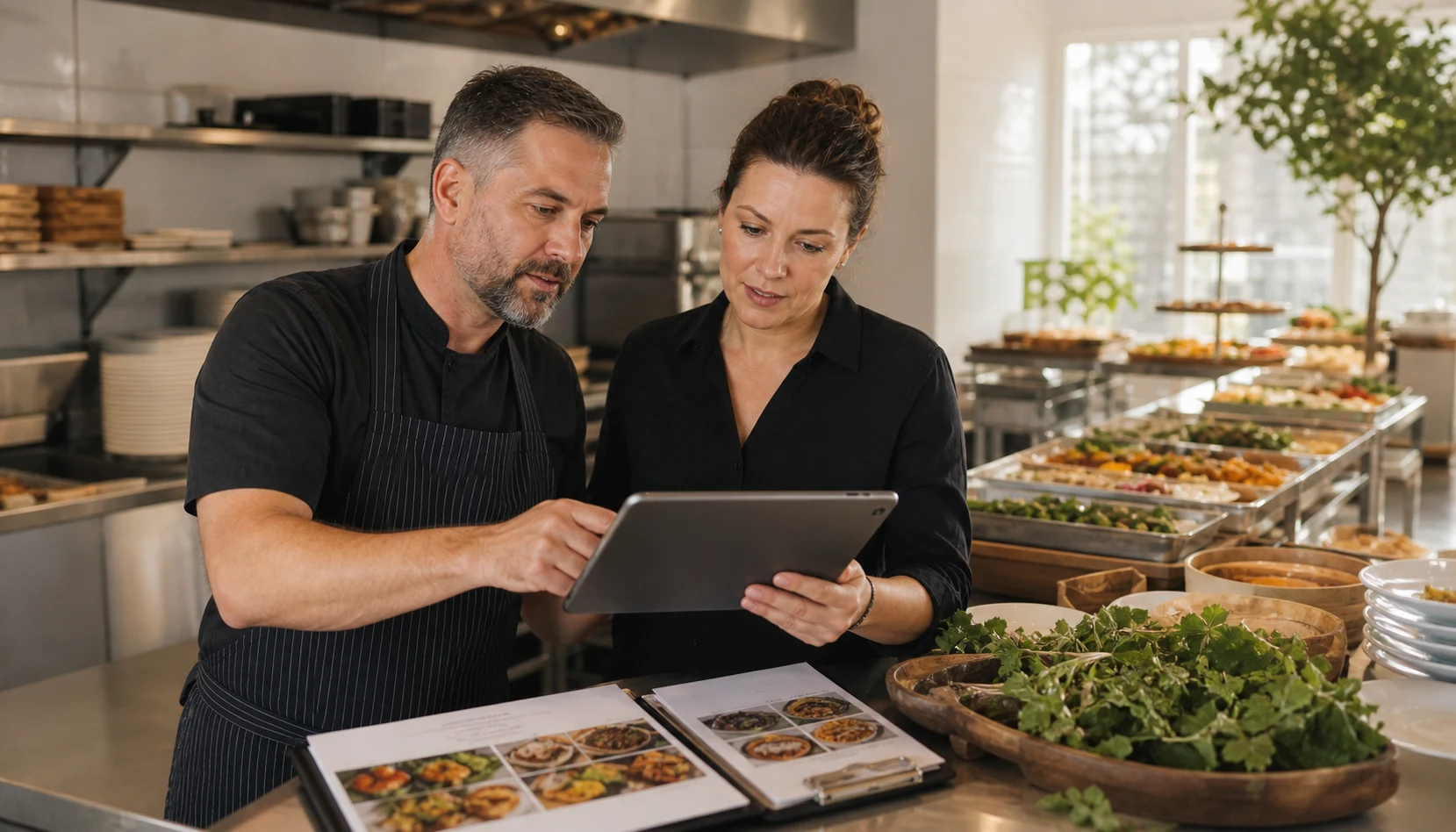
Checklist: the weekly and monthly updates that keep the page selling
A strong catering page is not a one-time launch asset. It needs a simple maintenance rhythm, especially for restaurants that change trays, seasonal offers, holiday capacity, or delivery rules throughout the year.
- Review the top package sections on mobile and make sure they scan cleanly.
- Check lead-time rules, service areas, and event minimums for accuracy.
- Update one proof element: photo, testimonial, event example, or package note.
- Test the inquiry form, call button, and confirmation path from start to finish.
- Review whether social links and Google Business Profile posts still point to the right catering page.
- Track which inquiries turn into real conversations so the page can improve around real demand.
This is where website support becomes practical. The page should stay aligned with operations without the owner needing a redesign every time capacity or offers shift.
How restaurant catering page design supports SEO and better lead quality
Search visibility alone is not the win. The page has to support the intent behind the click. A buyer searching for catering help wants a focused destination, not a homepage detour and not a menu page that forces extra work.
That is why the strongest catering pages connect search intent, internal links, and buyer clarity. A restaurant can link into this page from its SEO strategy work, from local content about event demand, and from related pages such as restaurant web design that improves orders. Each path gives the buyer a more direct route to the specific offer.
Better structure also improves lead quality. When the page explains fit clearly, the team gets fewer vague messages and more inquiries that already understand the basics.
Common mistakes that make catering pages underperform
The first mistake is burying the offer. Many restaurants mention catering in navigation but never give it a proper page with its own proof, packages, or inquiry path.
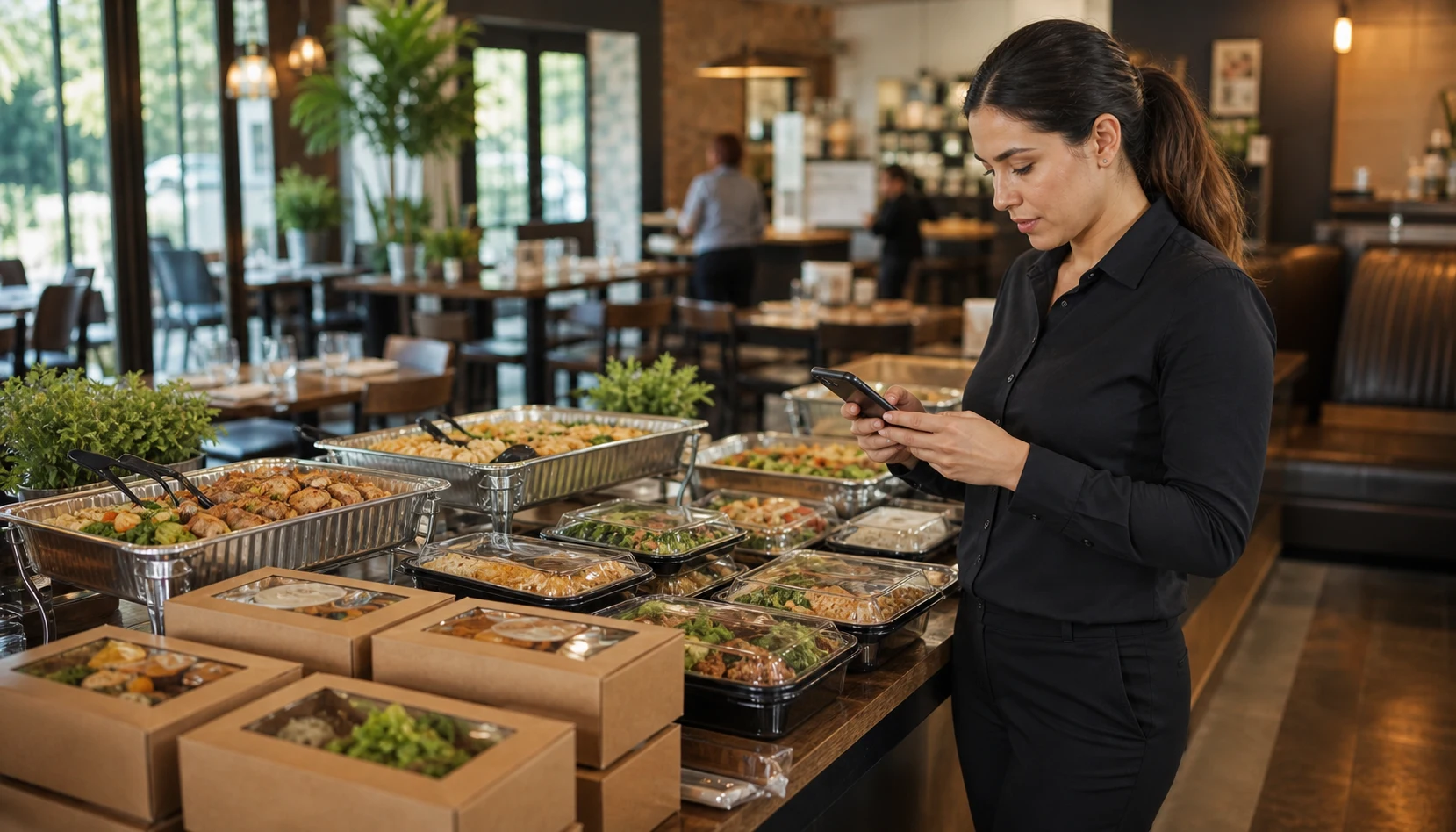
The second mistake is treating dine-in photos like catering proof. Beautiful dining-room photography can help brand feel, but catering buyers also need to picture trays, portions, setup, and event readiness.
The third mistake is weak next-step design. If the buyer has to hunt for a phone number, wonder who replies, or fill out a form that asks everything and promises nothing, the page will lose momentum right when intent is strongest.
How Sowynet builds restaurant pages that turn catering traffic into action
We start with the friction closest to revenue. For some restaurants, the issue is no dedicated catering page at all. For others, the page exists but needs better package framing, stronger trust signals, or a cleaner inquiry flow. The goal is the same: reduce buyer doubt and make the next step easier to understand.
From there, we connect the page to the rest of the system. That includes website support, local SEO pages, social entry points, and follow-up workflows so the page is not working alone. A cleaner path from click to call or form fill usually creates the biggest gain because it helps both search traffic and referral traffic convert better.
If the restaurant serves Indianapolis, Carmel, or surrounding Indiana demand, this kind of page often becomes one of the most useful sales assets on the site because it supports high-value event intent instead of hoping buyers figure the offer out for themselves.
Internal linking plan
Support the next step with the right pages
Readers should move from this guide into the pages that help them act, compare, or tighten execution.
- Website support for ongoing updates
- Web design in Indianapolis
- SEO services
- Restaurant online ordering page
- Restaurant social media marketing for orders
That link path keeps the buyer journey tight instead of forcing users back to broad top-level pages.
Clear next step
Need help improving a restaurant catering page that gets visits but not enough inquiries?
We can review the page, package framing, and inquiry flow, then show what to fix first so catering traffic turns into better-fit leads.
Book a quick review Compare website support optionsFrequently asked questions
Questions restaurant owners ask before updating a catering page
These are the practical questions that come up once the page starts being treated like a real sales tool.
What should a restaurant catering page include first?
Start with package clarity, service area, guest count guidance, proof photos, and one clear inquiry path. Buyers should understand whether the restaurant fits their event before they fill out a form.
Should a catering page have prices?
Usually it should show starting ranges, package examples, or minimums when that helps qualify the lead. Full custom pricing can still happen after the first inquiry.
Can restaurant catering page design help SEO too?
Yes. A clear catering page gives search engines and buyers a focused destination for catering intent, and it supports stronger internal links from social, Google Business Profile, and local service content.
How often should a restaurant review its catering page?
Review it at least monthly, and faster when menu packages, delivery rules, holiday demand, staff capacity, or lead response workflows change.
Quick summary
Short version for busy teams
Pain: restaurants lose catering revenue when the page leaves buyers guessing about fit, packages, and response time. Fix: build the page around event questions, clear package framing, proof, and one clean inquiry flow. Result: better-qualified leads, less staff friction, and a catering page that supports both SEO and sales.
Loading related resources...
Loading recent posts...