Restaurant website support
Restaurant Menu Page Speed: Faster Pages That Protect Direct Orders
Restaurant menu page speed affects orders, calls, and trust. Fix the mobile friction that makes hungry customers leave before they finish.
Restaurant menu page speed matters most when the customer is already close to acting. It is lunch break. It is the drive home. It is a family deciding what to order before the rush starts. They tap the menu because they want an answer now. If the page stalls, jumps, or feels heavy on a phone, that customer does not wait with patience. They back out, call with basic questions, or pick a place that feels easier.
Pain: menu intent is strong, but the page is slow enough to interrupt trust right before the order. Fix: tighten the menu page so the first screen loads quickly, the food categories make sense, and the next action stays obvious on mobile. Result: more direct orders, fewer confused calls, and a restaurant website that supports the rush instead of slowing it down.
This guide is for owners and managers who do not want abstract website advice. It is for teams that need their menu page to work harder during real service hours.
Key takeaways
Fast menu pages reduce drop-off during the most valuable seconds of the visit and make every other local marketing click easier to convert.
- Speed changes trust. A slow menu page makes the whole restaurant feel less organized online.
- Mobile is the real test. If the menu is hard to use on a phone, direct order intent leaks fast.
- Fixes should stay operational. Image weight, category flow, and update discipline matter more than flashy redesign talk.

Why restaurant menu page speed costs real orders during the rush
Most restaurants do not lose menu traffic because people dislike the food. They lose it because the page creates friction at the exact moment the customer is trying to decide. The menu opens slowly. Large images push the content down. The category list jumps. The call button is there, but the order path is not clear. That is enough to break momentum.
Menu visits are not low-intent browsing. They usually come from Google Business Profile, direct search, social links, or repeat customers who already know the restaurant. That is why this problem belongs in the same conversation as website support and SEO services. Local visibility brings the click. The menu page still has to finish the job.
When restaurant menu page speed is weak, the team often blames the wrong layer. They think the issue is slow nights, weak social content, or low search volume. In reality, some of the demand already arrived and got lost inside a bad mobile experience.
Pain, fix, result for restaurant menu page speed
Pain: customers reach the menu with real order intent, but the page loads too slowly, feels heavy on mobile, or hides the next step until patience runs out.
Fix: reduce weight, simplify the first screen, keep category structure clear, and connect the menu to one obvious order, call, or reservation path.
Result: direct orders face less friction, staff handles fewer repetitive menu questions, and the website does a better job turning local attention into action.
This sequence matters because rush-hour traffic is unforgiving. Customers are not grading the page like a design review. They are deciding whether the restaurant feels easy enough to trust right now. That is a business decision, not just a technical one.
What guests notice in the first three seconds
The first useful view of the menu does more work than most owners realize. Guests want to know they are in the right place, they can see real food options quickly, and the path to ordering or calling is not buried under slow-loading clutter.
- They notice whether the menu appears before decorative elements.
- They notice whether the category labels make sense without extra effort.
- They notice whether the order or call action stays easy to reach.
- They notice whether photos help the decision or simply slow everything down.
- They notice whether the page feels calm and usable on a real phone connection.
If the menu page feels unstable, the customer does not think, "This site needs optimization." They think, "This is annoying." That small reaction is enough to cost a direct order that already came close to the finish line.
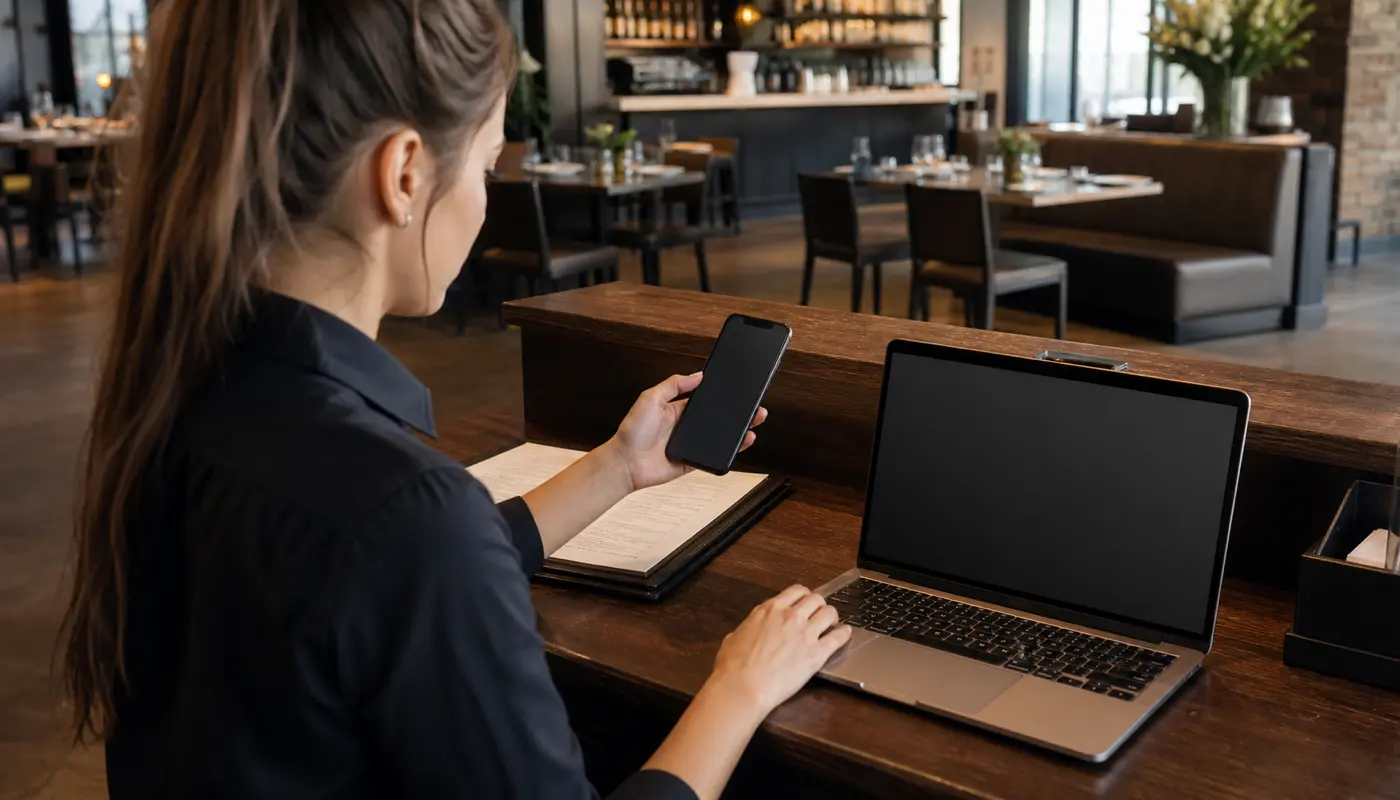
Checklist: seven fixes that improve menu page performance fast
Use this checklist before spending more on traffic or content.
- Compress oversized food photos before they reach the menu page.
- Load the menu content before less important visual extras.
- Keep category names short, plain, and easy to tap on mobile.
- Move one clear call, order, or reservation action into the first useful screen.
- Remove expired promos, duplicate menu sections, and heavy embeds that no longer help conversion.
- Test the menu on real mobile data, not only fast office Wi-Fi.
- Review what questions still turn into calls after the update so the next fix stays grounded.
This is where a support workflow beats random one-off edits. The menu page should not only get faster once. It should stay usable after photo swaps, seasonal changes, and ordering updates.
How menu speed supports Google clicks, direct orders, and reservations
Customers do not separate channels the way owners do. They search, tap the profile, open the menu, and decide. That means a better menu page helps more than one metric. It supports Google Business Profile traffic, direct search traffic, repeat visits, and even reservations when the menu is part of the research step before someone books a table.
A cleaner menu experience also supports related pages like a restaurant reservation page. When both pages feel fast and easy, the whole site feels more trustworthy. When one page drags, the whole path feels weaker.
This is why menu speed is not a separate technical chore. It is part of local conversion. If the guest comes from search and lands on a slow menu, the restaurant wastes some of the visibility it worked to earn.
What a monthly support rhythm should review
Restaurant menu pages drift over time. New photos get uploaded without compression. A special gets added and never removed. Category labels stop matching what the kitchen is pushing now. A third-party script gets dropped in and quietly slows everything down. That is why menu performance needs a monthly owner.
- Test the menu page on one iPhone and one Android device.
- Check the load feel on mobile data, not only in the building.
- Review whether the first screen still shows the right categories and next step.
- Update or remove heavy assets that no longer help the buying decision.
- Compare customer questions with what the page currently answers.
That review also helps decide whether the next priority is the menu, the broader ordering flow, or a stronger Google profile link path. Even a good article like Google Business Profile category work has limited value if the menu page still feels slow after the click.
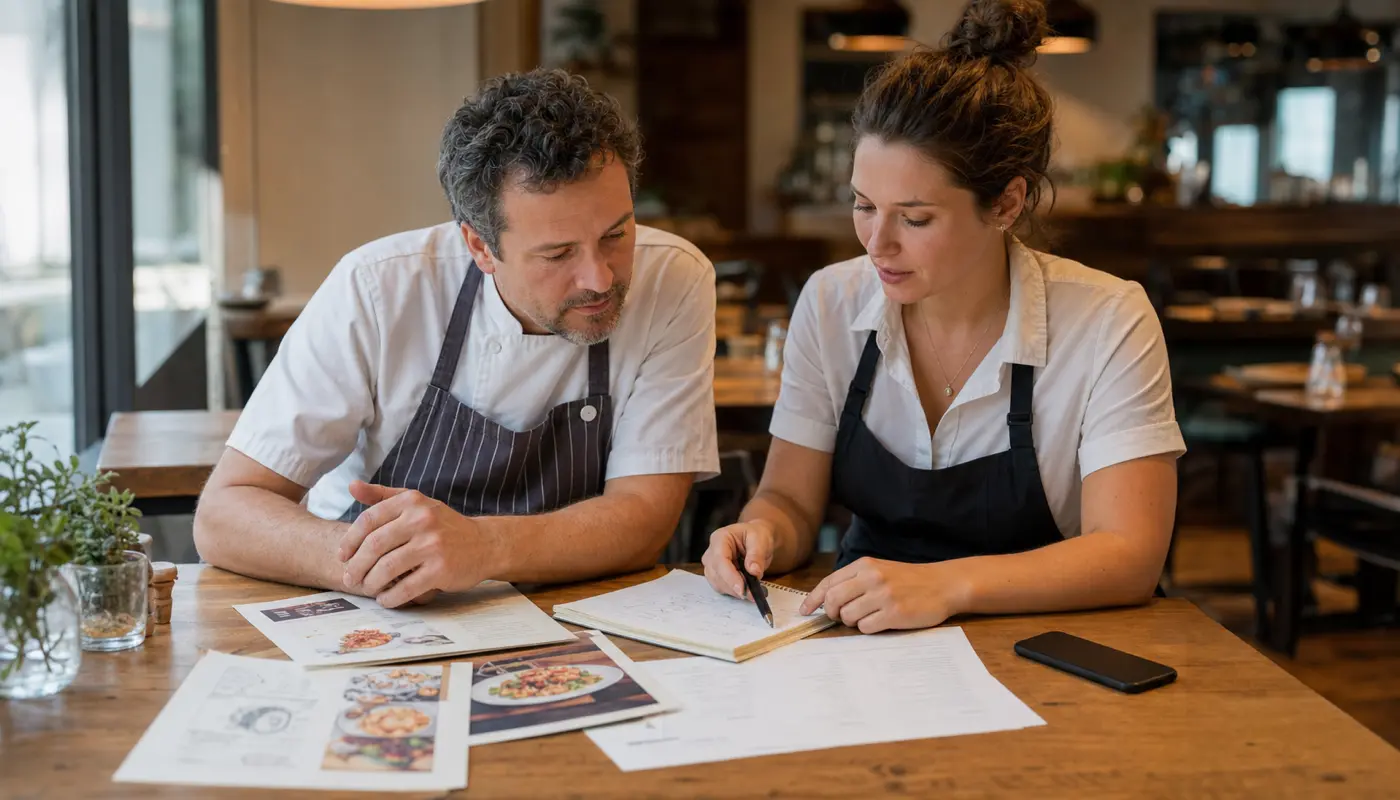
How Sowynet approaches a faster restaurant menu page
We start with the real customer path, not abstract score chasing. We look at what the guest sees first, what slows the first useful view, and where the page loses confidence before the person reaches the order, call, or reservation decision.
Then we tighten the operational pieces that matter: image handling, load order, category clarity, mobile usability, and the path to action. The point is not a prettier dashboard. The point is a faster path from appetite to action.
That approach keeps the work aligned with what restaurant owners actually buy support for: fewer missed opportunities, cleaner direct orders, and a website that does not make the rush harder than it already is.
Internal linking plan
Connect menu speed to the next useful page
Readers should be able to move from menu friction to the broader support path without guessing.
Clear next step
Need help fixing a slow restaurant menu page?
We can review the current menu path, show what slows guests down first, and map the shortest route to faster direct orders and fewer avoidable calls.
Book a menu-page review Review website support scopeFrequently asked questions
Questions owners ask before they fix menu friction
Why does restaurant menu page speed matter so much on mobile?
Because many customers open the menu right before ordering, calling, or choosing where to eat. A slow page creates doubt at the worst time.
What is the first fix to make on a slow restaurant menu page?
Start with oversized images, heavy scripts, and any page element that delays the first useful menu view on a phone.
Can faster menu pages help calls and reservations too?
Yes. Faster pages improve trust across the whole visit, so the guest is more likely to keep moving instead of backing out.
How often should a restaurant review menu page speed?
Monthly is a strong baseline, and the page should be rechecked after menu changes, seasonal promos, or ordering-flow updates.
Quick summary
Short version for busy restaurant teams
Pain: customers reach the menu ready to act, but a slow page interrupts trust before they finish. Fix: clean up the first screen, reduce weight, simplify category flow, and keep the next step obvious on mobile. Result: stronger direct orders, fewer confused calls, and a website that supports the rush instead of slowing it down.
Loading related resources...
Loading recent posts...