Restaurant website support
Restaurant Reservation Page: Turn Booking Clicks Into Confirmed Tables
A restaurant reservation page should turn high-intent clicks into confirmed tables with less friction, fewer missed calls, and clearer next steps.
A restaurant reservation page matters because the guest clicking it is already close to saying yes. They searched the restaurant, checked reviews, or tapped over from Google Business Profile or social media. If the reservation path feels slow, unclear, or incomplete, the table does not get booked. The guest calls instead, leaves the page, or chooses another place that feels easier.
Pain: reservation intent is real, but the page creates friction right before the table is confirmed. Fix: make the reservation page faster, clearer, and easier to trust on mobile while giving guests one obvious backup path if they still need help. Result: more booking clicks turn into confirmed tables, fewer missed-call leaks, and a better return from the traffic the restaurant already earned.
This guide stays practical. It is for restaurant owners and managers who want a cleaner booking path, not another generic marketing talk track.
Key takeaways
The strongest reservation pages reduce doubt fast, answer the common questions early, and make the next step obvious on a phone.
- Show the booking action first. Guests should not scroll through branding before they can reserve.
- Answer friction before it becomes a call. Party size, hours, parking, and policy details reduce hesitation.
- Keep one fallback path. A clean call or contact option protects conversions when guests need human help.

Why a restaurant reservation page loses bookings before the guest decides
Most restaurants do not lose reservations because the dining room looks weak. They lose them because the page makes small decisions feel harder than they should. Guests cannot tell if the restaurant takes reservations for their party size. They do not know whether the patio is bookable, whether late arrivals are fine, or whether a simple question requires a phone call.
That friction creates a silent leak. The guest was ready to book, but the path became a chore. On mobile, even one extra delay matters. If the page loads slowly, hides the reservation action, or forces the user to dig for basic details, the restaurant gives away an easy win.
That is why this topic belongs in the same conversation as website support, SEO services, and restaurant web design. Reservation conversion is not separate from the rest of the growth system. It is where trust has to cash out.
Pain, fix, result for a restaurant reservation page
Pain: booking clicks reach the site, but the guest still hesitates because the reservation page feels broad, incomplete, or too slow on mobile.
Fix: build the page around one clear booking action, simple policy answers, stronger trust details, and a backup contact path that does not force guests to start over.
Result: more reservation intent becomes confirmed tables, staff handles fewer repetitive phone questions, and the restaurant gets a cleaner conversion path from search to service.
This sequence matters because reservation demand often shows up at busy moments. When the page is weak, staff pays twice: once in lost bookings and again in interrupted front-desk calls from guests who only wanted clarity.
What guests need to see in the first screen
A strong reservation page should confirm three things quickly. First, the restaurant takes reservations in a way that matches the guest's situation. Second, the booking action is easy right now. Third, if the guest has one unusual question, there is a simple fallback path.
- Show one visible reserve action above the fold.
- Confirm hours, location, and booking availability basics early.
- Explain party-size or same-day limits in plain language.
- Make the phone or contact backup easy to find without overpowering the main booking action.
- Keep the page fast enough that a mobile guest does not second-guess the click.
If the restaurant depends on events, patio demand, or weekend traffic, the first screen should also reduce the questions that usually turn into missed calls. That connects directly to a restaurant missed call follow-up system. The cleaner the page is, the fewer bookings leak into voicemail.
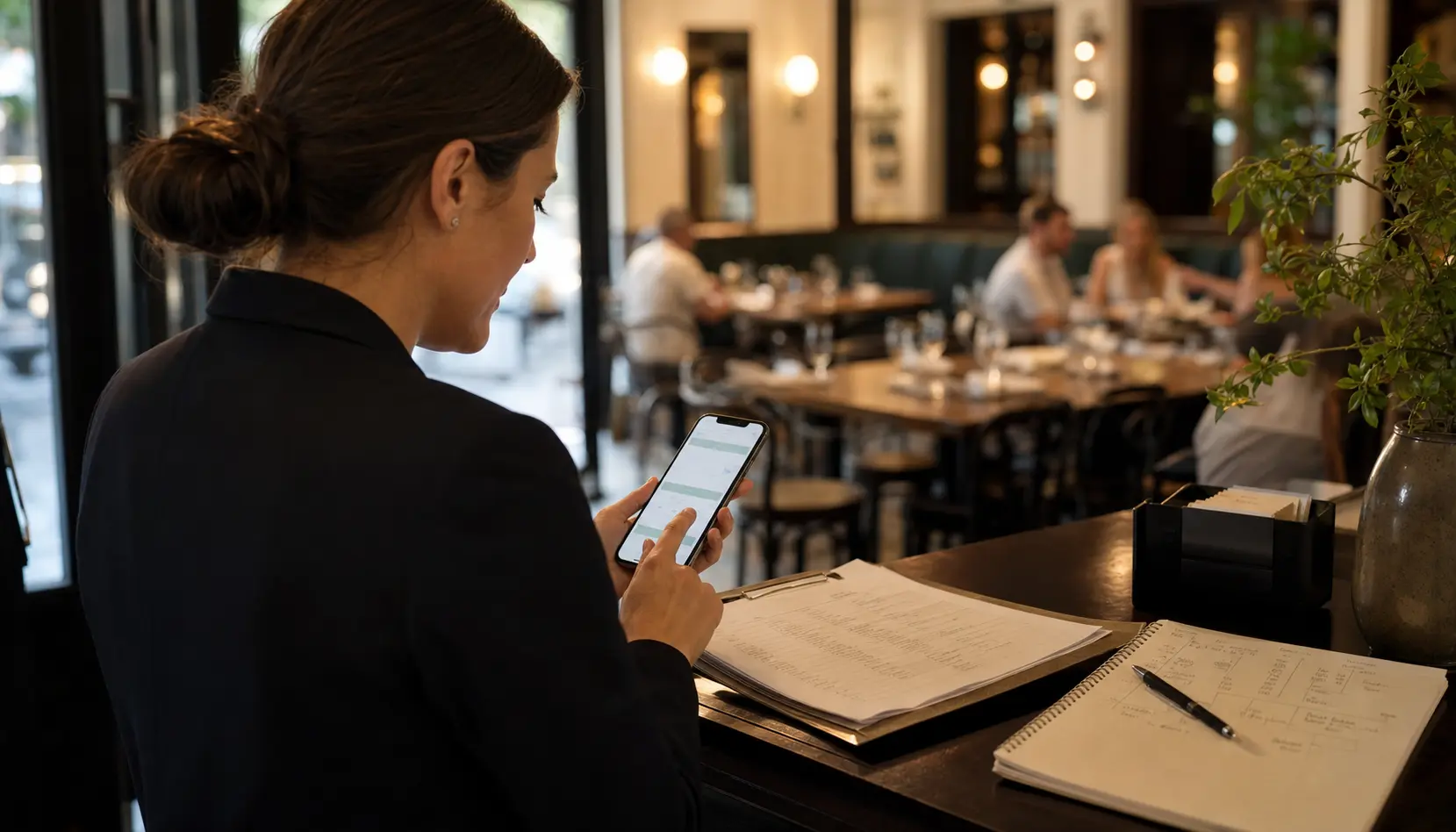
Checklist: seven fixes that improve restaurant reservation conversion
Use this checklist before you spend more on ads, posts, or Google profile updates.
- Test the reservation page on a real phone during normal data conditions.
- Make sure the reserve action appears before a long story or image block.
- Add clear notes for party size, waitlist rules, and special requests only if they truly matter.
- Remove outdated event language, old holiday notices, and stale dining policies.
- Keep the fallback phone number or contact option visible but secondary.
- Match the page with what guests saw in Google Business Profile, social posts, or your homepage.
- Review which calls and messages still happen after the page update so the next fix stays grounded.
This is also where internal links should do real work. A guest reading a booking-focused post should be able to reach the core service path, the broader site-support offer, and the restaurant-specific conversion guides without hunting for them.
How reservations, local SEO, and support overlap
Owners often separate these topics. Local SEO is one job. Website support is another. Reservations are an operations issue. Guests do not experience the restaurant that way. They experience one path: search, profile, site, reservation, arrival.
If the reservation page is weak, the whole system looks weaker. A strong Google Business Profile for restaurants can send the click, but the page still has to finish the job. A strong post can create demand, but the booking path still has to feel easy. A strong site design can build trust, but the reservation step still has to prove that trust with clean execution.
That is why monthly support matters. Reservation pages drift when hours change, private events increase, new policies get added informally, or the team starts answering the same question by phone every week. Support keeps the booking path aligned with the real restaurant.
What to review every month on a restaurant reservation page
A light monthly review is enough for many independent restaurants, as long as someone owns it. The review should not be abstract. It should compare what the page promises with what the team is actually handling.
- Review reservation clicks, calls about reservations, and common front-desk questions.
- Check whether the booking action still works well on mobile.
- Update one weak trust detail: parking, hours, policy notes, event flow, or party-size guidance.
- Remove one piece of friction that keeps turning into a phone interruption.
- Confirm the page still matches the restaurant's homepage, Google profile, and current service reality.
That kind of review turns a one-time page fix into a better operating habit. It also helps the team decide whether the next priority is reservation flow, menu flow, or broader restaurant website support for menus, hours, and offers.
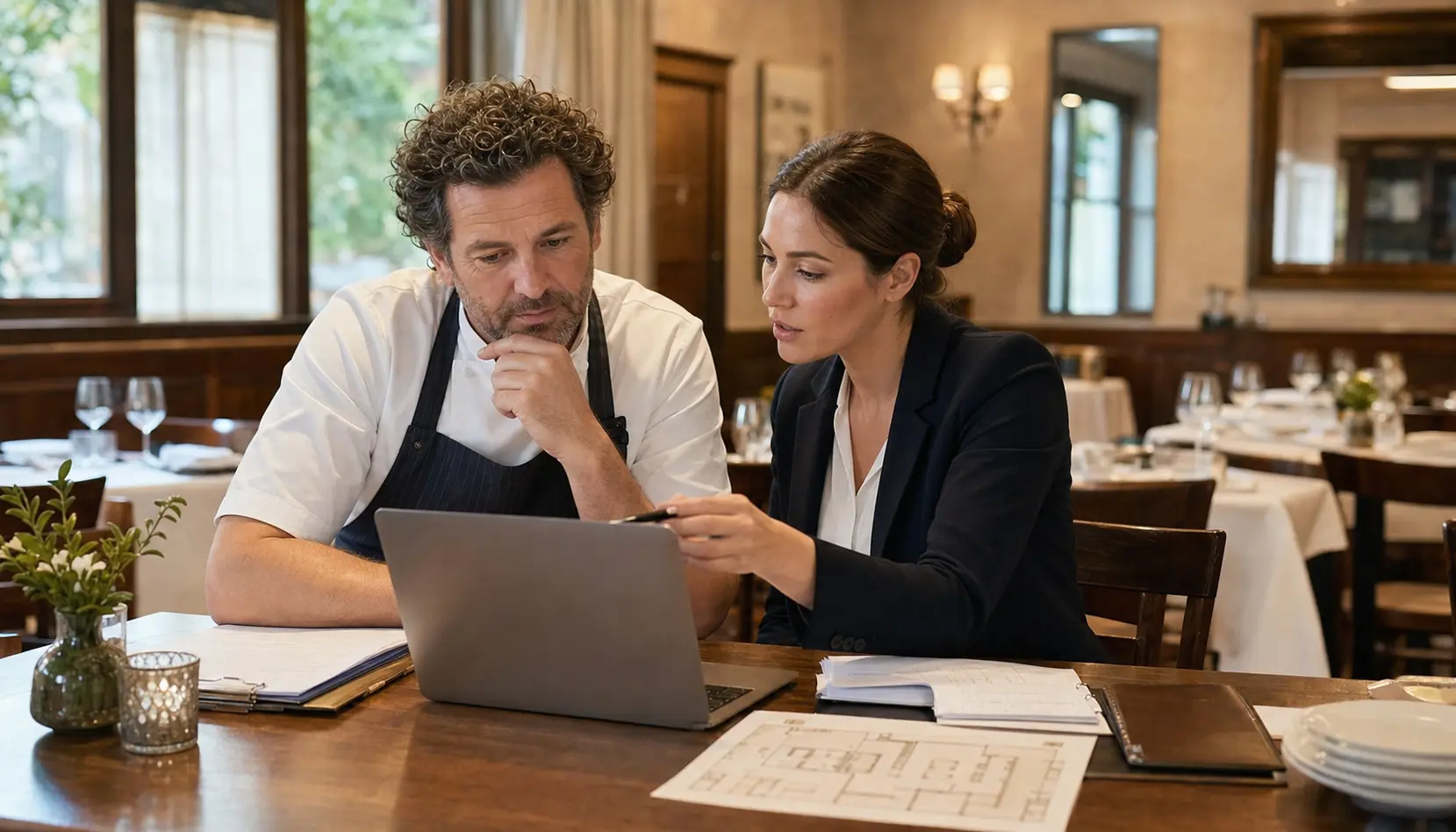
How Sowynet supports booking pages without adding more complexity
We start with the real booking path. We check what the guest sees first, what slows them down, and what still forces a call. Then we tighten the page around the actions that matter: reserve, confirm the basics, and reach a human if the case is unusual.
From there, support becomes easier to maintain. The restaurant gets a clearer page, a smaller list of repeat questions, and better visibility into whether reservation intent is actually becoming confirmed tables. That is the point of the work. The page should remove stress from the front desk, not create another fragile marketing task to babysit.
Internal linking plan
Support the next step with the right pages
Readers should be able to move from reservation friction to the broader conversion system without guessing where to go next.
Clear next step
Need help fixing a restaurant reservation page?
We can review the current booking path, show what is slowing guests down, and map the shortest route to more confirmed tables and fewer front-desk interruptions.
Book a reservation-page review Review website support scopeFrequently asked questions
Questions owners ask before they fix booking friction
What should a restaurant reservation page show first?
Start with the reserve action, then confirm hours, location, and the details that usually block a guest from committing.
Can a better reservation page reduce missed calls?
Yes. The more clearly the page answers basic reservation questions, the fewer guests call just to confirm simple details.
How often should a restaurant review its reservation page?
Review it every week for light accuracy checks and every month for a deeper conversion review, especially before busy seasons or event periods.
Does a reservation page help local SEO too?
It can. When the page is fast, useful, and aligned with the rest of the local search path, more visitors stay engaged and convert.
Quick summary
Short version for busy teams
Pain: guests click to reserve, but the page still creates enough doubt that bookings leak into calls, delays, or drop-off. Fix: build the reservation page around one clear booking action, early trust details, and one clean fallback path. Result: more confirmed tables, fewer missed-call interruptions, and better conversion from the local traffic you already earned.
Loading related resources...
Loading recent posts...