Restaurant security
Restaurant Security Cameras Indianapolis: Wi-Fi and Camera Checklist
Keep kitchens, dining rooms, and registers protected with a simple playbook that covers cameras, Wi‑Fi, access, and loss prevention—built for Indianapolis and Carmel restaurants.
Restaurant operations move fast: multiple shifts, cash handling, deliveries, and guests on Wi‑Fi. When cameras, access, or networks fail, service slows and risk rises. Use this checklist to tighten security without slowing hospitality.
We built it from on-site installs across Indianapolis and Carmel—covering camera placement, POS-friendly networks, and manager-friendly reporting.
Key takeaways
Map cameras to entrances, registers, kitchens, and docks; segment POS and guest Wi‑Fi; train managers on alerts and audits.
- Cover cash and food flow. Entrances, registers, safes, kitchens, bars, and back doors get priority angles.
- Segment networks. POS and cameras never share guest Wi‑Fi; use VLANs and PoE switches with headroom.
- Train staff. Managers know how to pull footage, respond to alerts, and request maintenance before a rush.
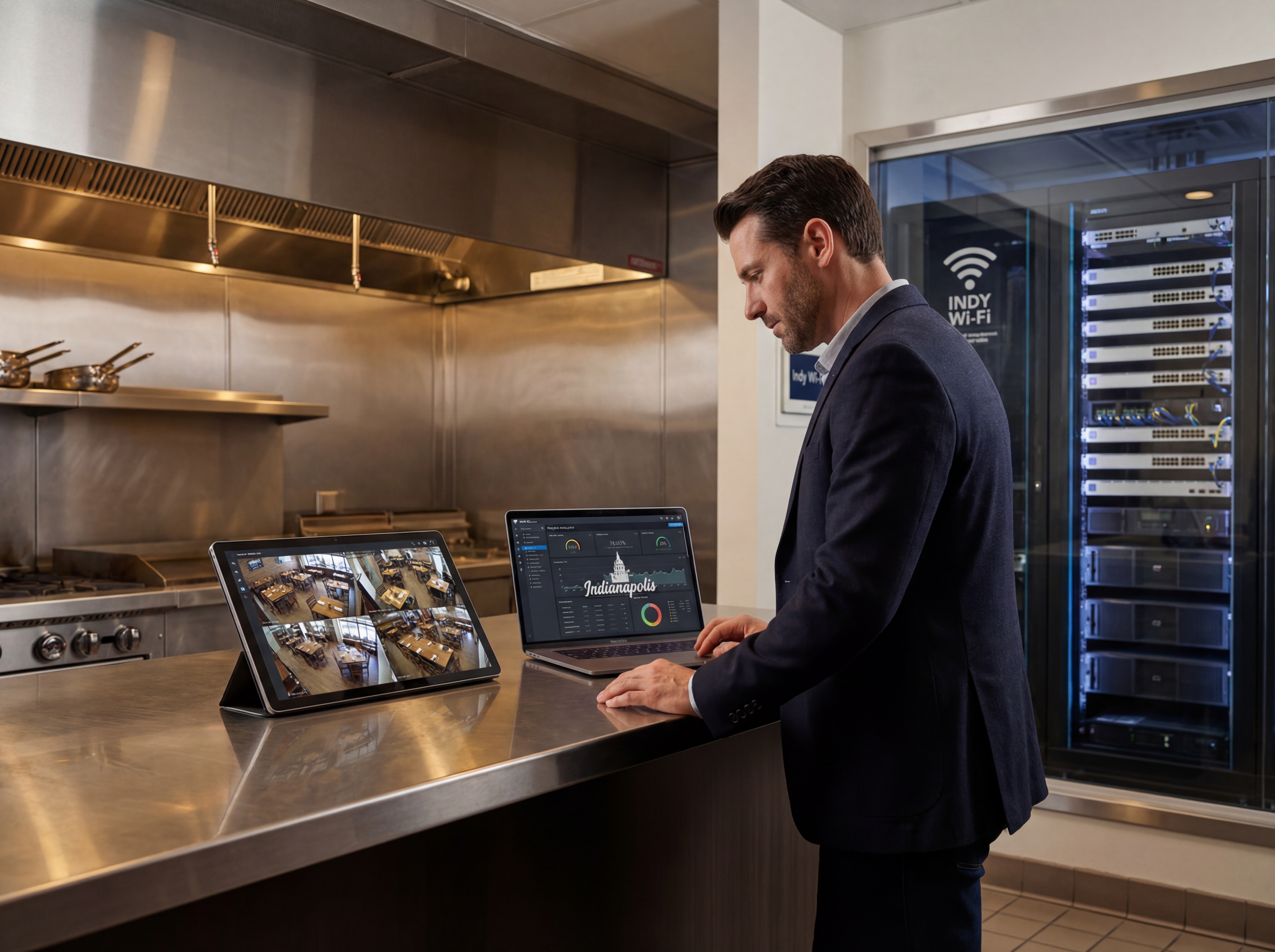
Where to place cameras in a restaurant: restaurant security cameras Indianapolis
Prioritize high-risk and high-traffic zones, then add context views for investigations and training.
- Entrances and host stands: faces and traffic counts.
- Registers, bars, safes: reduce theft and support disputes.
- Kitchens and prep lines: food safety, training, and slip/fall evidence.
- Back doors, dumpsters, deliveries: monitor vendors and after-hours access.
- Parking and patio: support claims, curbside, and delivery handoffs.
Design Wi‑Fi and networks for POS + guests
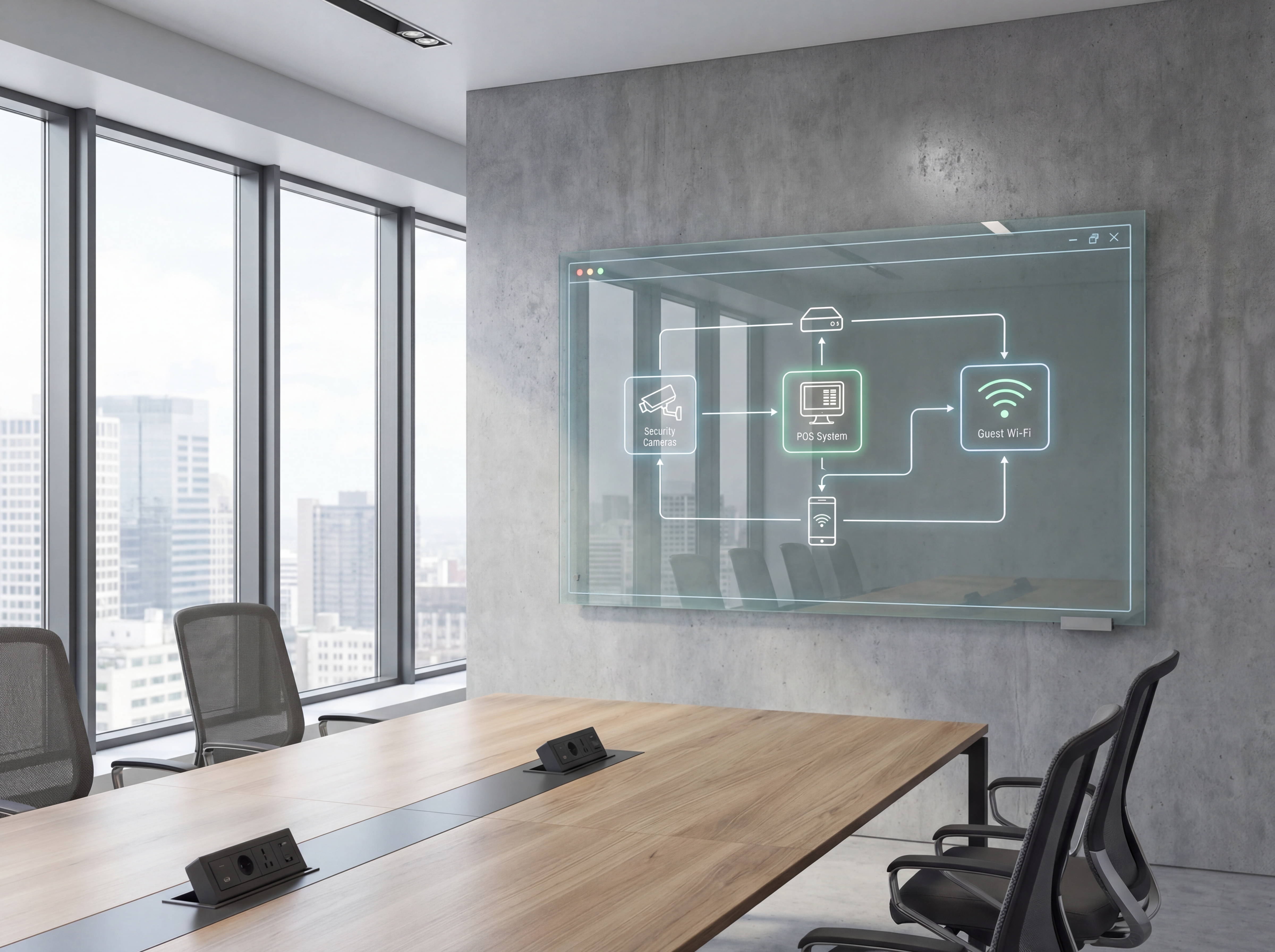
Poorly segmented networks create outages during service. Keep POS, staff tablets, cameras, and guests separate.
- Create VLANs for POS, cameras, staff, and guests; lock down inter-VLAN access.
- Use PoE switches sized for cameras and APs; leave headroom for future devices.
- Heatmap dining rooms and patios; wire AP backhaul where possible to avoid drop-offs.
- Enable guest bandwidth caps so streaming doesn’t steal capacity from POS or cameras.
Train managers on alerts and audits
Tools matter, but people keep systems healthy. Train managers on the three workflows that matter most.
- How to pull and share footage for incidents or HR investigations.
- Responding to alerts: offline cameras, storage full, or bandwidth spikes.
- Monthly health checks: spot-clean lenses, verify retention, and test guest Wi‑Fi.
Playbook: plan, deploy, maintain
Use this three-phase outline to keep projects predictable and make sure every stakeholder knows what is happening next.
- Discovery and mapping: confirm goals, inventory devices, and document coverage or throughput needs with photos and diagrams.
- Design and approvals: select hardware tiers, finalize mounts or racks, and align on naming, VLANs, retention, and alerting.
- Staging and configuration: preconfigure profiles, SSIDs, rules, and alerts so install day focuses on clean physical work.
- Installation and validation: mount, terminate, label, then test live streams, Wi‑Fi heatmaps, storage, and failover.
- Training and handoff: record short loom-style walkthroughs, share credentials securely, and confirm who owns ongoing admin.
- Ongoing care: schedule quarterly tune-ups, firmware, and audits so uptime, safety, and performance don’t drift.
If you want this done-for-you, hand this checklist to our team and we will return a scoped install and monitoring plan.
Common mistakes to avoid
Most delays come from small oversights. Prevent them up front.
- Skipping a site walk: mounts and cable paths get improvised on install day.
- Under-sizing power or bandwidth: PoE and guest Wi‑Fi can choke POS or cameras without headroom.
- No naming conventions: unlabeled ports, cameras, SSIDs, or VLANs slow troubleshooting.
- Forgetting staff access: managers need clear permissions to pull footage and request support quickly.
Measurement and reporting
Report on outcomes so leadership sees ROI and teams stay funded.
Operational KPIs
- Camera uptime and retention vs. target
- POS uptime and Wi‑Fi incident volume
- Alert response times and false positives
- Bandwidth headroom during peak service
Business KPIs
- Loss/theft incidents resolved with footage
- Chargebacks or disputes reduced
- Safety/insurance claims supported with evidence
- Guest Wi‑Fi satisfaction and reviews
Share a one-page monthly summary that highlights action items, blockers, and upcoming changes so every stakeholder stays aligned.
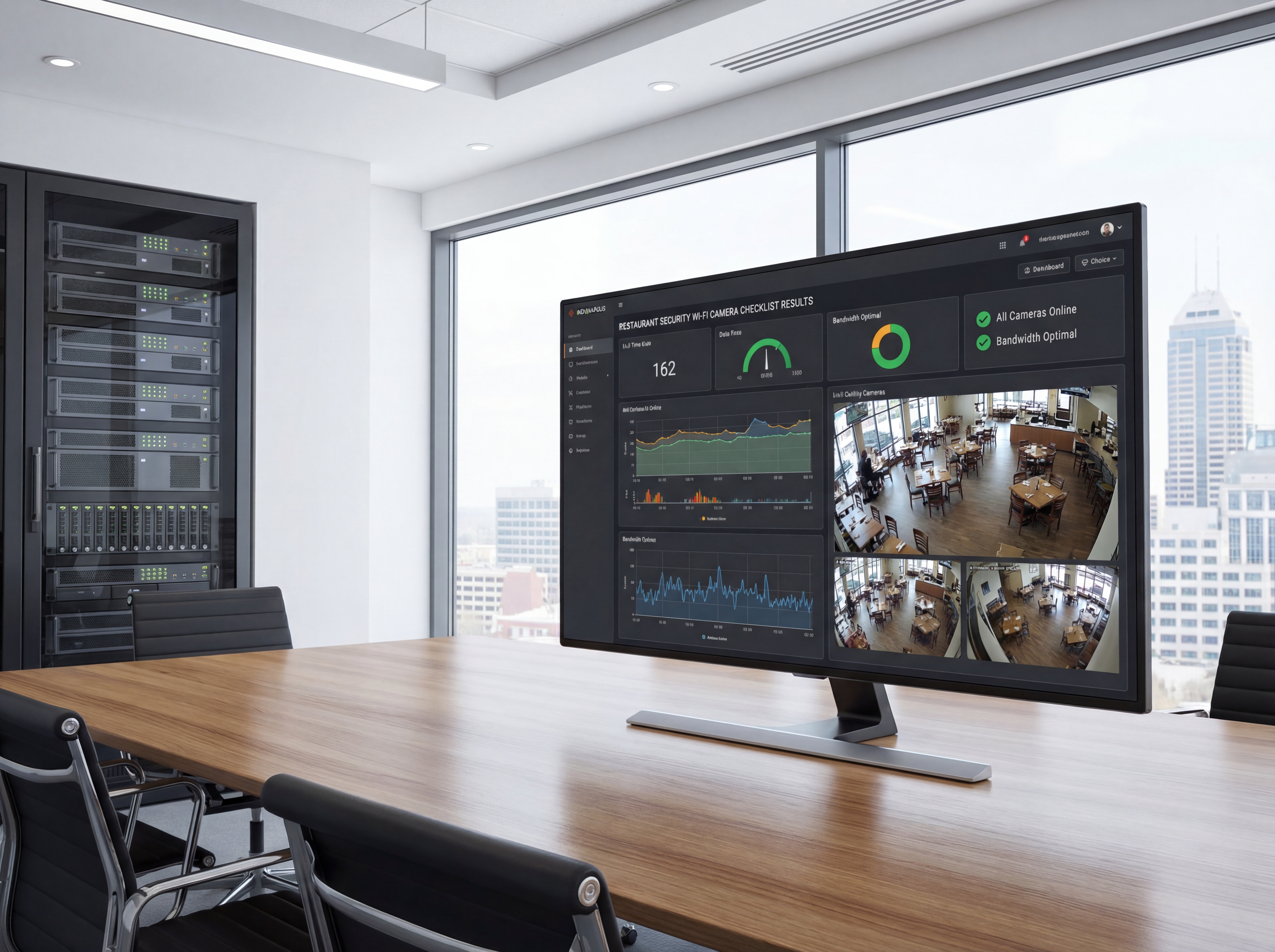
Local site survey steps for Restaurant security, Wi‑Fi, and camera
Indiana property teams get the best results from Restaurant security, Wi‑Fi, and camera when the survey includes camera heights, lighting at night, and traffic flow. These details prevent blind spots and reduce rework.
Build the plan around risk zones, not just square footage. Loading docks, cash handling, and exterior doors need tighter coverage and faster access to footage.
We document storage needs, network capacity, and access control integration so footage is easy to find when incidents happen.
- Capture daytime and nighttime test shots for clarity.
- Confirm IP ratings for exterior cameras in Indiana winters.
- Size NVR storage for busy weeks and seasonal surges.
- Label every camera ID with a physical location map.
- Establish user roles for security, HR, and owners.
- Schedule quarterly audits to confirm coverage.
If you want help with the survey, schedule a site walkthrough with our team.
Operational playbook for Restaurant security, Wi‑Fi, and camera
Once cameras are installed, the operational playbook keeps Restaurant security, Wi‑Fi, and camera useful for managers and investigators. Standardize who can view footage, how long clips are retained, and where exports are stored.
Document your response steps so teams do not waste time hunting for footage. A consistent process reduces shrink, supports HR cases, and strengthens insurance claims.
- Define retention policies for different locations.
- Use bookmarks and tags for recurring incidents.
- Store exports in encrypted, access-controlled folders.
- Review camera uptime and alert accuracy monthly.
- Train supervisors on clip retrieval workflows.
- Schedule yearly coverage refreshes as layouts change.
Need help? Book a security review and we will build the playbook.
Need a restaurant-ready rollout?
We handle site walks, cabling, Ubiquiti networking, and camera installs without slowing service.
Plan my restaurant installApproval checklist for Restaurant security, Wi‑Fi, and camera
Before approving Restaurant security, Wi‑Fi, and camera, most Indiana teams want to see a coverage map, storage estimate, and an operations plan for how footage will be used. A short checklist keeps stakeholders aligned.
- Coverage map with camera IDs and zones.
- Storage plan based on retention targets.
- Network capacity check for PoE and uplinks.
- Access roles and audit process for footage.
- Maintenance schedule for lenses and firmware.
- Incident response steps and escalation contacts.
We can provide these documents as part of a site survey.
How Sowynet delivers Restaurant security, Wi‑Fi, and camera
Our team handles design, cabling, installation, and training so you have one partner from start to finish. We document camera IDs, network settings, and retention policies for easy handoff.
- Discovery call to confirm goals and budget.
- On-site survey with coverage and lighting notes.
- Install plan and project timeline.
- Deployment, testing, and user training.
- Quarterly check-ins for updates and support.
If you want a proposal, request a security consult.
Execution framework
Protect guest Wi-Fi and surveillance without breaking service
Pain: restaurants get unstable fast when guest Wi-Fi, POS, cameras, and office devices all share the same poorly planned network.
Fix: separate traffic by role, protect the POS path, and document one support checklist for cameras, access points, and internet failover.
Result: service stays smoother during peak hours, footage stays available, and staff spend less time guessing where the problem started.
- Separate guest, POS, office, and camera traffic with clear VLAN and policy rules.
- Check access-point placement against dining-room load, kitchen interference, and patio coverage.
- Confirm camera retention, recorder placement, and export access before launch.
- Plan internet failover or offline procedures for POS-critical periods.
- Document who handles ISP calls, camera checks, and Wi-Fi complaints during service.
- Review the checklist after busy weekends and menu or layout changes.
If your restaurant setup feels fragile, schedule a restaurant network review and we will help tighten the design.
Frequently asked questions
Common restaurant questions
Share these with managers and owners to speed decisions.
Can you install after-hours?
Yes. We schedule overnight or early-morning work to avoid service disruption.
Will cameras slow down POS?
No—when we segment traffic and size PoE/uplinks correctly, POS and guest Wi‑Fi stay fast.
How long does an install take?
Most single-location installs complete in one to two days with staging and testing pre-done.
Quick summary
Restaurant security at a glance
Coverage for entrances, registers, kitchens, and deliveries; segmented POS/guest networks; manager training and reporting.
- Priority coverage Entrances, cash, kitchens, and back doors mapped first.
- Stable networks POS, cameras, and guest Wi‑Fi live on segmented, monitored VLANs.
- Trained managers Simple playbooks for alerts, audits, and monthly health checks.
Use this summary to give your team fast context.
Pain - Fix - Result Framework
Where restaurant networks and camera systems usually break down
Pain: Guest Wi-Fi, POS traffic, cameras, and back-office devices compete during rush periods until something slows down or drops.
Fix: Segment the traffic, protect the critical paths, and standardize the support checklist for staff and vendors.
Result: Better uptime, cleaner troubleshooting, and a more dependable guest plus operations experience.
Next step
Build one checklist for service, security, and support
Use the related service page to connect Wi-Fi, cameras, and support ownership into one repeatable restaurant checklist.
That helps teams respond faster during a rush and keeps the setup easier to maintain after launch.
It also gives operators a clearer path for future upgrades.
Review restaurant network supportRelated reading
Explore related guides and service pages
These links expand the topic and help readers compare practical next steps.
Loading related resources...
Loading recent posts...