Social media marketing
Restaurant DM Response System: A Simple Workflow That Leads to Orders
If your restaurant gets DMs but orders do not move, the issue is usually response time and routing. Here is a simple system your team can run weekly.
Restaurant DMs look like “engagement,” but most of them are purchase intent: “Are you open?” “Do you deliver?” “Can I order for pickup?” “What is the address?” When answers come late or unclear, the guest moves on.
That creates a hidden leak: you keep posting and getting messages, but the team feels busy and the register does not show it.
This guide shows a restaurant DM response system that keeps replies fast, short, and consistent, while pushing guests toward the next step: order, call, directions, or a catering request.
Key takeaways
What makes DMs convert instead of stall
- Speed beats perfect A fast, clear reply wins more orders than a long message sent later.
- One link path Every common question should point to the same “next step” page or link set.
- Short templates Use 6 to 10 answers that cover 80% of messages: hours, order, directions, menu, catering.
- Clear handoff Decide who owns DMs, when to escalate, and what “done” looks like.

Pain - Fix - Result Framework
Why restaurant DMs feel busy but don’t drive orders
Pain: DMs pile up, answers vary by person, and guests get stuck asking basic questions instead of ordering.
Fix: Set a response-time standard, build a small reply library, and route every message to one clear next step.
Result: Fewer dead-end conversations, faster ordering/calls, and a team workflow that stays consistent week to week.
The fastest way to diagnose the problem: categorize 25 DMs
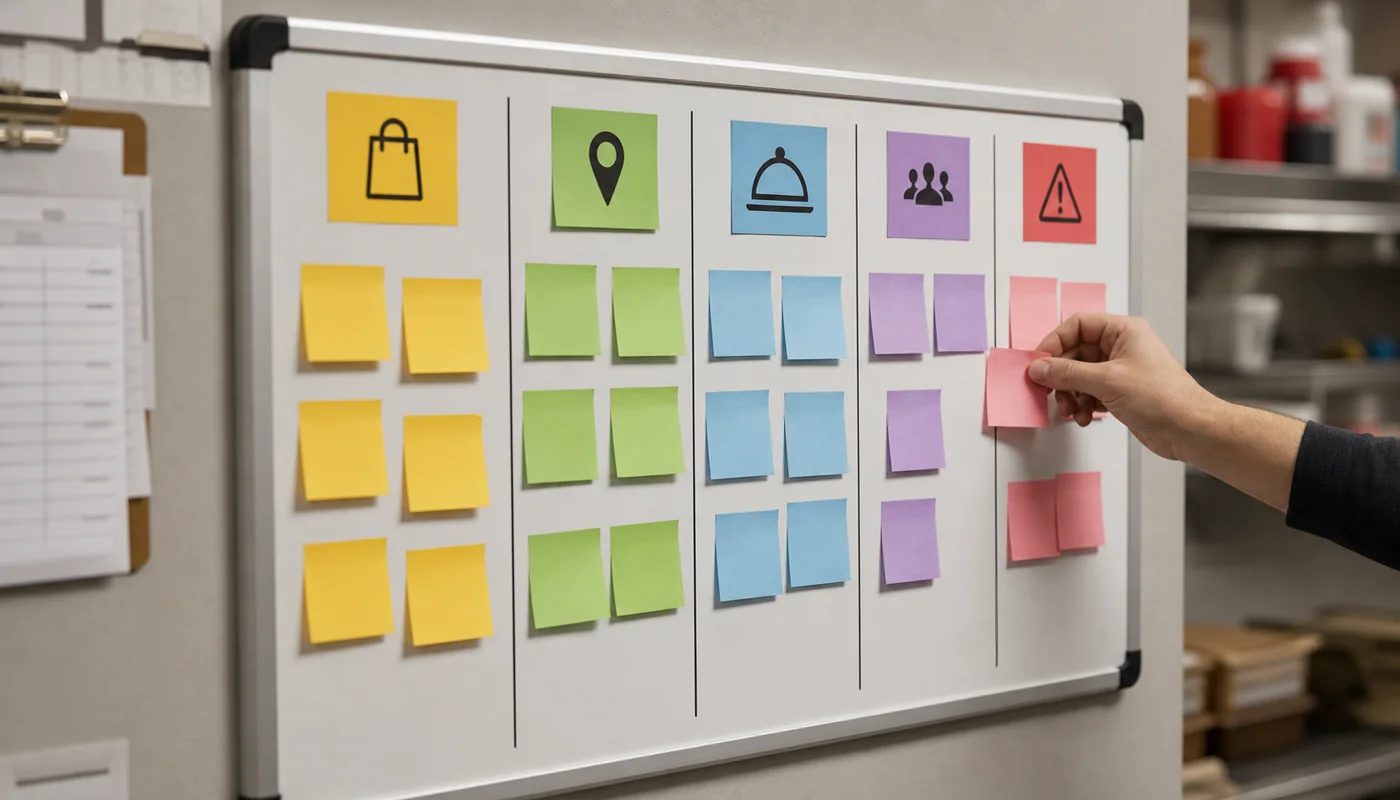
Before you change anything, take your last 25 restaurant DMs and sort them into simple buckets. You will usually see the same patterns over and over.
- Order intent: pickup, delivery, how to order, link not working.
- Hours and location: “Are you open?” parking, address, directions.
- Menu questions: pricing, spice level, ingredients, allergens.
- Reservations or wait: how long, do you take reservations.
- Catering: trays, minimums, lead time, quote requests.
- Issues: missing item, wrong order, refund, complaint.
Once you see the buckets, the fix is obvious: create a few strong replies and a clean place to send people next.
Build the “one link path” so every reply stays consistent
The easiest way to reduce DM chaos is to stop sending guests to five different places. Use one page or link set that covers the basics: order, call, directions, menu, and one weekly offer.
If you do not already have that page, start with a restaurant link in bio page. Your DM replies can point to the same page every time, so the team does not need to reinvent the answer.
Minimum “one link path” layout:
- Order Online: one destination, not three options.
- Call: tap-to-call, especially for large orders.
- Directions: open Maps with the right pin.
- Menu: fast, mobile-friendly, easy to skim.
Once this exists, your DM response system becomes simple: reply fast, send the link, and confirm the next step.
Reply templates that don’t sound robotic (copy + paste library)
Templates should feel like a helpful employee. Keep them short, use one question, and avoid paragraphs. Here are starter templates restaurants can use and customize.
Ordering link
“Yes — you can order here: [ORDER LINK]. If you have any trouble, tell me pickup or delivery and I’ll point you to the right option.”
Hours today
“We’re open today from [HOURS]. Here’s the fastest link for order/call/directions: [LINK PAGE].”
Directions / address
“Here’s our address and directions: [DIRECTIONS LINK]. If you’re ordering, use this link: [ORDER LINK].”
Catering inquiry
“We can help with catering. About how many people and what date/time? If you want a fast quote, use this form: [CATERING LINK].”
Issue / wrong item
“Sorry about that — can you share your name and order time (and a photo if possible)? We’ll fix it. If you prefer, call us at [PHONE].”
If your replies constantly require extra context, that is usually a website and menu clarity issue. Restaurant teams often solve this with light website support so hours, menus, and order paths stay accurate.
Restaurant DM response system weekly checklist (so this stays maintained)
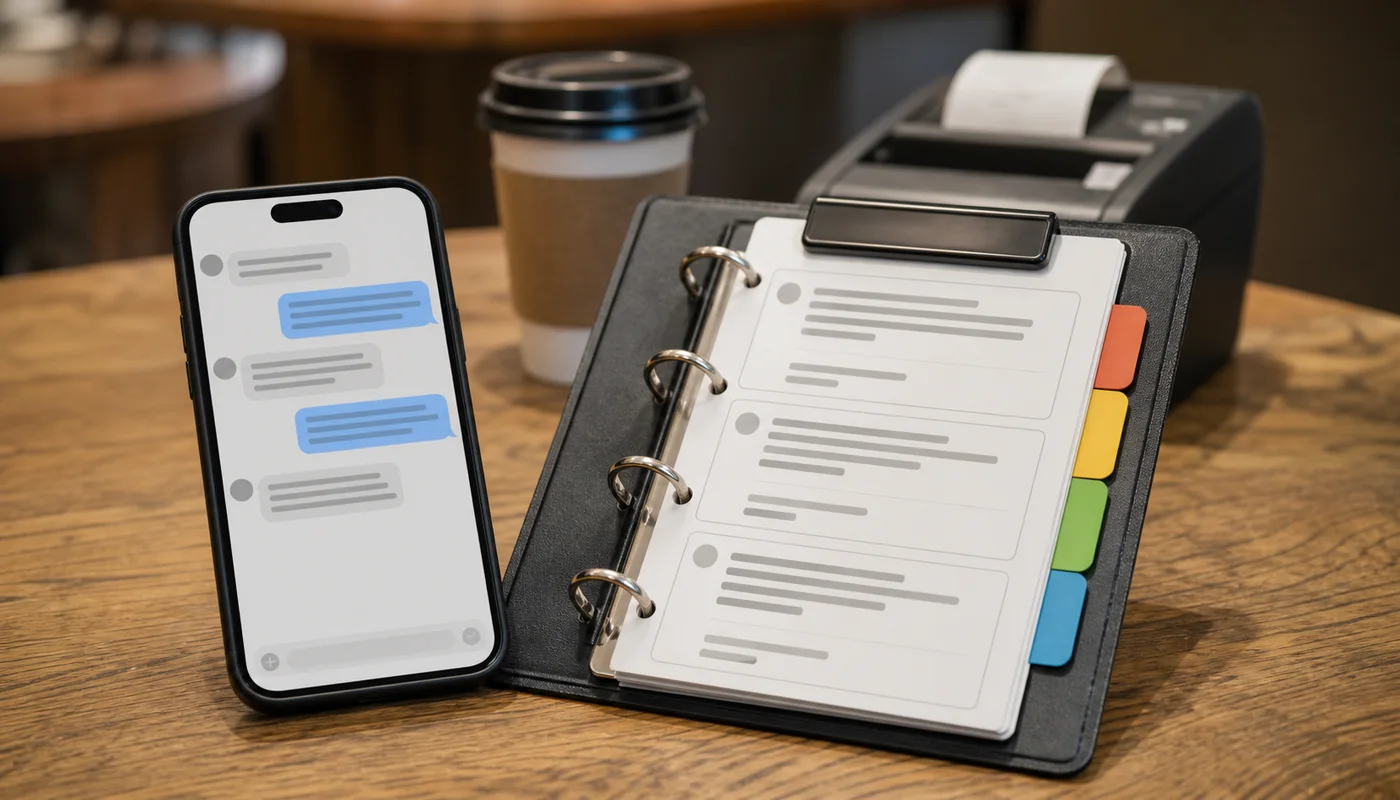
A DM response system only works if it stays current. These are the weekly checks that keep the workflow clean.
- Update links: ordering link, menu link, catering form, directions.
- Check hours: holidays, events, last-minute changes.
- Review response time: pick one target (ex: 15 minutes) and track if you hit it.
- Refresh templates: remove long versions, tighten to one question + one link.
- Escalation rule: catering, complaints, and refunds get a manager handoff.
- Report one number: “DMs that reached an order/call” each week.
Connect DMs to local SEO (so messages turn into visibility too)
DMs are not only a sales channel. They are also a signal that people are confused about basics: hours, location, menu, and proof. When you fix those, you often improve local search performance because your website and Google profile match reality.
If “hours?” and “where are you?” are common DMs, your Google Business Profile and website need stronger consistency. That is where practical SEO services help: updates, internal linking, and a clean content structure that supports what guests ask every day.

Next step
Want this set up for your restaurant?
Sowynet helps restaurants build a simple conversion system: posting, DMs, link paths, and weekly reporting—so engagement turns into orders and calls.
Frequently asked questions
Questions restaurant owners ask
Use these answers to align the team on what “good DM handling” actually means.
What should a restaurant DM response system include first?
Start with three things: a response-time standard, a few reply templates for common questions, and one clean link path to ordering, menu, hours, and directions.
How fast should a restaurant reply to Instagram DMs?
Aim for under 15 minutes during open hours when possible. If that is not realistic, use an auto-reply that routes the guest to order/call and sets a clear response window.
Should we use an auto-reply for every DM?
Use auto-replies for off-hours and for simple routing (order link, hours, directions). Keep a human handoff for catering, large orders, and issues that need judgment.
How do we stop DMs from turning into long conversations?
Keep replies short, ask one question, and send one link to the next step. If you keep repeating answers, fix the link path and templates instead of writing longer DMs.
Quick summary
Short version for busy teams
Pain: restaurant DMs pile up and guests get stuck asking basic questions, so “engagement” never turns into orders. Fix: run a restaurant DM response system with a response-time standard, short templates, and one consistent link path to ordering, hours, menu, and directions. Result: faster conversions, fewer dead-end conversations, and a weekly workflow your team can maintain.
Related reading
Explore related guides and service pages
These links connect DMs to the rest of the conversion system: posting, local presence, and site basics.
Loading related resources...
Loading recent posts...