Social + conversion
Pinned Posts for Restaurants: Get More Calls and Orders
Pinned posts for restaurants are one of the easiest wins in social media marketing because they sit above the scroll. If your profile gets views but not calls, not reservations, and not orders, your top three posts are often the problem. This guide gives you a simple pinned-post system (menu, hours, proof) that takes one setup session and a 15-minute weekly refresh.
Key takeaways
- Pin your conversion path: menu + online ordering (or reservations) should be obvious in one tap.
- Pin clarity: hours + location so guests don’t bounce or call at the wrong time.
- Pin trust: reviews, “what we’re known for,” or catering so new guests feel confident.
- Refresh weekly: 15 minutes to verify links, hours, and any current promos.
The pain: people view your profile… then disappear
You post specials. You share photos. You get comments and a few likes. Then a new guest taps your profile and tries to decide in five seconds.
If your top posts don’t answer basic questions, you lose the moment:
- They can’t find the menu or ordering link quickly.
- They aren’t sure about hours, location, or whether you’re open today.
- They don’t see proof that you’re worth the drive (reviews, busy dining room, customer favorites).
- They DM you “are you open?” instead of ordering.
This is not a “post more” problem. It’s a profile conversion problem.
The fix: a pinned posts system for restaurants (menu, hours, proof)
Think of pinned posts like the top of your website. They are the “above the fold” section of Instagram and Facebook.
A strong system uses three pinned posts:
- 1) Menu + ordering / reservations: one clear path to the next step.
- 2) Hours + location: reduce “are you open?” friction.
- 3) Proof: reviews, your signature items, or catering information so first-timers trust you.
Result: more calls, more online orders, and fewer time-wasting DMs.
Step 1: pick your “three questions” and map them to pinned posts
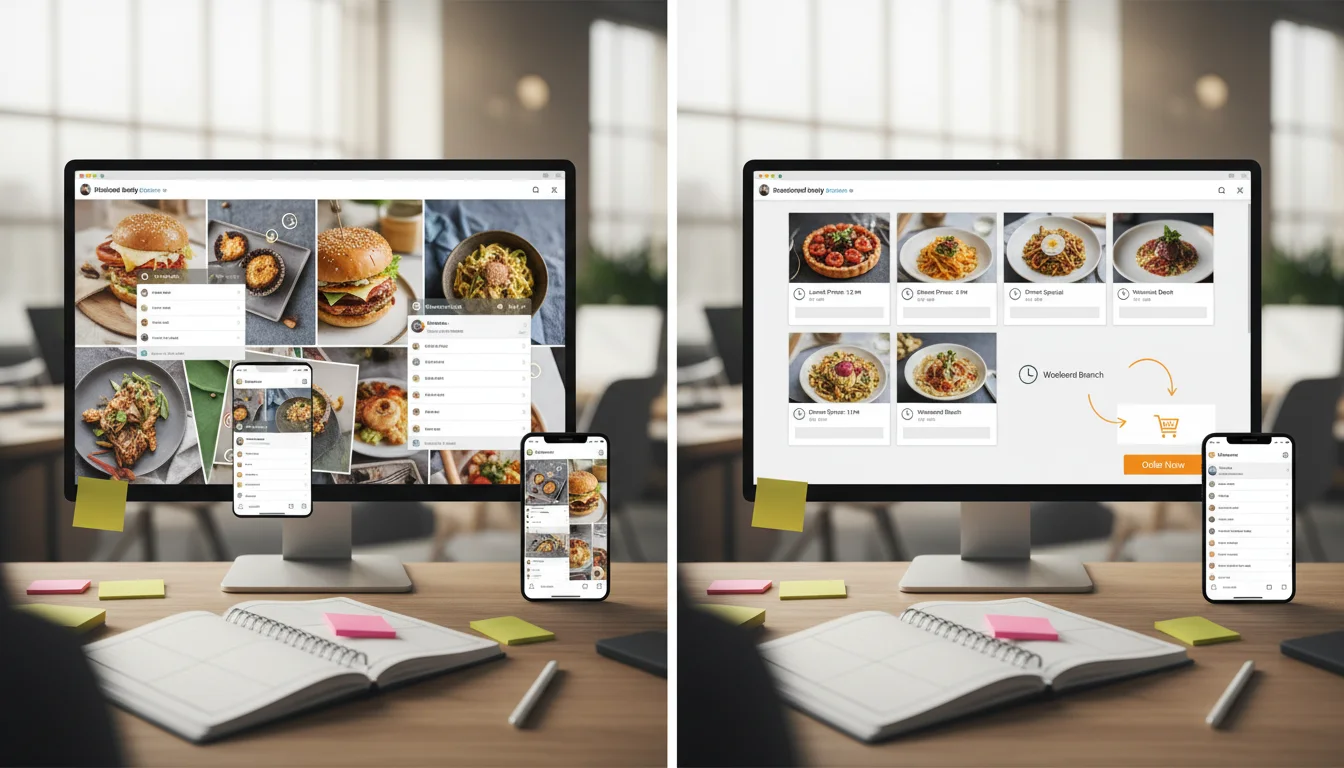
Before you design anything, write down the three questions a new guest asks when they land on your profile:
- What do you serve? (menu)
- Can I order right now? (ordering/reservations)
- Can I trust this place? (proof)
Now choose the pinned-post format that fits your reality:
If most business is dine-in
- Pin reservations (or “call to book”) + a simple “what we’re known for” post.
- Keep hours + location super clear.
- Use proof that matches dine-in: busy dining room, reviews, signature dishes.
If most business is takeout / delivery
- Pin online ordering first (direct link or your preferred platform).
- Pin a “how to order fast” post (pickup details, delivery zones, peak times).
- Use proof that matches takeout: correct orders, speed, customer reviews.
If your link path is messy, fix that first. Related guide: Restaurant link-in-bio page that drives orders.
Step 2: write each pinned post like a mini landing page
Most pinned posts fail because they look like a random photo from last month. Treat each pinned post like a small landing page:
- Headline: one clear promise (“Order in 2 taps”, “Hours + location”, “Customer favorites”).
- Proof: one photo, one short video, or a review screenshot (keep it readable).
- Next step: one link or one instruction (“Tap the link in bio”, “Call now”, “Order online”).
- Friction removal: answer the “but what about…?” (parking, pickup instructions, delivery area, wait time).
Keep captions short. People are skimming.

Pinned posts setup checklist (60 minutes)
Use this as a simple one-session setup. You can do it in under an hour.
- Confirm your order/reservation link works on mobile data (iPhone + Android).
- Write the three pinned post headlines (menu/order, hours/location, proof).
- Create each post with one clear CTA (no “multiple choice” captions).
- Pin the posts and review the top of your profile like a first-time guest.
- Set a weekly reminder to verify hours, links, and promos (15 minutes).
Step 3: measure whether your pinned posts are working
You don’t need complex analytics to tell if this is helping. Start simple:
- Track link taps: profile clicks to your menu/order link after you pin.
- Track calls: look for “where are you located?” calls dropping and “I’m placing an order” calls rising.
- Track DMs: if you still get “hours?” DMs, your hours post needs work.
If your website menu page is slow or confusing, pinned posts won’t save it. Related guide: Restaurant website speed for menu pages.
Common mistakes that make pinned posts useless
- Pinning a “random best photo”: beauty is good, but clarity converts.
- Multiple CTAs: one pinned post should have one job.
- No hours proof: if hours change, update pinned posts and Google Business Profile together.
- Broken links: one broken link can ruin a week of traffic.
If you want this to support local search too, pair it with consistent local presence work. Related guide: Is local SEO worth it for small restaurants?.
CTA
Want us to set up your pinned posts and link path (so social turns into orders)?
Sowynet helps local restaurants build conversion-first social systems: profile setup, pinned content, link paths, review workflows, and reporting that ties to calls and orders. If your profile is getting attention but not revenue, we’ll show you what to fix first.
FAQs
These are the questions we hear most often when restaurants want social media to drive calls and orders.
How many pinned posts should a restaurant have?
Most restaurants should pin three posts: one that gets people to the menu/orders, one that confirms hours and location, and one that builds trust (reviews or a short “what we’re known for” post).
What should a restaurant pin on Instagram?
Pin a menu/order path, a simple hours/location post, and one trust post (reviews, catering info, or a short customer-favorite items post). Keep each post scannable and add one clear next step.
Do pinned posts help restaurant marketing?
Yes. Pinned posts reduce friction for first-time guests by making the next step obvious. They help turn profile views into calls, reservations, and online orders because your most useful info stays on top.
How often should a restaurant update pinned posts?
Do a quick 15-minute check weekly and a deeper refresh monthly. Update hours, links, and any seasonal promos so the pinned posts stay accurate.
Quick summary
Short version for busy teams
Pain: Your restaurant gets profile views, but people can’t quickly find the menu, hours, or proof, so they bounce. Fix: Use pinned posts for restaurants as a 3-post system: menu/orders, hours/location, and proof. Refresh weekly in 15 minutes. Result: more calls and orders from the same traffic because the next step is obvious.
Related reading
Explore related guides and service pages
These links strengthen the full conversion system: social traffic, local presence, and website basics.