Restaurant local SEO
Google Business Profile Link for Restaurants: Send Map Clicks to the Page Most Likely to Win Orders
Restaurant owners lose orders when Google Business Profile sends map clicks to the wrong page. Use the website link that best supports calls, orders, or reservations.
google business profile link for restaurants matters because many owners do the hard part first. They show up in Maps, keep photos fresh, and earn enough reviews to get clicks. Then they send those clicks to a page that slows the guest down.
Pain: the listing earns local attention, but the website link sends people to a homepage, a slow PDF menu, or a page with no clear next step. Fix: match the Google Business Profile website link to the action guests are already trying to take. Result: more map clicks turn into calls, orders, reservations, and cleaner local SEO signals.
This guide stays practical for restaurant operators who need a better path from discovery to action. It also fits how Sowynet approaches website support, local SEO, and conversion-first restaurant pages.
Key takeaways
The best Google Business Profile website link is not always the homepage. It is the page that helps the guest act with the fewest extra steps.
- Match intent first. Send ordering traffic to orders, reservation traffic to reservations, and trust-seeking traffic to the strongest proof page.
- Protect mobile speed. Most map clicks happen on phones, so the linked page has to load fast and show the next step immediately.
- Review it monthly. New menus, seasonal offers, and platform changes can quietly break the path.

Why the wrong website link costs restaurants real orders
Guests who tap a restaurant listing are usually not in research mode. They want a menu, a table, a phone number, or a fast way to place an order. When the Google Business Profile website link sends them to a generic homepage, they have to search again inside your own site. That extra friction is where many restaurants lose intent they already earned.
The loss is easy to miss because traffic still shows up. Someone on the team sees sessions, maybe a few calls, and assumes the listing is working. But if guests bounce, call a competitor, or abandon a slow ordering page, the business never sees the orders it could have won.
That is why google business profile link for restaurants is really a conversion question, not just a setup question. The listing and the linked page have to behave like one path.
Pain, fix, result: what a better link strategy actually does
Pain: many restaurants keep one default website link in place long after the business changes. The menu moved, online ordering changed vendors, reservation flow changed, or the strongest offer now lives on a different page. The listing still gets attention, but the page no longer fits the guest's real intent.
Fix: decide what you want local visitors to do first, then link to the page that supports that action with the fewest steps. For some restaurants that is the online ordering page. For others it is a mobile menu page, a reservation page, or a high-trust landing page that explains hours, location, and what to expect.
Result: the guest sees a clearer next step, the team gets fewer confused calls, and the website does more useful work with the local visibility the listing already earned.
What page should the Google Business Profile link for restaurants use?
Start with the highest-value action for the restaurant right now. If takeout or delivery drives the most repeat revenue, the link should usually point to the strongest ordering page, not the homepage. If reservations drive the best table mix, the link should support booking first. If guests often compare menus before deciding, the menu page needs to load fast and lead clearly into orders or calls.
The linked page also has to handle mobile reality. That means no heavy hero video, no hidden phone number, no confusing popups, and no PDF menu as the first experience. A fast restaurant page should answer three questions in seconds: what do you offer, where do I tap next, and can I trust this information right now?
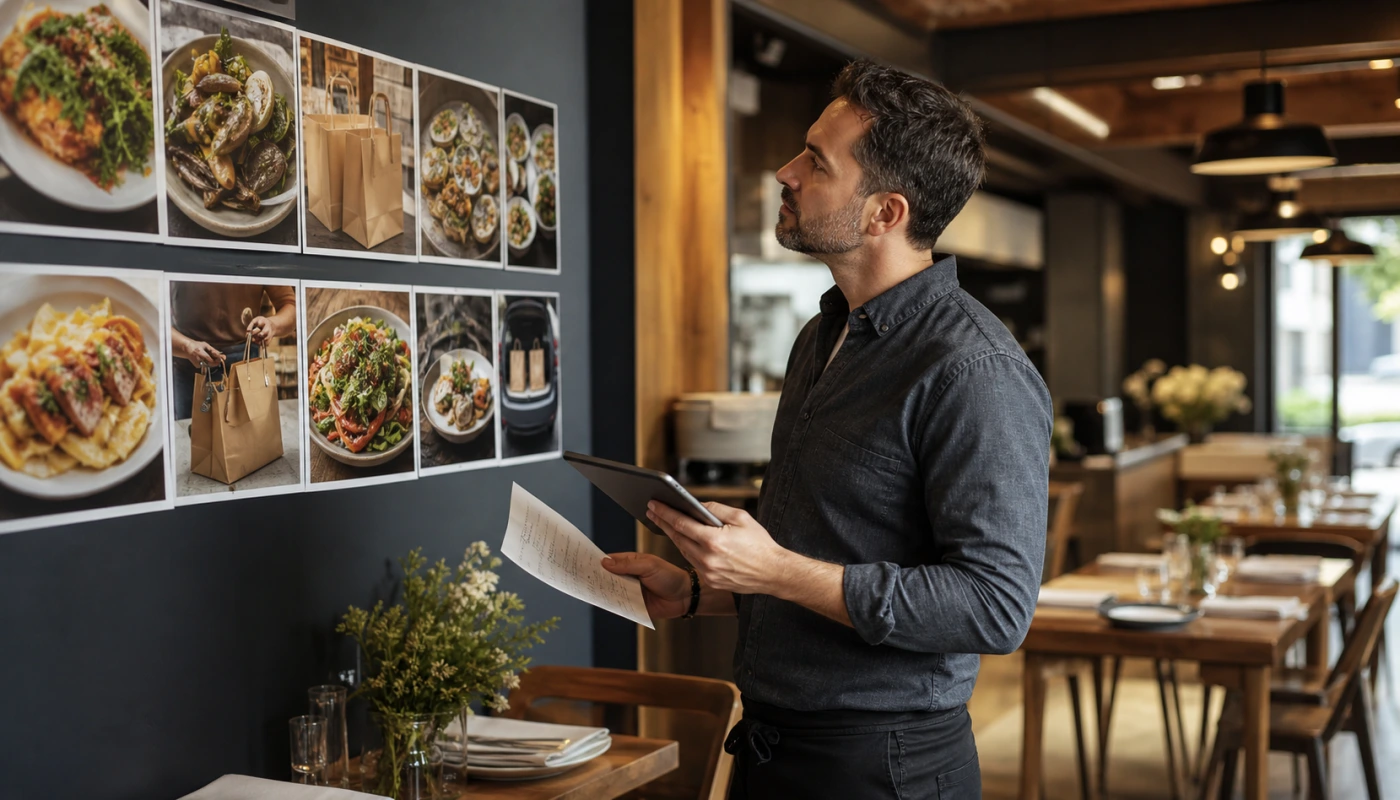
- Use the online ordering page when orders are the main goal and the page loads fast on mobile.
- Use a mobile menu page when guests usually review food first, but make sure the page still pushes clearly toward call, order, or reservation.
- Use a reservation page when dine-in bookings matter more than takeout.
- Use a focused landing page when the restaurant needs to explain multiple actions without forcing a guest through the homepage.
Checklist: a 30-minute audit for the current restaurant website link
This audit is simple on purpose. Most restaurants do not need more theory. They need a fast way to see whether the current path helps or hurts.
- Tap the Google Business Profile website link from a phone, not from a desktop browser.
- Time how long it takes to see the menu, order button, reservation button, or phone number.
- Check whether hours, location, and offer details match the listing.
- Test the next step all the way through: order, call, reserve, or contact.
- Look for dead ends like PDF menus, outdated landing pages, or third-party tools that open slowly.
- Ask whether the linked page matches the main business goal this month.
If two or three of those steps feel harder than they should, the link is probably costing real action.
How website support and Google Business Profile work together
A restaurant listing does not live in isolation. When the menu changes, seasonal offers change, or ordering tools change, the website link has to change with them. That is where ongoing website support matters. It keeps the page current so the listing does not point into confusion.
This is also why Google Business Profile strategy should connect to SEO services and to the pages that do the real conversion work. A restaurant might need a better online ordering page, stronger listing upkeep like hours and photo updates, or a cleaner page-to-call path from Google Business Profile traffic.
When these pieces stay aligned, the guest gets a cleaner experience and the business gets better signals about what local search is actually producing.
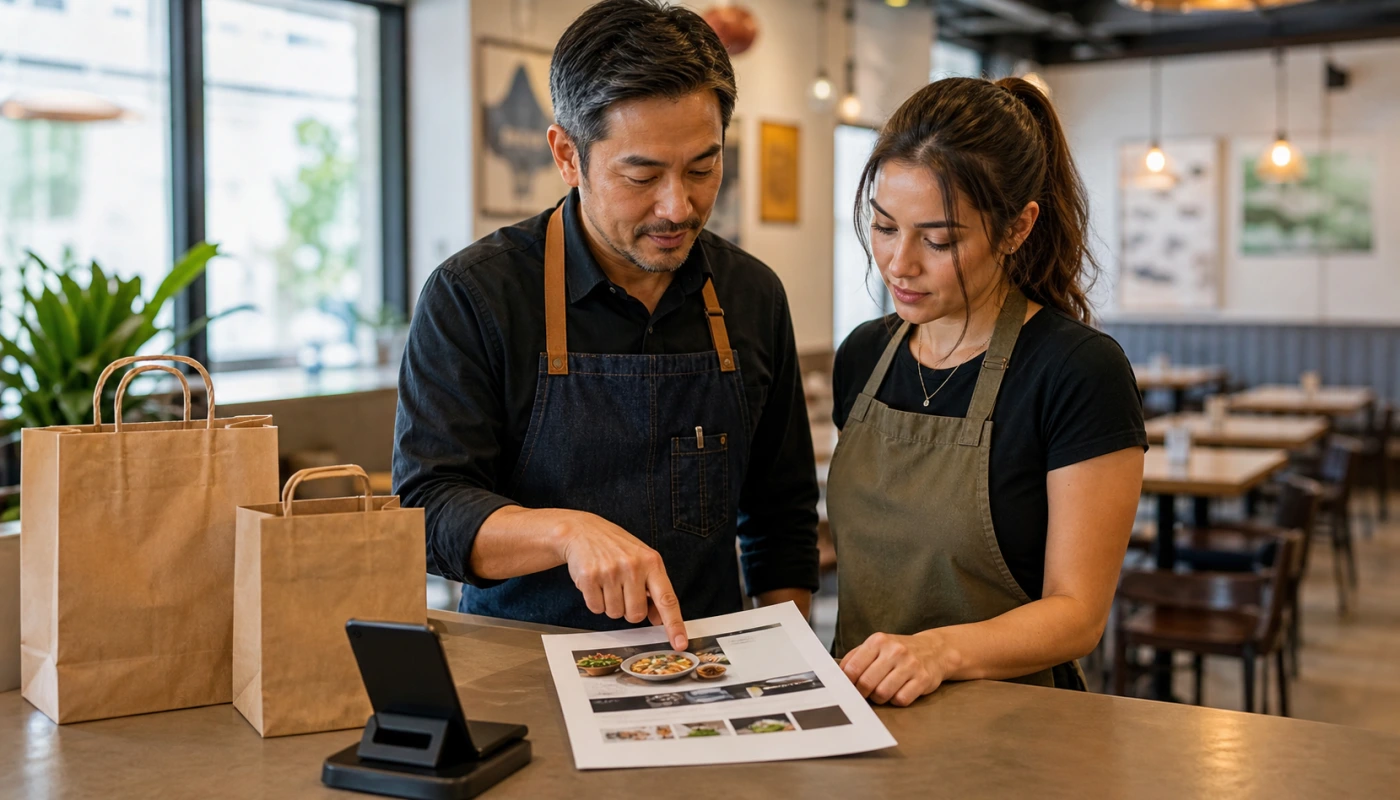
Common mistakes that keep map clicks from converting
The first mistake is assuming the homepage is always safest. It feels neutral, but neutral often means vague. A guest on a phone wants the next action now, not a general brand overview.
The second mistake is leaving the link untouched after a tool or menu change. Restaurants swap ordering providers, update menu structures, or launch seasonal landing pages all the time. If the listing still points to the old path, the guest pays the price.
The third mistake is optimizing the listing but ignoring the landing page. More reviews and better photos can increase clicks, but if the linked page is slow or unclear, the business still loses the order.
What the first month of implementation should look like
Week one should focus on the current path: test the link, confirm the main goal, and choose the page that best matches that goal. Week two should tighten the linked page for mobile speed, CTA clarity, and accurate business details. Week three should review whether calls, orders, or reservations are moving more cleanly. Week four should document the new default and assign one owner to review it monthly.
That kind of light operating rhythm is where this topic starts helping the brand, not just the page. Sowynet's brand moves forward when the content proves we understand how local search, website support, and restaurant operations connect in real life.
If a restaurant wants to push this further, the next step is usually a stronger service page, a better reservation or ordering path, and reporting that tracks what local search is actually turning into.
Internal linking plan
Support the next step with the right pages
This topic works best when the reader can move from listing advice into the pages that improve conversion, local visibility, and maintenance.
Clear next step
Need help choosing the right Google Business Profile website link for your restaurant?
We can review the listing, test the linked page, and tighten the path from local search to calls, orders, or reservations.
Book a restaurant profile reviewSee website support optionsFrequently asked questions
Questions restaurant owners ask before they change the link
What page should a restaurant use for the Google Business Profile website link?
Use the page that matches the main action you want from local search. If most guests order takeout, link to the online ordering page. If calls drive bookings or large orders, use the strongest contact or reservation page. If menu review is the main first step, use a fast menu page with a clear path to order or call.
Should the website link go to the homepage or the menu page?
The homepage is only the right choice if it already helps guests act quickly. Many restaurants do better with a menu, ordering, or reservation page because those pages reduce extra clicks and make intent clearer.
How often should we review the Google Business Profile website link?
Review it at least once a month and any time hours, offers, ordering tools, reservation flows, or landing pages change. A stale link can quietly waste local demand.
Can this improve SEO as well as orders?
Yes. The right link does not replace SEO work, but it improves the path from local search visibility to action. Better engagement, better fit between listing and page, and stronger user flow all support real business results.
Quick summary
Short version for busy restaurant teams
Pain: the restaurant gets map clicks, but the linked page makes guests work too hard to order, call, or reserve. Fix: point the listing to the page that matches guest intent and keep that page fast, current, and easy to act on. Result: more useful calls, cleaner order paths, and better value from local search traffic.
Loading related resources...
Loading recent posts...