Local presence + conversion
Restaurant Hours and Photo Updates: Stop Losing Orders to Old Listings
Outdated hours and stale photos make a restaurant look harder to trust. This guide shows how restaurant hours and photo updates should work across Google, social, and the website.
Restaurant hours and photo updates sound simple, but they break down fast when the website says one thing, Google shows another, and social still highlights last season’s offer. Guests notice that mismatch before they ever call or order.
Pain: a customer searches, sees old dining room photos, taps a menu link, and arrives to find changed pickup hours or a closed dining room. Fix: treat hours, photos, and offer-path updates like one weekly operating task instead of random cleanup. Result: the restaurant looks current, trust goes up, and more profile views turn into calls, directions, and orders.
This system works best when it connects to your website support, Google Business Profile workflow, and social conversion surfaces. Related starting points: Google Business Profile for restaurants and restaurant website support.
Key takeaways
- Hours, photos, and offer links should be updated together, not one by one.
- Google Business Profile is usually the first place guests notice stale information.
- One weekly checklist prevents most listing and conversion mistakes.
- Fresh photos build trust only when the next step still works.
- One owner should be accountable for accuracy across Google, website, and social.

The pain: outdated details make the restaurant feel harder to trust
Most restaurants do not lose trust because the food is bad. They lose trust because the public details feel unreliable. A guest sees lunch hours online, arrives, and finds the door locked. Another guest taps a photo gallery full of old dishes, then lands on a menu that no longer matches what the profile suggested.
That friction creates three problems at once:
- Google profile traffic turns into wasted calls, wrong arrivals, or abandoned orders.
- Social content drives attention, but the next click feels old or confusing.
- The website looks less credible because it is not reinforcing what guests just saw.
Owners often think this is a “marketing” problem. It is really an operations and conversion problem. If a guest cannot trust the basics, they stop before the sale happens.
Pain, fix, result: restaurant hours and photo updates as one workflow
Pain: the team updates channels at different times, so hours, photos, and links drift out of sync.
Fix: run one weekly workflow that checks Google, the website, and social in the same sitting, with one owner and one short checklist.
Result: guests see accurate hours, current visuals, and a clean order or call path, which improves trust before they ever speak to staff.
The key is to stop treating photos as branding-only work and hours as admin-only work. They are both part of the same conversion path.
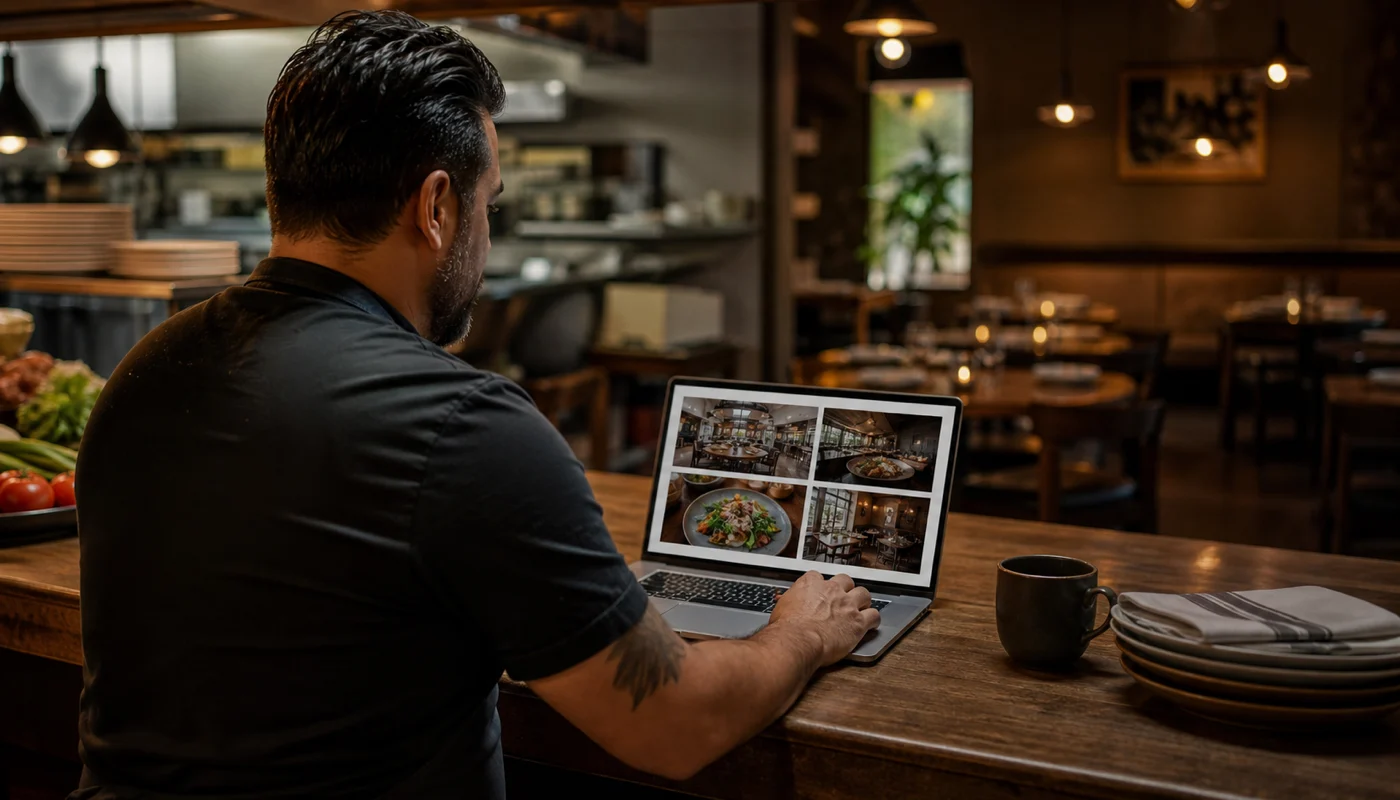
Where updates must stay aligned every week
Start with the places guests are most likely to see first. For most restaurants, that order is Google, then the website, then social surfaces that sit above the scroll.
Google Business Profile
Hours, holiday hours, phone, menu or order link, cover image, and current photo set.
Website
Homepage hours, location page, menu page, order buttons, and any specials or banner content.
Social conversion points
Pinned posts, story highlights, link in bio, and any active offer post that promises a next step.
If one of these is outdated, the others lose value. Fresh social content does not help much if the bio link still points to an expired offer. Strong Google visibility does not convert well if the hours on the site say something different.
Restaurant hours and photo updates: the weekly checklist that keeps listings accurate
This is the simple playbook most teams need. Run it on the same day every week and again before holidays, weather closures, or special events.
- Confirm regular hours, pickup hours, and holiday exceptions with the owner or manager.
- Update Google Business Profile first, especially when hours changed.
- Check the website homepage, menu page, contact block, and order buttons for matching information.
- Review the top social surfaces: pinned posts, highlights, and link in bio.
- Replace weak or old photos that no longer match the restaurant today.
- Test the full path on a phone: search, tap, view hours, open menu, and place a call or order.
This takes less time than cleaning up guest confusion later. If your site still needs frequent menu, hours, and specials cleanup, pair this with Website Support.
How to handle holiday hours, temporary changes, and special events
The biggest update failures happen when the business is moving fast. Holiday weekends, local festivals, staffing shortages, catering-heavy days, and private events all create “temporary” changes that guests still experience as broken promises if they are not communicated.
A good rule is to prepare the change in three layers:
- Google first: set special hours because many guests will never reach the website if Google already answers the question.
- Website second: add a visible notice where guests make decisions, not hidden in a blog or footer.
- Social third: pin or highlight the change if it affects current orders, dining, or pickup behavior.
This approach is also why a restaurant local-presence system matters. The update is not only about visibility. It is about protecting the sale from avoidable confusion.
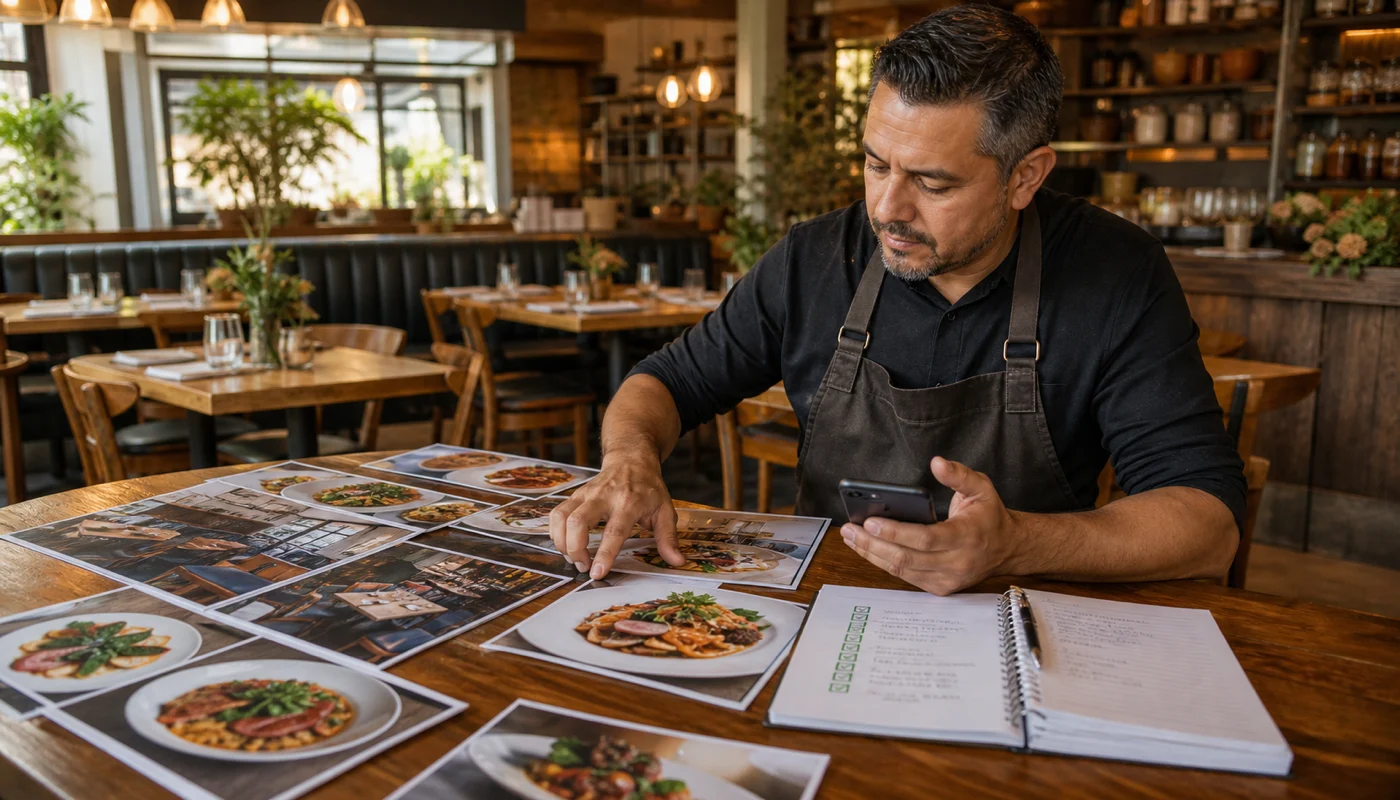
What photos should restaurants update first?
Not every photo needs to be replaced. Start with the images that shape first impressions and decision confidence:
- Cover and profile-supporting images on Google Business Profile.
- Exterior photos if the storefront has changed or is hard to recognize.
- Interior photos if the dining room now looks different from old uploads.
- Best-selling dishes that are central to online ordering or menu clicks.
- Offer-related visuals when a seasonal item or promotion is active.
The goal is not endless content production. The goal is accurate proof. Guests want confirmation that the restaurant is active, clean, and aligned with what they are about to buy. For help improving food visuals without changing the food itself, see restaurant menu photo enhancement.
How to measure whether the update system is working
Most teams notice the benefits in fewer complaints first. But you should still track a small set of practical metrics:
- Accuracy metric: number of mismatches found during the weekly check.
- Google actions: calls, direction requests, and website clicks from the profile.
- Website behavior: menu page views, order-button clicks, and bounce rate on high-intent pages.
- Guest feedback: complaints tied to wrong hours, outdated links, or confusing arrival expectations.
If those numbers improve while confusion drops, the workflow is doing its job. If Google actions rise but orders do not, the next fix may be the menu page, order path, or reply speed on calls and DMs. Related guide: restaurant social media reporting.
CTA
Need restaurant listings, social, and website updates to stay in sync?
Sowynet helps restaurants keep Google Business Profile, website updates, and social conversion points aligned so guests see the right hours, photos, and next step every time.
Frequently asked questions
Restaurant hours and photo updates FAQs
These questions help owners and managers turn “we should update that” into a repeatable system.
How often should a restaurant update hours online?
Check hours every week and before any holiday, event, or staffing-driven schedule change. The moment the schedule changes in real life, the public channels should catch up.
Which channel should restaurants update first?
Start with Google Business Profile because that is often where the guest sees the business first. Then update the website and the top social conversion surfaces.
Do old photos really affect restaurant conversion?
Yes. Old or weak photos can make the business feel inactive, confusing, or less trustworthy, especially when they do not match the current menu or dining experience.
Who should own listing and photo accuracy?
One person should own the checklist, even if others help collect photos or confirm hours. Shared responsibility without ownership usually creates missed updates.
Can Sowynet help keep restaurant updates aligned every month?
Yes. We can help with recurring Google updates, website support, social cleanup, and the reporting rhythm that keeps those surfaces consistent.
Quick summary
Short version for busy teams
Pain: old hours, stale photos, and broken offer paths make the restaurant feel unreliable before a guest orders. Fix: use restaurant hours and photo updates as one weekly workflow across Google, the website, and social conversion points. Result: more trust, fewer wrong-turn visits, and a cleaner path from search to call or order.
Related reading
Explore related guides and service pages
These resources strengthen the same system: local presence, website accuracy, social conversion, and restaurant trust.
Loading related resources...
Loading recent posts...