Restaurant social reporting
Restaurant Social Media Reporting: KPIs That Connect Posts to Calls and Orders
If your team is posting but you cannot explain what it is doing for calls, directions, reservations, or online orders, the problem is usually reporting. This guide gives you a simple weekly scorecard.
Restaurant social media reporting is not about building a fancy dashboard. It is about answering one question every week: did our posts create more real actions?
Pain: owners see likes and views, but still hear “it’s slow” on weeknights and “we need more orders” on weekends. Fix: track a short set of KPIs tied to the actions that matter and review them on a weekly rhythm. Result: social becomes a channel you can improve, not a task you hope works.
This approach pairs best with a conversion path that is already clean: strong pinned posts, a clear link in bio, and a fast menu page. Related guides: pinned posts for restaurants and a restaurant link in bio page.
Key takeaways
- Track actions first: calls, directions, menu clicks, and ordering clicks.
- Use one tracked link (UTM) for each weekly offer or campaign.
- Assign one owner to update the scorecard every week.
- Review the “weak link” first: profile → link → menu → order → follow-up.
- Make changes in small tests, not full rebuilds.

The pain: you can’t connect posts to real restaurant demand
Most restaurant teams do not fail because they never post. They fail because nobody knows what is working. The owner sees “reach” and “engagement,” but the host stand still has empty tables, the phone is quiet, or online orders stay flat.
When reporting is missing, the team makes the same mistakes over and over:
- Posting random photos without one clear action to take next.
- Changing offers weekly without tracking what drove calls or clicks.
- Not noticing that the link in bio is outdated or confusing.
- Letting DMs sit too long during busy shifts.
The fix starts with a short scorecard you can update in 10 minutes.
Pain, fix, result: a weekly restaurant social media scorecard
Pain: the business is spending time on social, but cannot explain what it is doing for calls, reservations, and orders.
Fix: track five action metrics, add one note about what you posted, and review it on a weekly rhythm with one owner.
Result: the team makes fewer random changes and gets more consistent growth from the same effort.
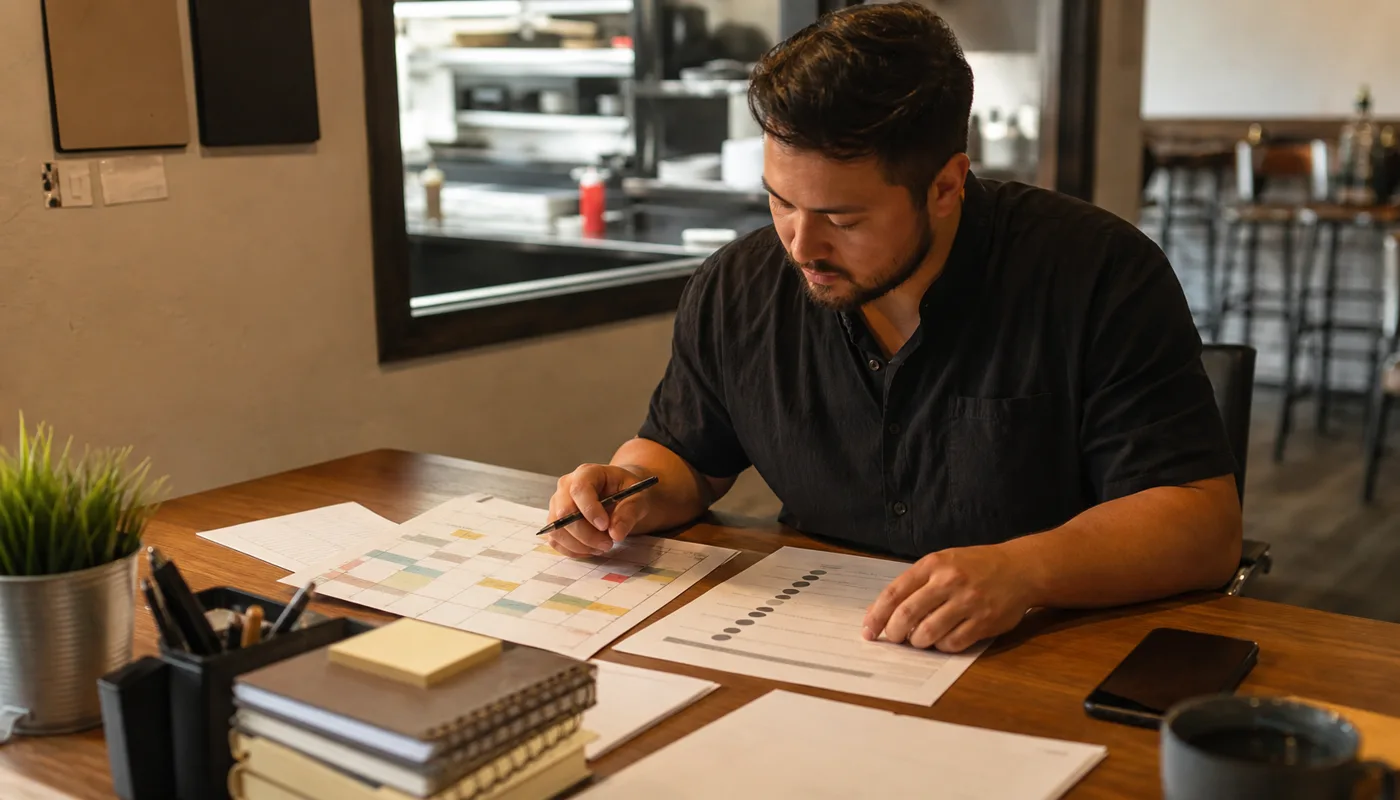
Step 1: define the actions that actually matter
Restaurants sell convenience and trust. Your reporting should reflect that. In most cases, the actions that matter are:
High-intent actions
- Call clicks
- Direction requests
- Website clicks (menu / order)
- Reservation clicks
- Messages (DMs) that lead to an order
Helpful supporting signals
- Profile visits
- Saves and shares (proof the post mattered)
- Link clicks from bio
- Menu page views
- Response time on DMs
Notice what is missing: “followers” and “views” are not useless, but they are not the first layer you should manage. Start with actions.
Step 2: set up tracking that a restaurant team can maintain
Most reporting breaks because the setup is too complicated. A practical baseline uses one tracked link for each weekly push and one destination that converts (usually the menu or ordering page).
- Pick your weekly offer or theme (weekday special, catering push, seasonal item).
- Create one tracked link to the destination page (UTM link).
- Use that same link in your bio and your post CTAs for the week.
- Track actions from three places: social platform insights, Google Business Profile, and website analytics.
If your website analytics setup is weak, fix that first. Related guide: website analytics setup for small business.
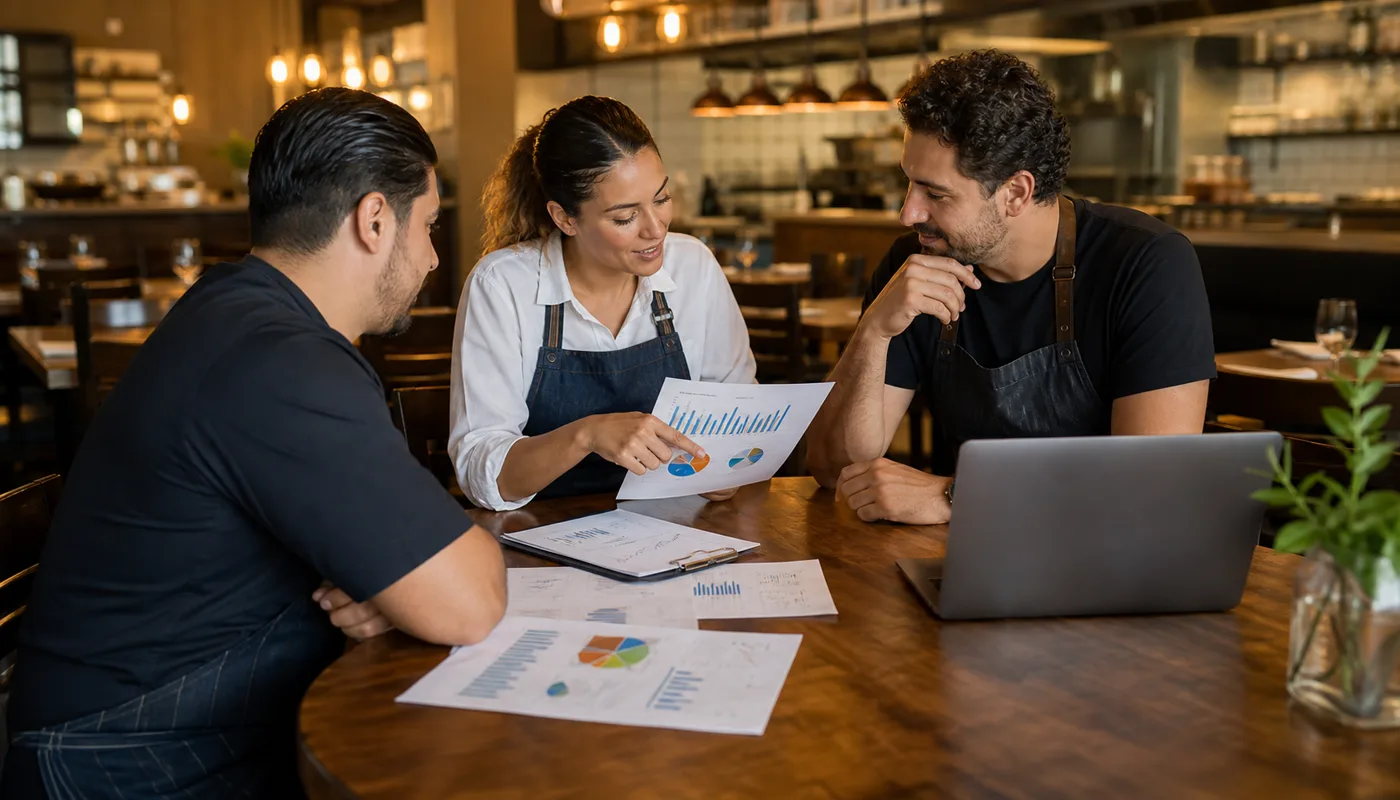
Restaurant social media reporting: the weekly KPI scorecard (copy this)
Use this simple format in a spreadsheet or notes doc. The goal is not perfect attribution. The goal is a consistent view of actions, plus context for what you changed.
- Offer/theme: what you pushed this week.
- Primary link: the UTM link you used.
- Profile visits: total vs last week.
- Bio link clicks: total vs last week.
- Menu / order page views: total vs last week.
- Call clicks: total vs last week.
- Directions: total vs last week.
- DMs: count + average response time.
Write one sentence at the bottom: “We posted X, we changed Y, and the biggest outcome was Z.” That keeps the scorecard usable.
Execution framework
How to run restaurant social media reporting without burning time
Pain: the team posts, but reporting is inconsistent, so you cannot tell what created calls and orders.
Fix: set one owner, one weekly review, and one scorecard that tracks action metrics first.
Result: you improve the conversion path (profile → link → menu → order) instead of guessing what to post next.
- Pick one weekly offer or message to push.
- Use one tracked link and one destination page.
- Update pinned posts and the bio link to match the weekly push.
- Track actions: calls, directions, menu clicks, ordering clicks, and DMs.
- Review every week and fix the weakest link first.
- Keep changes small and repeat what works.
If you want this turned into a working system, book a social reporting setup and we will build your first scorecard and tracking links.
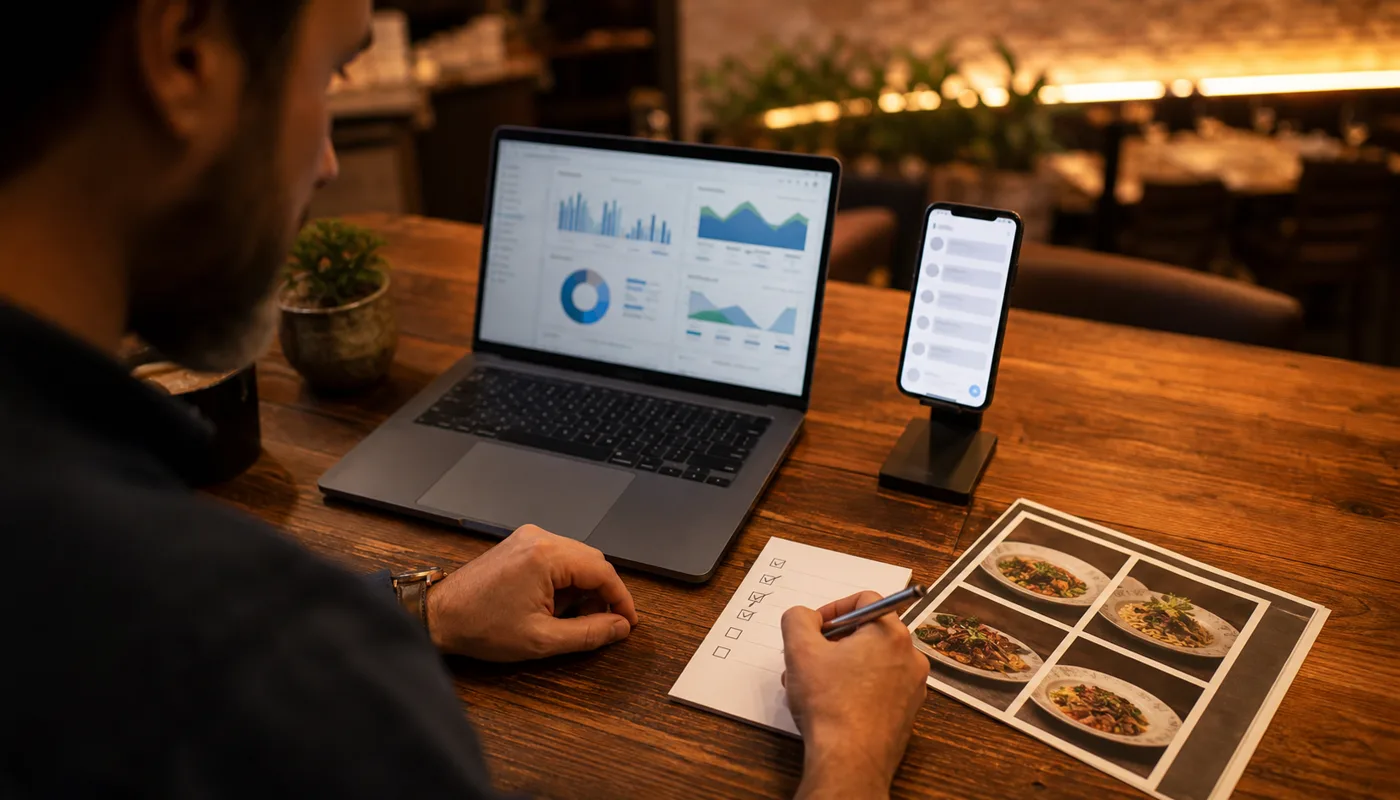
What to fix when results are flat
Most “social isn’t working” problems are actually conversion-path problems. Use this order:
- Profile clarity: does your profile show hours, location, and the primary action?
- Pinned posts: are the top three posts menu, offer, and proof?
- Link in bio: does it lead to one obvious action?
- Menu / order page speed: is it fast and readable on mobile?
- Follow-up: are DMs answered quickly and consistently?
These improvements also support local SEO because they reduce confusion and increase real actions. Related service: SEO Services.
CTA
Want a restaurant reporting scorecard your team will actually use?
We help restaurants turn posting into a repeatable system: tracking links, weekly reporting, pinned-post cleanup, and conversion-first pages.
Frequently asked questions
Restaurant social media reporting FAQs
Use these to align owners and managers on what “better social results” should mean.
How often should restaurants review social media analytics?
Weekly is the sweet spot. Daily checks cause noise and overreaction, and monthly reviews are too slow to correct problems.
What is the best KPI for restaurant social media?
Start with actions: call clicks, directions, menu clicks, and ordering clicks. Engagement matters only if it supports those actions.
Should restaurants track every platform separately?
Track each platform’s action metrics, but keep one combined scorecard. Owners need one view of demand, not three disconnected reports.
What if we cannot track online orders directly?
Track clicks to the ordering page, call clicks, and directions. Pair it with one weekly offer so you can see directional change even without perfect attribution.
Can Sowynet set up restaurant tracking and reporting?
Yes. We can set up tracking links, website analytics, and a weekly scorecard, then help your team keep it simple and consistent.
Quick summary
Short version for busy teams
Pain: the restaurant posts consistently but cannot connect social activity to calls, directions, reservations, or orders. Fix: use restaurant social media reporting with a weekly scorecard, one tracked link per push, and action KPIs first. Result: fewer random changes, clearer decision-making, and a conversion path that improves over time.
Related reading
Explore related guides and service pages
These resources strengthen the full system: posting, conversion path, local presence, and tracking.
Loading related resources...
Loading recent posts...